| App Name | HAIL Gaming Tool |
|---|---|
| Size | 5.87MB |
| Version | v1.10.0 |
| Category | No Root |
| Android requirement | + 6.0 |
| Published By | @gfxgamerlab |
| Rating | 4.9 / 5 |
| Support | All Android |
Get Link
To access the latest version, previous updates, and secure files for this module, please proceed to our official download portal below.
Step-by-Step Installation
- Get the Ported App.
- How To Install:
- Enable “Unknown sources” in your device’s settings
- Open your device’s file manager
- Find the APK file
- Tap the APK file to install the app
- Confirm the installation
Setup Shizuku
Geting Shizuku App
- Get the Shizuku app from the google play store.
- Install the app on your device.
How to setup Shizuku app on your device
To use Shizuku, you’ll need to enable Developer Options on your device:
- Turn on Wifi
- Go to Settings > About Phone.
- Tap Build Number seven times to unlock Developer Options.
- Then again go to the Shizuku app and tap on Pairing button.
- Go to Developer Option > Enable Wireless debugging from Developer Option.
- Tap Wireless debugging > Pair device with pairing code.
- Copy the wifi paired code.
- Put the wireless pairing code in notification panel.
- [Video Tutorial For Setup Shizuku]
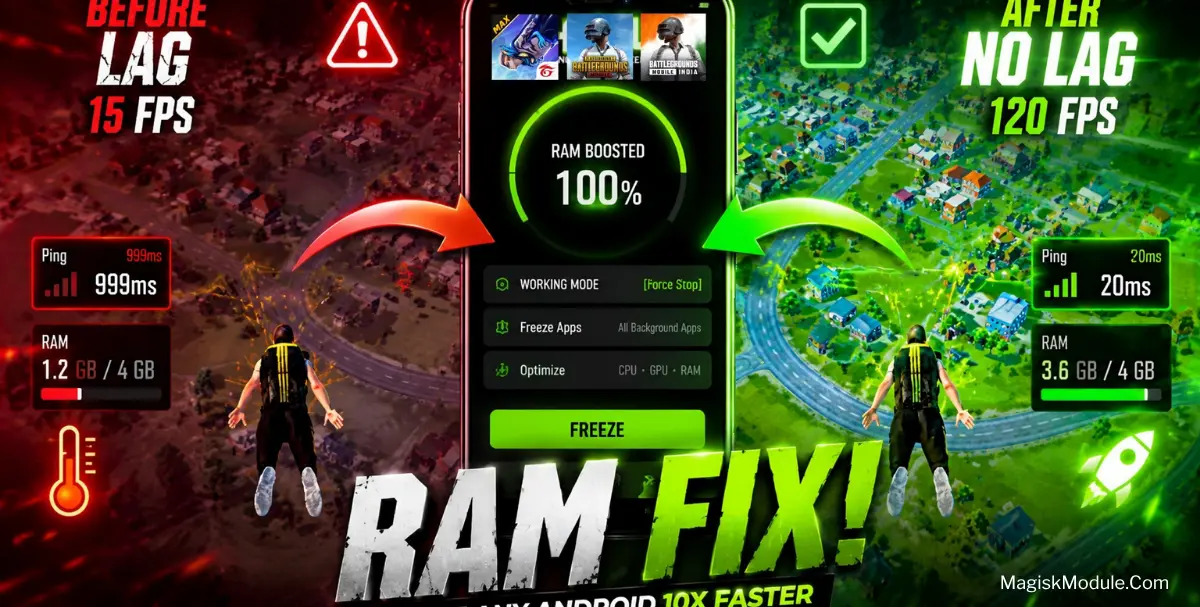
The HAIL Gaming Tool Apk is an open-source app-freezing utility designed to disable background system and third-party processes to improve gaming performance. It prevents background applications from consuming memory and processing cycles, leading to stable frame rates and reduced stuttering during intensive tasks.
I have been running this on my daily driver to tame heavy social media apps that usually eat up system resources in the background. By halting those hidden processes under the hood, I noticed a massive drop in lag and significantly smoother frame rates while playing PUBG and Free Fire.
Core Features
- Shizuku API integration allows the tool to operate entirely without root access by using standard system debugging permissions.
- Instant RAM recovery by freezing background applications to eliminate frame drops and device lag.
- PUBG, BGMI, and Free Fire see immediate stability gains from the aggressive resource allocation.
- Multiple restriction modes let you choose between disabling, hiding, or suspending troublesome background apps.
- Automated background freezing kicks in the exact moment you lock your device screen.
- Smart exception lists ensure your essential foreground apps keep running without interruption.
My Verdict
If you are tired of background apps ruining your gaming sessions but do not want to root your phone, this is a must-download tool that delivers genuine performance stability.