| App Name | Touch Latency Tuner |
|---|---|
| Size | 51Kb |
| Version | Final |
| Category | No Root |
| Android requirement | + 6.0 |
| Published By | TheXnOp1 |
| Rating | 4.9 / 5 |
| Support | All Android |
Get Link
Installation
- Install the .
- How To Install:
- Enable “Unknown sources” in your device’s settings
- Open your device’s file manager
- Find the APK file
- Tap the APK file to install the app
- Confirm the installation
Setup Shizuku
- Install the Shizuku from the google play store.
How to Active Shizuku?
To use Shizuku, you’ll need to enable Developer Options on your device:
- Turn on Wifi
- Go to Settings > About Phone.
- Tap Build Number seven times to unlock Developer Options.
- Then again go to the Shizuku app and tap on Pairing button.
- Go to Developer Option > Enable Wireless debugging from Developer Option.
- Tap Wireless debugging > Pair device with pairing code.
- Copy the wifi paired code.
- Put the wireless pairing code in notification panel.
- [Video Tutorial For Shizuku]
How to Install The Module?
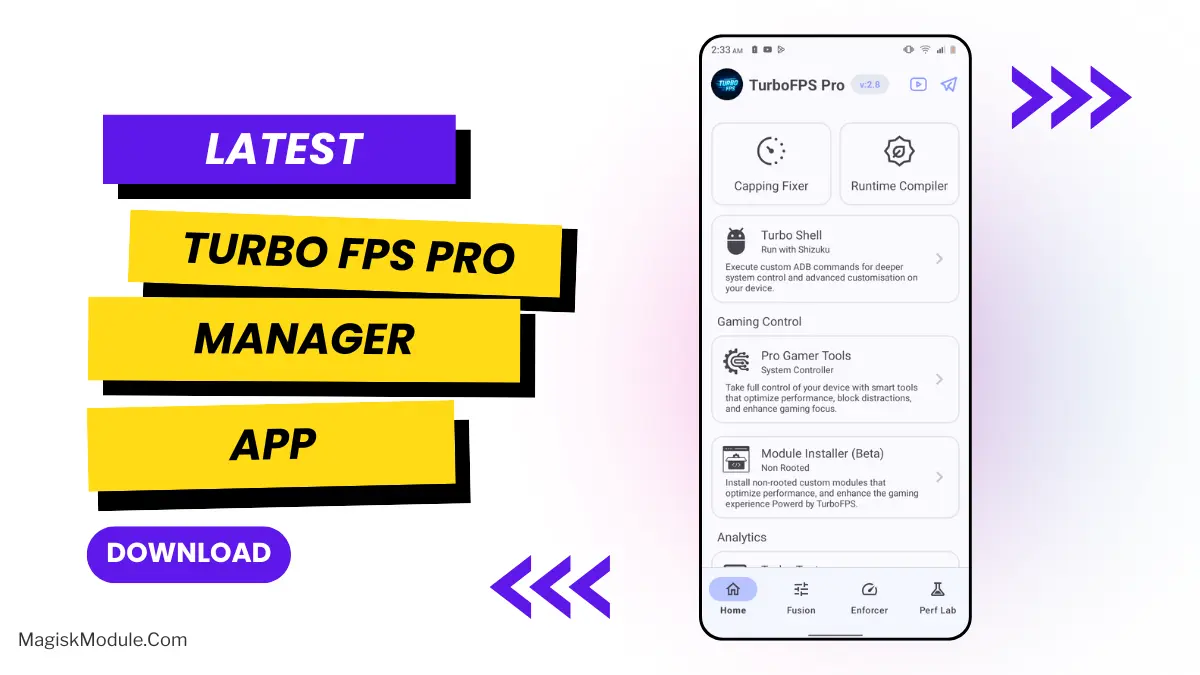
Open TurboFPS Pro ➜ Go to Installer ➜ Select Touch Latency Tuner .zip ➜ Enjoy!
If you are tired of that heavy, sluggish feeling when playing fast-paced games, fixing your input delay should be a priority. I’ve been testing the Touch Latency Tuner module, and it actually makes a noticeable difference for non-root setups.
Under the hood, this script targets the gap between your physical tap and the screen’s reaction time. It actively forces the digitizer to scan for inputs more frequently while slashing Android’s default interface animations to a fraction of a second. By ignoring standard display buffers, the system grabs rendered frames the exact millisecond they are ready instead of letting them sit in a system queue.
- Higher polling rates force the device digitizer to scan for finger movements far more often.
- Skipping system queues lets the screen pull rendered frames the exact millisecond they finish processing.
- Instant interface reactions occur because the script manually shrinks down Android’s default animation scales.
- Zero hold delay gives you a massive edge when aiming down sights by shortening long-press thresholds.
- Your physical inputs jump to the absolute front of the CPU line through kernel-level tap prioritization.
- Disabling battery throttling guarantees the Android scheduler won’t drop processor clock speeds during rapid multi-finger inputs.
If you play competitive mobile shooters and don’t have root access, this is a highly recommended tweak for raw input speed. It removes the artificial delays Android places on your hardware, giving you a much tighter and more accurate response.