| App Name | OneUI Keyboard |
|---|---|
| Size | 128MB |
| Version | v5.9.40.6 |
| Category | Ported App |
| Android requirement | + 13 |
| Published By | @AndroidPortWorld |
| Rating | 4.9 / 5 |
| Supported | Android 13+ |
Get Link
Step-by-Step Installation
- How To Install:
- Enable “Unknown sources” in your device’s settings
- Open your device’s file manager
- Find the APK file
- Tap the APK file to install the app
- Confirm the installation
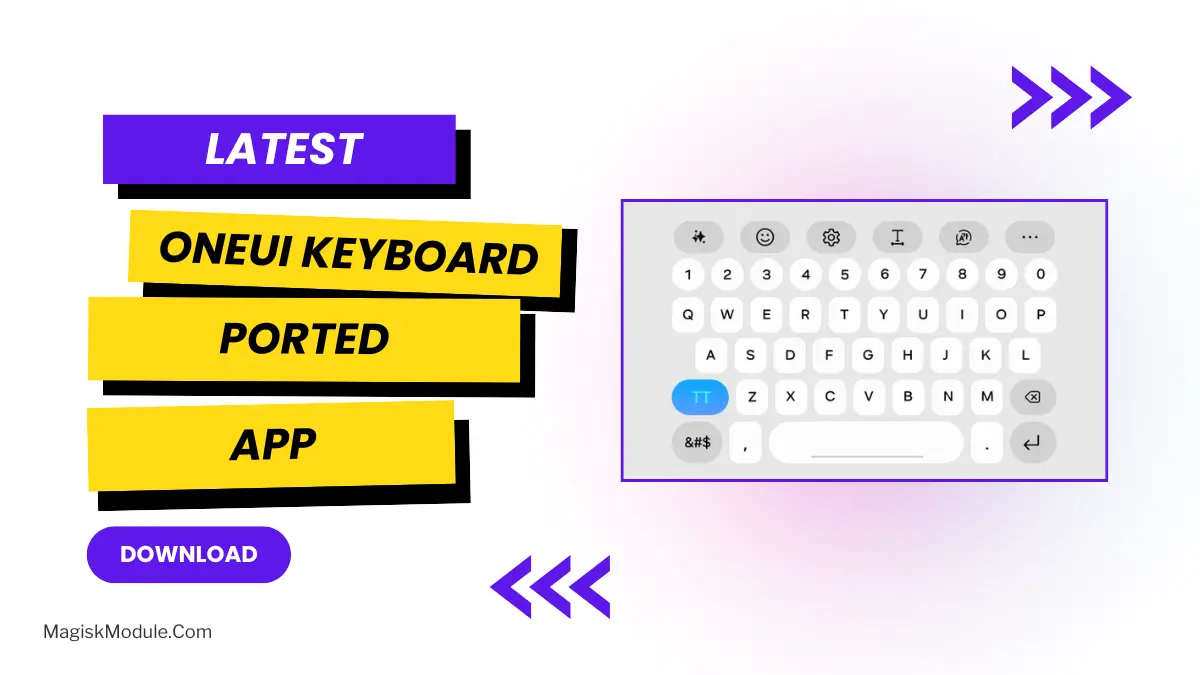
As most of you might be using a default keyboard which is so boring and not so cool for everyday typing, I also used to do the same but few days ago I ported OneUI 8.5 Keyboard on my device and using it ever since.
You don’t have to spend a fortune on a brand new Samsung phone to experience the high-end typing features of the Samsung ecosystem. This port brings all the fastest and smartest features of the Samsung universe right to your current Android device – and it’s been a life changing update for me after only a few days of regular use.
Why You’ll Love This Keyboard
Practice correctly and quickly with this keyboard app. These are some of the features that keep me using this app on a daily basis.
- Advanced AI Typing Assistance: Get more out of every typing session with intelligent features like advanced predictive text, real-time grammar check, and smart spelling correction that continually learn your writing habits.
- Deep Customization Options: Personalize your typing experience – change the size of the keyboard, make it transparent, choose custom themes and more. I love that I can fully utilize Keys Cafe with this app.
- Integrated Real-Time Translation: With WordCamp theme, you can instantly break the language barrier by having your messages and posts translated into multiple languages real-time right on the spot as you type.
- Customizable Quick Access Toolbar: Enjoy the Top Menu as a productivity enhancing feature. With the Quick Access Toolbar you can make the emojis, GIFS, voice input and main settings just a click away. Personalize the positions where you need the most.
- Advanced Clipboard Management: Maximize productivity by managing data copied to the clipboard. All copied data, including text, links and images is stored securely and can be simply pasted where required.
- Ergonomic Layout Modes: QWERTY Flex keyboard is highly adaptable. It easily adjusts to any screen size. There is also the ability to switch to one-handed, floating or split-keyboard modes. The different modes only get in use when you hold your phone in completely different ways.
- Galaxy AI Chat Assist: Get the best out of your conversations by building on AI technology. Galaxy AI Chat Assist analyzes and adjusts messages on the spot before they’re sent out.
- Easy Multilingual Support: Quickly switch languages with a horizontal swipe on the spacebar, and continue typing in your native language or favorite dialect with ease.
If you type on your phone as heavily as I do typing on my phone, you really should upgrade to the latest ported APK to install on your Android now.