| File Name | Shizuku Starter |
|---|---|
| Size | 2.2MB |
| Version | Final |
| Category | AxManager |
| Android Requirement | + 6.0 |
| Published By | @SuperChrisss |
| Rating | 4.9 / 5 |
| Flash Via | AxManager |
Get Link
How to Active AxManager?
To use AxManager, you’ll need to enable Developer Options on your device:
- Turn on Wifi
- Go to Settings > About Phone.
- Tap Build Number seven times to unlock Developer Options.
- Open the AxManager, Click “Need To Active”.
- Enable Notification & Click Start Button.
- Click Wireless debugging & Enable Wireless debugging.
- Click Pair device with pairing code.
- Click on “Enter Pairing Code” above and paste the WiFi pairing codes there.
How to Install This Plugin?
- Active AxManager: First, you need to make sure it is active.
- Open the AxManage:
- Tap on the “Plugin” section.
- Click “Install from Storage” and locate the geted file.
- Confirm the installation..
- Reboot Your Device After installation.
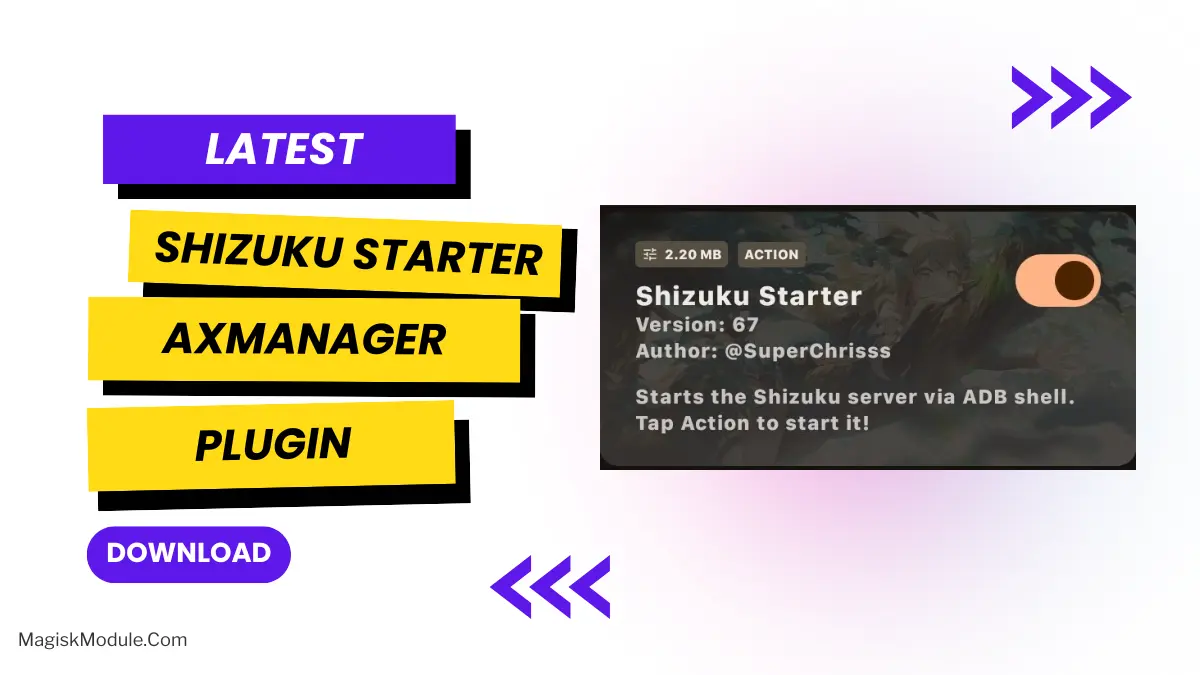
If you are tired of having to manually run commands every time you boot your Android device, chances are that you have had to switch between apps to run the modules that enhance your user experience. However, with the introduction of the Shizuku Starter AxManager Plugin, all of this hassle is put to rest. This powerful plugin offers a host of advantages and will ensure that you are always in control.
Setup4All simplifies the server setup for your device, removing the necessity of manual configuration and allowing you to quickly begin using your product and adjust settings to suit your needs.
For extended compatibility and streamlined integration, this plugin must be installed and enabled in addition to GeTS, as it functions as a dedicated helper extension to enhance overall functionality.
- One-click initialisation: Shizuku can be initialised directly from the dock icon without opening the official app.
- Automated Script Running: Automation allows for the running of required start scripts, eliminating the need to manually issue the same commands over and over again for a long period of time.
- No overhead: After uninstallation, it has zero background overhead on your device, allowing you to continue gaming or using your device as you would have done.
Because so many tweaks affect your system in various ways, managing them all can be a very time-consuming process. Luckily, this app keeps things simple for you, meaning that it will increase your setup speed dramatically because it is very lightweight, reliable and runs in the background.