| File Name | RenderUI |
|---|---|
| Size | 63KB |
| Version | 1.0 |
| Category | AxManager Plugin |
| Android Requirement | + 6.0 |
| Published By | @Java_nih_deks |
| Rating | 4.9 / 5 |
| Flash Via | AxManager |
Get Link
How to Active AxManager?
To use AxManager, you’ll need to enable Developer Options on your device:
- Turn on Wifi
- Go to Settings > About Phone.
- Tap Build Number seven times to enable developer options.
- Open the AxManager, Tab the “Need To Active”.
- Tap the Start Pairing & Allow All Permission.
- Tap Pair device with pairing code.
- Tap the “Enter Pairing Code” above and paste/submit the WiFi pairing codes there.
How to Install Plugin?
- Active AxManager: First, you need to make sure it is active.
- Open the AxManage:
- Tap on the “Plugin” section.
- Tap the “Install from Storage” and locate the geted file.
- Confirm the installation.
- Tap on Open to Manage this Plugin,.
- Reboot Your Device.
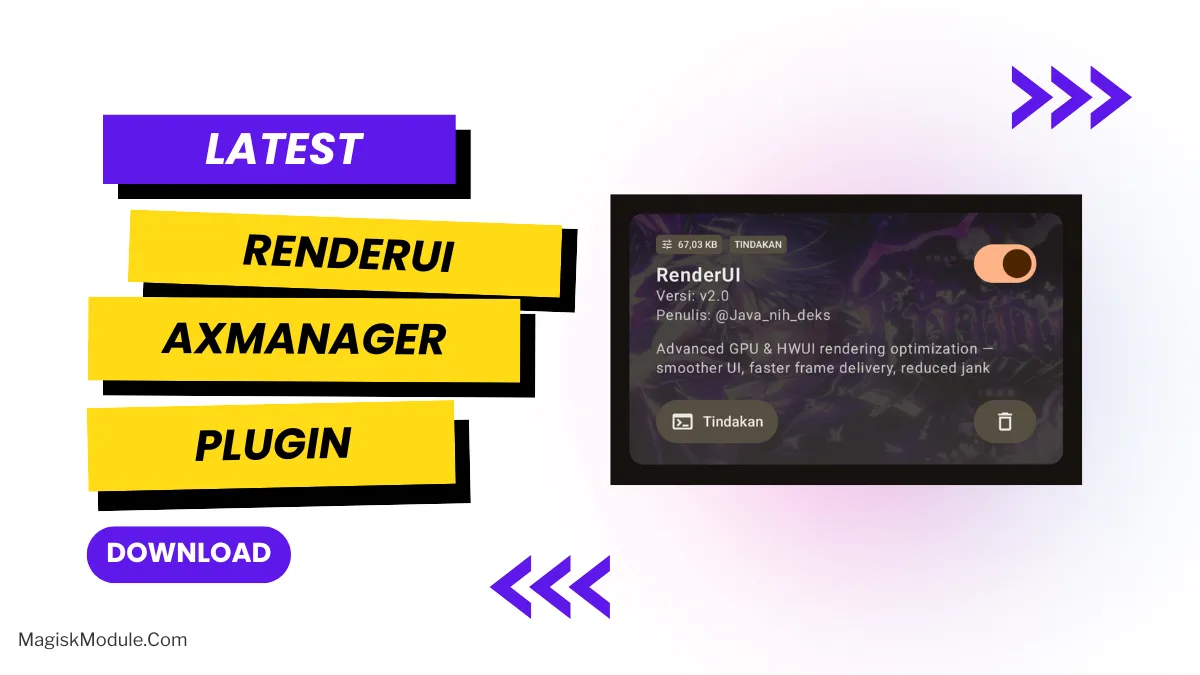
I’m sure as hell not the only one that hates a slow phone. I’ve been tweaking Android for years and the one thing that tends to piss me off the most is lag on the UI while I’m just scrolling through a feed. For years this has usually meant some form of rooting. Lately however I’ve been playing around with the RenderUI AxManager Plugin, and I’m now using it on my daily driver.
Yes you can, and the best part is that you can do this directly from AxManager, no root access required.
Why is this happening? So Android draws everything on your screen using a rendering engine called HWUI. Default system theming doesn’t quite maximize the GPU’s potential. By carefully adjusting how hardware acceleration processes graphic rendering commands we can potentially cause Android to drop fewer frames and as a result, a much smoother mobile experience.
Features
- Advanced HWUI rendering optimization: This improved rendering optimization is designed to significantly reduce rendering latency for optimal system performance on a daily basis.
- Hardware acceleration of the GPU: this one really makes your GPU do what it was made for.
- Smooth UI, animations, and gestures What did I notice when launching the app on iOS 13.3 beta 2? Ultra-smooth UI and fluid animations.
- Framerates? Yeah those too. No more randomly dropping frames.
- Generally a huge improvement on jank and stutter. It also fixed that weird scrolling lag I’d run into all the time.
- Far more responsive screen, with what feels like true millisecond touch input reaction.
- Seamless AxManager integration, it replaces the old systemless Magisk method, no root needed.
- Optimized GPU power and thermal efficiency My phone is noticeably cooler than before, even while multitasking.
Hardware is being overworked for basic system animations. Fix this by loading a more suitable rendering profile. Your GPU will thank you.