| File Name | Auto Game Resolution |
|---|---|
| Size | 0.13MB |
| Version | 4.0 |
| Category | Magisk Modules | AxManager |
| Android Requirement | + 6.0 |
| Published By | @tosikv02 |
| Rating | 4.9 / 5 |
| Flash Via | Magisk | AxManager |
Get Link
How to Use Root Users?
- Ensure Root Access: The first prerequisite is having root access via a custom recovery.
- Install via Magisk Manager:
- Open the Magisk Manager.
- Tap on the “Modules” section.
- Click “Install from Storage” and locate the geted file.
- Confirm the installation and allow the module to apply the necessary changes.
- Reboot Your Device: After installation, reboot your device & KSUWebUi Recommended to activate this.
How to Use Non-Root Users?
- Active AxManager: First, you need to make sure it is active.
- Install via AxManager:
- Open the AxManager.
- Tap on the “Plugin” section.
- Click “Install from Storage” and locate the geted file.
- Confirm the installation..
- Reboot Your Device After installation.
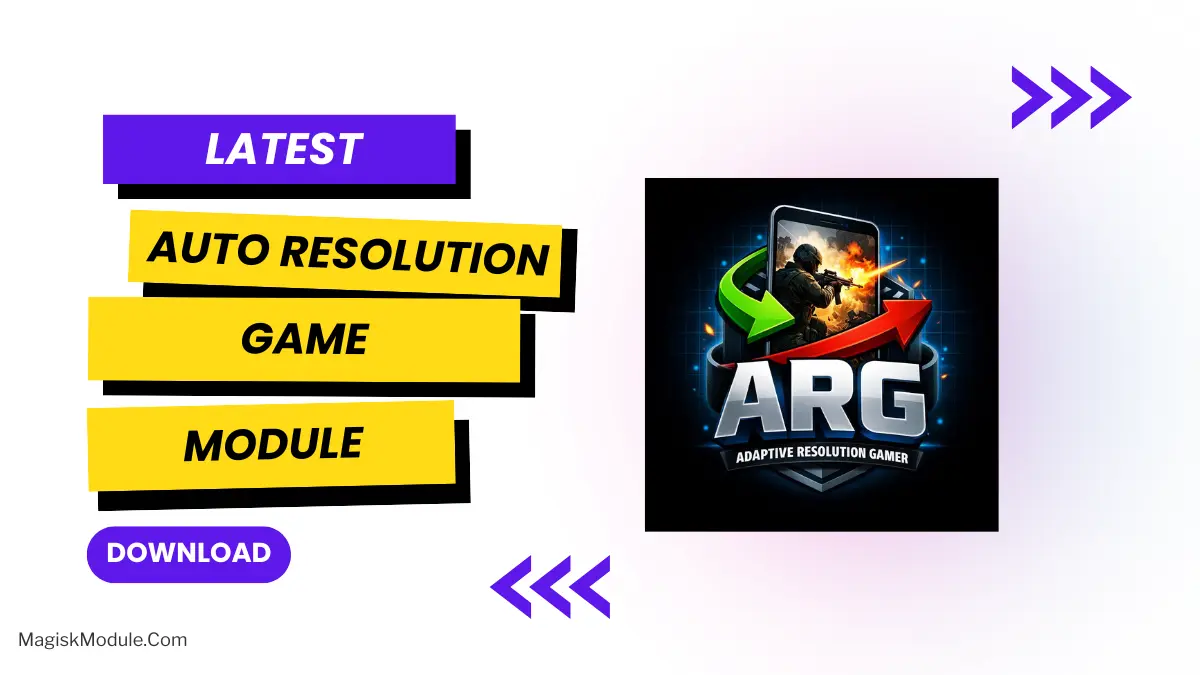
AutoGameResolution This Magisk module will change your screen resolution and DPI (dots per inch) whenever you start a game and will revert back to normal values when you exit the application. Useful to enhance your gaming experience. Solved compatibility issues that the application may have. Enhances the user interface and gameplay.
This module will run in the background and track which application is currently in the foreground. When a game you have listed is foreground, the custom game resolution and DPI will be applied. When you close the game and switch to a different application, it will revert to the original system settings. This needs to be set up only once.
How It Works? Daemon (argd) – a small background process running as root. This process periodically executes dumpsys window to find out which app is running in the foreground. Configuration file (mod.cfg) – contains two blocks of parameters: default and game. The first is responsible for display settings, and the second – for display settings optimized for the game. The daemon reloads the configuration file on each cycle. Game list (gamelist.txt) – A simple text file where you put one game package per line and the engine will apply the settings to any of them. You may have as many as you like. Lines that start with # are ignored. Control script (arg) – a front end for a full featured terminal menu to edit configuration, modify the list of games, and more. Type su -c arg in a terminal emulator. Configuration All settings are stored in /data/adb/modules/arg/mod.cfg You can edit it using any text editor, but it is highly recommended to do so from the device settings menu.
- Open a terminal emulator (or ADB shell) and gain root: su
- Run: arg
- A colorful menu will appear with the following options:
- Edit default resolution
- Edit default DPI
- Edit game resolution
- Edit game DPI
- Change check delay (how often the daemon polls the foreground app)
- Manage game list (add/remove package names)
- Restart daemon
- Exit
These settings will be applied to the daemon.
Game List The game list is stored in /data/adb/modules/arg/gamelist.txt. You can add the game name manually or through the list provided by the interface. You can refer to App Inspector or dumpsys package to get the real package name of the game you are interested in.
Performance Impact Reducing the resolution from 1080×2400 to 756×1680, along with reducing the DPI, will cause the GPU to render less pixels which can lead to:
- Higher and more stable frame rates
- Reduced thermal throttling
- Lower power consumption
- Smoother gameplay in demanding titles
We’re not sure by what margin, but apparently it has some effect. We have managed to test out the gain on a few games, with PUBG Mobile, Call of Duty Mobile and Genshin Impact being the titles of choice.
The module is only dynamic in a gaming environment. Outside of that, you can use it just like any other eyewear and there will be no negative impact on your everyday use. Optics will remain natively sharp for all reading, movie and UI applications.
Requirements A device running Android 8.0 or higher (due to wm command availability). Root access with Magisk, KernelSU, or APatch. You need to have wm utility available. This is usually found in the apps on every stock or custom ROM. Basic knowledge of package names (for adding games). Disclaimer This module will alter the display settings of the system. I do not guarantee system stability and so use at your own risk. Make backups of important information before proceeding.