| File Name | D-Nix |
|---|---|
| Size | 210KB |
| version | v4.0 |
| Category | AxManager Plugin |
| Android requirement | + 6.0 |
| Published By | @GraceNishh |
| Credit | FahrezONE Dev |
| Install Via | AxManager |
Get Link
How to Active AxManager?
To use AxManager, you’ll need to enable Developer Options on your device:
- Turn on Wifi
- Go to Settings > About Phone.
- Tap Build Number seven times to unlock Developer Options.
- Open the AxManager, Click “Need To Active”.
- Enable Notification & Click Start Button.
- Click Wireless debugging & Enable Wireless debugging.
- Click Pair device with pairing code.
- Click on “Enter Pairing Code” above and paste the WiFi pairing codes there.
How to Install This Plugin?
- Active AxManager: First, you need to make sure it is active.
- Open the AxManage:
- Tap on the “Plugin” section.
- Click “Install from Storage” and locate the geted file.
- Confirm the installation..
- Reboot Your Device After installation.
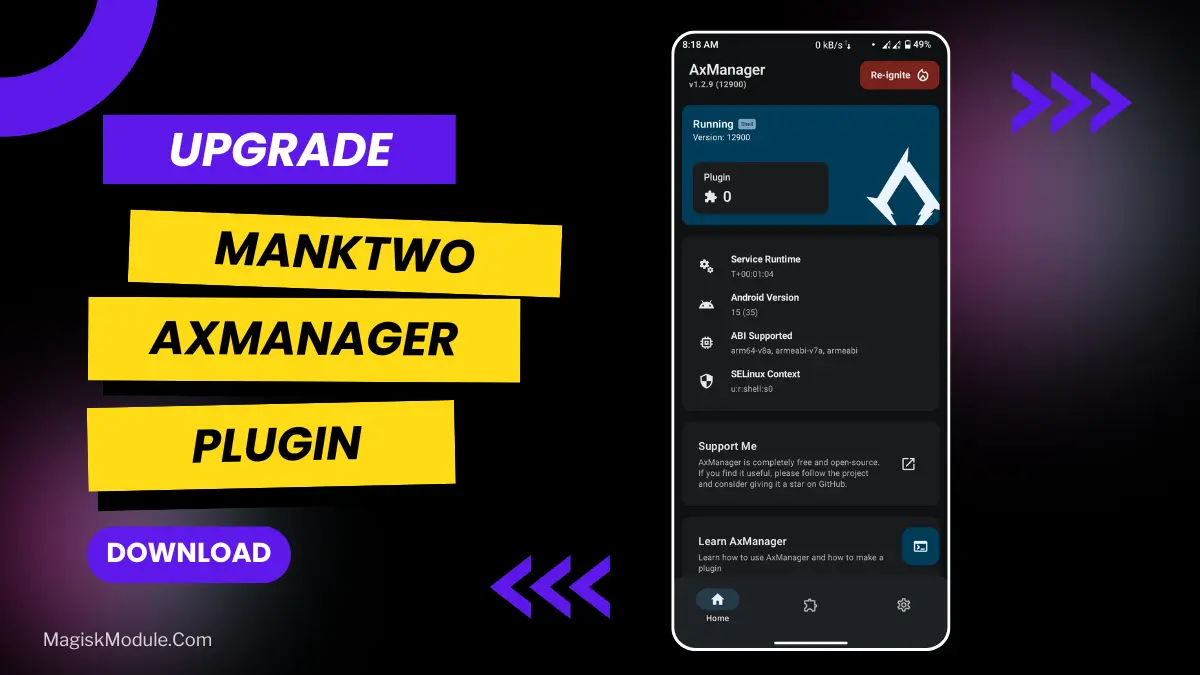
My phone was taking far too long to decide on even the most mundane things. So I installed this thing, the MankTwo Module, using the AxManager tool that doesn’t require root access. Totally made my phone 100% faster.
That’s not magic; that’s adjusting variables. Here’s a little bit about what the module adjusts based off my personal experimentation:
• Performance & Cache Wipe: removed digital clutter and caused most apps to act more snappy on my device.
• Frame Optimizer & Frame Rate: Scrolling in social feeds is way less janky.
• Optimize Net: I noticed fewer “buffering” wheels on spotty Wi-Fi.
• Rendering Engine: Games and visuals seemed to render quicker.
• Much better Interaction Sensitivity – We found that the overall accuracy of the taps and swipes was improved allowing them to be registered faster, which felt more interactive and therefore improved the overall user experience.
My real-life test? I have a rather old phone – 2 years old. In this time, the phone has slowed right down. Of course, I followed the recommended steps and installed the everyday grind along with eight apps, loads of group chats and the odd quick mobile game. So after a few weeks, the phone wasn’t as drudgery as usual. It’s certainly no match for any of the latest flagships but perhaps kept my 2-year old phone closer to the speed it should be running at in its day of release?
Is this forever? Not really. Android needs maintenance, period. This will need to be run every so often to keep Android in a fairly decent state, but as a small maintenance module this does the job decently. My main gripe is that this will get you comfortable with not being rooted, and can be switched right back out so its not that big of a deal. This is more of a bit of upkeep for your phone and should not be looked at as some kind of magic overhaul. Its like an oil change for your Android.