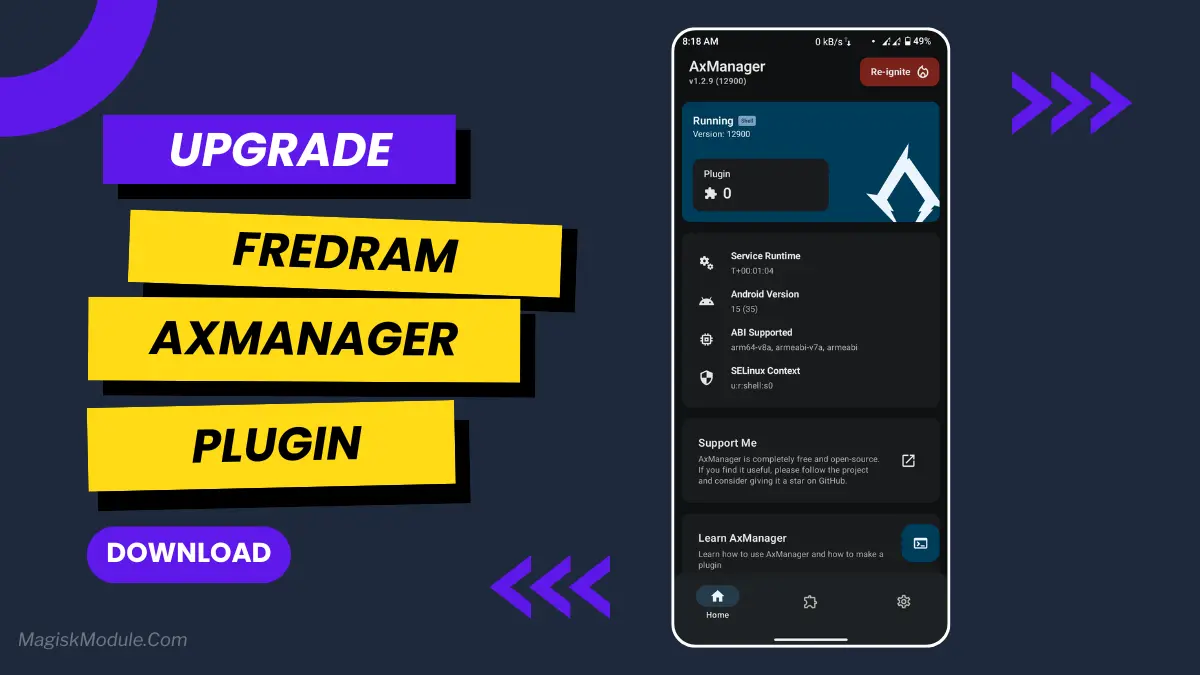
| File Name | FredRam |
|---|---|
| Size | 46KB |
| Version | v5.9 |
| Category | AxManager Plugin |
| Android requirement | + 6.0 |
| Published By | @sxSoleum |
| Rating | 4.9 / 5 |
| Install Via | AxManager |
Get Link
How to Use?
- Active AxManager: First, you need to make sure it is active.
- Install via AxManager:
- Open the AxManager.
- Tap on the “Plugin” section.
- Click “Install from Storage” and locate the geted file.
- Confirm the installation..
- Reboot Your Device After installation.
How to Active AxManager?
To use AxManager, you’ll need to enable Developer Options on your device:
- Turn on Wifi
- Go to Settings > About Phone.
- Tap Build Number seven times to unlock Developer Options.
- Open the AxManager, Click “Need To Active”.
- Enable Notification & Click Start Button.
- Click Wireless debugging & Enable Wireless debugging.
- Click Pair device with pairing code.
- Click on “Enter Pairing Code” above and paste the WiFi pairing codes there.
Changelog
- Back to 65% above compact logic and force stop app background if ram usage above 72%, changing sleep duration for each exec
- reduce cpu usage and battery drain caused by this plugin
- just kill, compact, and force stop apps running in the background
- If the device does not support compact, it will use kill all(cached) for the second option.
That’s why I tried the FredRam plugin for AxManager. It’s a no-root tool that acts like a patch and, amazingly, works really well.
The application works as a sort of backstage manager for your Android’s memory. It doesn’t add more RAM (that’s hardware, there’s nothing to be done on that score).
folks), but it helps manage what you’ve got way more efficiently.
Features
The purpose of the plugin cleaner is to tidy up your WordPress installation so that it is easy to find necessary information. The idea behind it is like cleaning your desk so that you can actually find the things you need.
Focuses on:
- Boosts Android RAM performance for smoother multitasking. Less waiting, more doing.
- Free up background memory and get rid of unnecessary apps and info. It’s like hitting the refresh button for your digital brain.
- Was open.
- Makes more RAM available over time so that apps switch more quickly. Instantly switch between apps.
- Improves memory management for resource-intensive applications such as games and large programs. Boosts system performance across board.
- Most.
- Prevents background app overuse and RAM leaks. Stops apps from hoarding memory.
- Enhances system stability under high load. Fewer unexpected crashes.
- Improves gaming performance with smarter RAM handling. Smoother frames, hopefully.
- Removes lag and micro-stutters that you experience during normal usage. Improve overall responsiveness. • Keeps more apps running in the background than standard settings.
- Apps active without reloads. Your browser tabs might just survive.
- The update comes to all 4G-enabled Windows Phone 8 handsets The update rolled out to my test phone and while the changes were minimal they were definitely there. On an older test device the update made only a slight difference. It seemed the phone was running a bit faster, and the battery life had gained a little bit of extra hours in between charging, but other than that, nothing else really changed that I could see.
- I feel like Android is finally starting to breathe a little easier. As of today, the apps I use are caching a bit better. They used to reload a ton whenever I switched to and from them.
- Kudos to Apple for finally acknowledging that RAM exists and that perhaps we need a bit more of it for our workflows. Unfortunately, this won’t magically turn 4GB into 8GB, but perhaps acknowledging just how hard 4GB has to work to get anything done will make us all feel a bit better.
- This is one of the simplest add-ons you can install. It’s installed through AxManager, and once installed you don’t have to think about it. It just works. A set.
- It-and-forget-it kind of tool.