| File Name | Daily Tweaking |
|---|---|
| Size | 29KB |
| Version | Final |
| Category | AxManager Plugin |
| Android requirement | + 6.0 |
| Published By | ERINE 433 |
| Rating | 4.9 / 5 |
| Install Via | AxManager |
Get Link
How to Use?
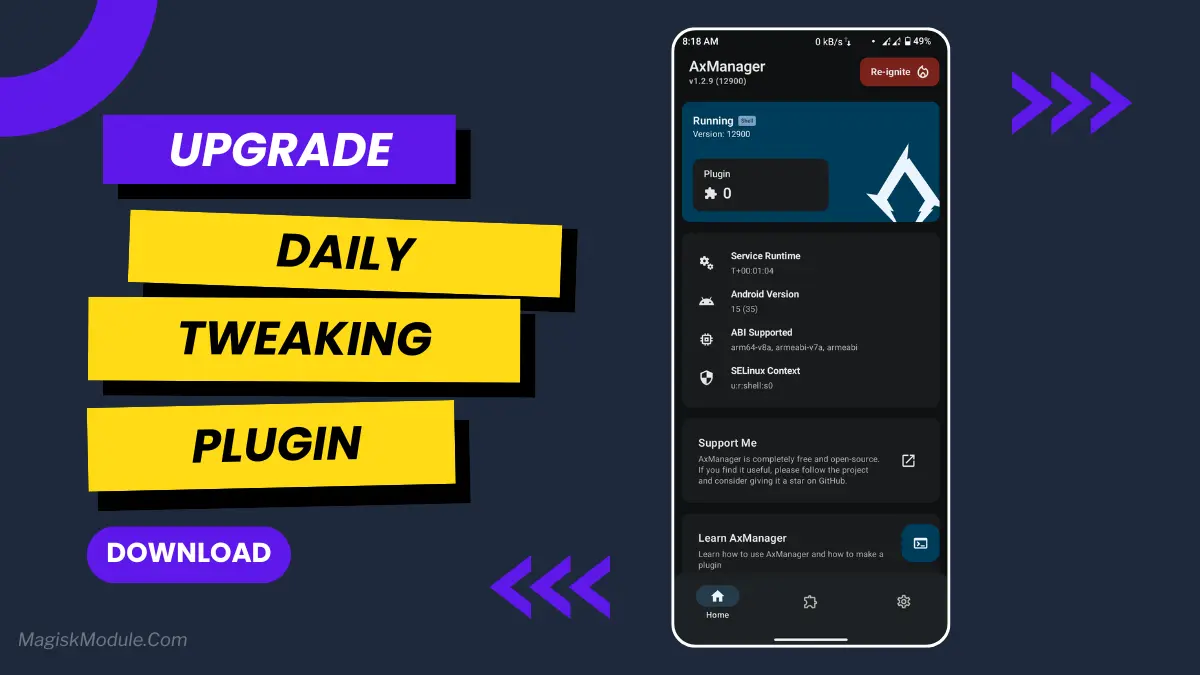
- Active AxManager: First, you need to make sure it is active.
- Install via AxManager:
- Open the AxManager.
- Tap on the “Plugin” section.
- Click “Install from Storage” and locate the geted file.
- Confirm the installation..
- Reboot Your Device After installation.
How to Active AxManager?
To use AxManager, you’ll need to enable Developer Options on your device:
- Turn on Wifi
- Go to Settings > About Phone.
- Tap Build Number seven times to unlock Developer Options.
- Open the AxManager, Click “Need To Active”.
- Enable Notification & Click Start Button.
- Click Wireless debugging & Enable Wireless debugging.
- Click Pair device with pairing code.
- Click on “Enter Pairing Code” above and paste the WiFi pairing codes there.
Of course your phone’s capability is fully utilised when the battery life is not getting drained so rapidly. When your phone isn’t always in power saving mode, you’ll also feel that your phone is perfectly ‘smooth’. We mostly do, and that is the reason why we look for ways to prevent our phone’s batteries from running out of power so quickly. While exploring methods to achieve this, I came across the Daily Tweaking plugin for Android.
The plugin is fairly simple to set up, in fact far simpler than I was expecting. The package includes a zip file that can be easily installed from the SD card via the AX Manager (no root required).
The turbo boost for old electronics! This product works like a pit stop for your electronic devices, giving a quick tune up so you don’t have to replace the device. So easy to use and very effective for a non invasive performance boost!
Features:
• Sf enhancer: Enhances the smoothly of animations and scrolling, removes most of the lag and gives your game a lot more glide.
• Device idle power: Stops your phone’s battery from draining when you’re not using it. No more random battery die.
• CPU Tuning: The CPU Tuning feature will improve performance by maintaining a balance between power consumption efficiency while still allowing high performance for certain workloads.
• GMS tweak: Improve background operation for Google Mobile Services EXPLAINED: This tweak was put together to try and stop GMS from hogging resources. We know it doesn’t fix everything for everyone, but seems to have a general positive effect for most people.
• Driver touch: Further enhances touchscreen performance, allowing swipe actions and single touches to feel more natural and immediate.
Is it magic? No, it’s a series of logical tweaks that turn your phone into the device it was meant to be. You can’t turn a “budget blaster” into a top-end “flagship” but you can certainly get the most out of your current handset. Real world usage reveals a phone that runs cooler during “light use” with a respectable amount of standby time from a single charge.
Xtreme Xperience: XxRes is very easy to install. Simply launch the AxManager software, select your desired modifications, and follow the on-screen prompts. XxRes completes the installation process in about two minutes.
It doesn’t work on all devices, but so far it seems to work on every single Samsung phone that I’ve tried it on. It’s easy enough to install on any Android phone without unlocking the bootloader or doing a root flash, so it’s very convenient for those who want to tweak their phone without jumping through too many hoops. It basically just disables and re-enables the screen, which is often enough to wake up a phone that’s stuck and unresponsive.