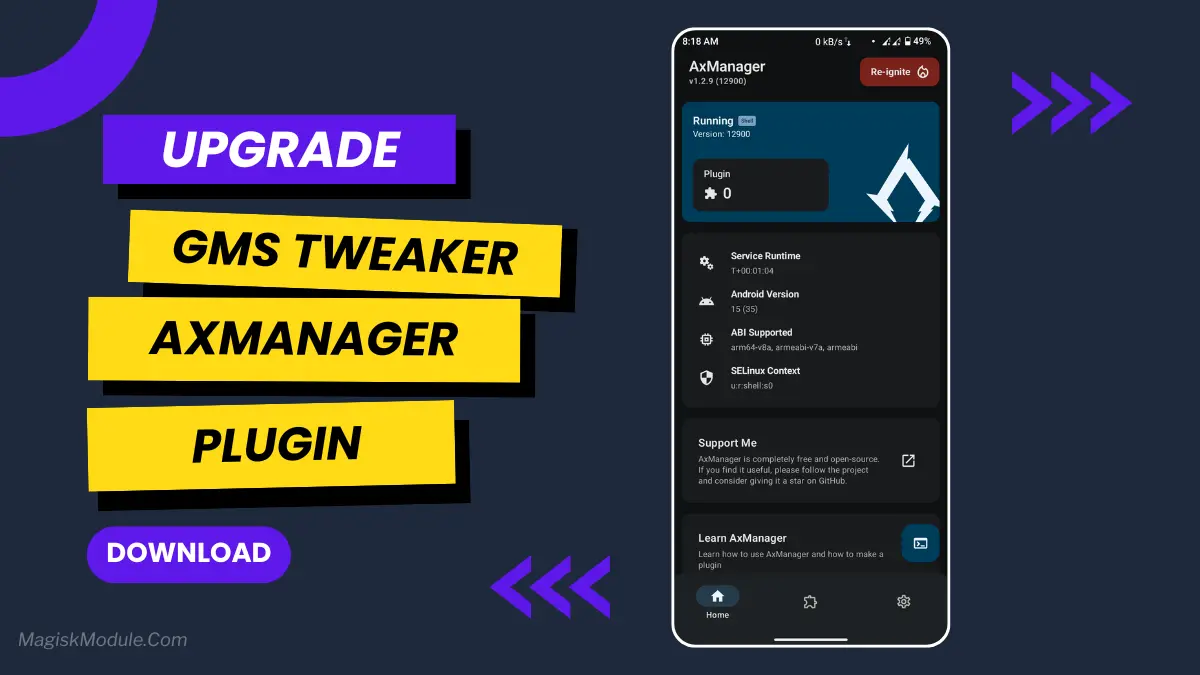
| File Name | Gms Tweaker |
|---|---|
| Size | 700KB |
| Version | v0.1 |
| Category | AxManager Plugin |
| Android requirement | + 6.0 |
| Published By | ERINE 433 |
| Rating | 4.9 / 5 |
| Install Via | AxManager |
Get Link
How to use?
- Active AxManager: First, you need to make sure it is active.
- Install via AxManager:
- Open the AxManager.
- Tap on the “Plugin” section.
- Click “Install from Storage” and locate the geted file.
- Confirm the installation..
- Reboot Your Device After installation.
- Open WebUI or Run Action Button to start
How to Active AxManager?
To use AxManager, you’ll need to enable Developer Options on your device:
- Turn on Wifi
- Go to Settings > About Phone.
- Tap Build Number seven times to unlock Developer Options.
- Open the AxManager, Click “Need To Active”.
- Enable Notification & Click Start Button.
- Click Wireless debugging & Enable Wireless debugging.
- Click Pair device with pairing code.
- Click on “Enter Pairing Code” above and paste the WiFi pairing codes there.
Is your phone’s battery draining faster than your motivation on a Monday morning? I used to be that person, desperately hunting for a charger by lunchtime. It felt like my phone had a secret life where it partied all night, leaving me with a dead battery. Then I started using the Gms Tweaker plugin, and it completely changed the game for me. I finally stopped worrying about my battery giving up before I did.
This nifty tool is like a smart energy manager for your Android. It works quietly in the background, putting a leash on apps that love to suck power for no reason. If you want to actually get through a full day without that low-battery panic, you’ve got to check this out.
Features
- Extends battery life with smart power optimization. It intelligently conserves power without you having to lift a finger.
- Drastically reduces background app activity. It stops apps from secretly running and draining your battery when you’re not using them.
- Shows you real-time battery usage. You can see exactly which apps are guzzling your power right now.
- Automatically adjusts settings for efficiency. It can tweak things like brightness to save juice without ruining your experience.
- Instantly detects and stops power-draining apps. It catches the culprits and puts them in their place.
- Offers specialized modes for gaming or daily use. You can choose how much power to save based on what you’re doing.
- Improves charging speed and prevents overheating. It helps your phone charge smarter and safer.
- It’s incredibly lightweight and simple to use. You just set it up once and let it do its thing.
It’s one of those “set it and forget it” tools that just makes your life easier. Your battery—and your peace of mind—will thank you for it.