| File Name | Celestial Game OPT |
|---|---|
| Size | 69KB |
| Version | v3.0 |
| Category | Magisk Modules |
| Android requirement | + 6.0 |
| Published By | @Kzuyoo |
| Rating | 4.9 / 5 |
| Flash Via | Magisk / KSU / AxManager |
Get Link
Step-by-Step Installation Root Users:
- Ensure Root Access: The first prerequisite is having root access via a custom recovery.
- Install via Magisk Manager:
- Open the Magisk Manager.
- Tap on the “Modules” section.
- Click “Install from Storage” and locate the geted file.
- Confirm the installation and allow the module to apply the necessary changes.
- Reboot Your Device: After installation, reboot your device & KSUWebUi Recommended to activate this.
Step-by-Step Installation Non-Root Users:
- Active AxManager: First, you need to make sure it is active.
- Install via AxManager:
- Open the AxManager.
- Tap on the “Plugin” section.
- Click “Install from Storage” and locate the geted file.
- Confirm the installation..
- Reboot Your Device After installation.
Changelog
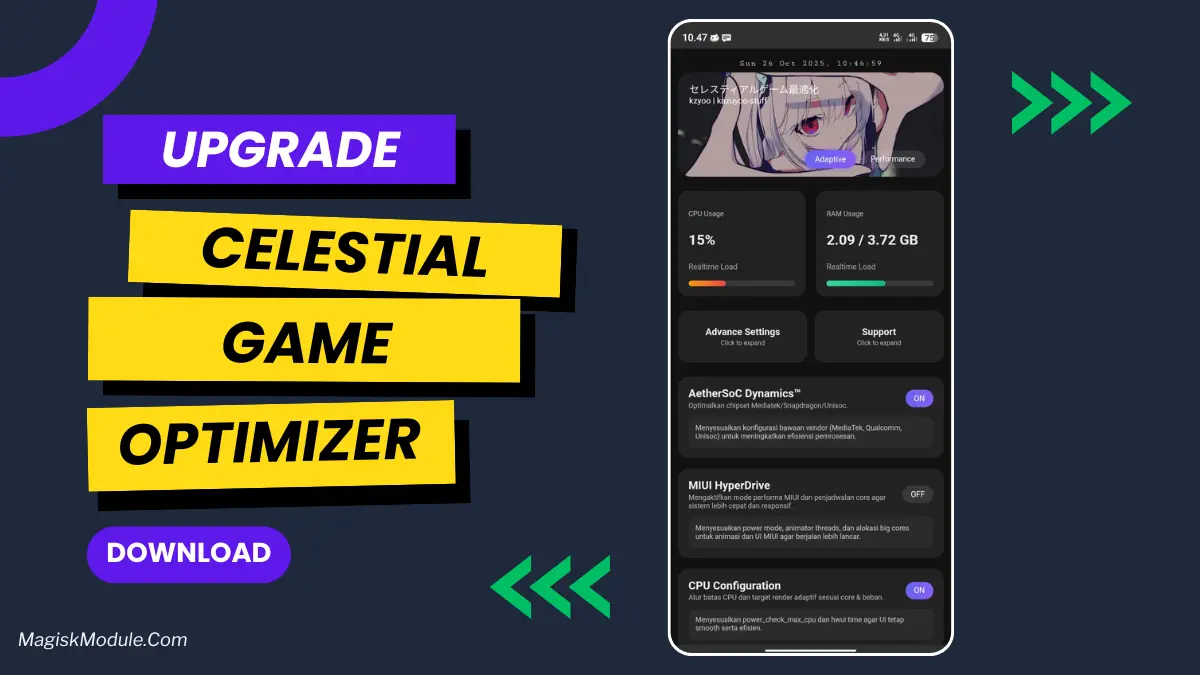
- New UI and UX look on webui, inspiration by @kanaochar
- Dynamic game profiles with automatic performance boost.
- Downscale game resolution to reduce gpu load and stability.
- JobScheduler optimization to reduce background jobs and system load.
- Preload apps to speed up launch on Unisoc devices.
- SurfaceFlinger optimization for more stable and responsive frames.
- Disable telemetry rendering to reduce graphics overhead.
- RenderEngine optimization with Graphite and lighter blur pipeline.
- Compact and trim background app memory to prevent stutter.
- other optimizations.
Alright, let’s talk about mobile gaming. You know that moment when you’re in a clutch
Why does my phone lag in the ranked match? Why does my frame rate decrease? Why does the stuttering occur while I’m fighting?
You dont even remember that it wasnt going well and then, suddenly, you’re staring at the defeat screen. I’ve lost that game more times than I can count.
Times than I’d like to admit, and it’s beyond frustrating.
That’s why I was pretty excited about the Celestial Game Optimizer. This isn’t some fancy spell that gives you an unreal advantage in every situation.
A magic button to increase the speed of your phone processor to such an extreme that it becomes unusable: a rather intelligent modification.
Fine-tunes everything in the background. It just makes your gaming sessions… better.
Plain and simple.
Features
Buttery Smooth Gameplay: Sorry about those frame drops you’ve been dealing with in the
Middle of a fight. Everything feels consistently fluid.
Instant Touch Response: It’s wild. In games like COD Mobile, my swipes and shots
Just feel more immediate. It’s like you’ve gained a slight edge.
Stable FPS, No Matter What The Optimizer helps you maintain a stable frame rate at all times, preventing it from dropping due to varying backgrounds or increased actions in game.
Get those jarring dips when the action heats up.
Cooler Running Phone: My phone used to get pretty warm during long sessions.
Now, it stays remarkably cool, which means no more performance throttling.
Faster Load Times: Games and maps load up quicker, so you can jump back into action sooner and get into the action more frequently.
The action faster.
Better Ping Stability: For online games, it helps minimize those random ping
Spikes that can ruin a perfect play.
It just works. You install it, forget it’s there, and enjoy a genuinely superior gaming experience. Works with ALL Windows versions and doesn’t require any driver updates. If you’re having issues with high-latency, low-bandwidth connections this is the solution you’ve been searching for.
My first real experience with console gaming on a legitimate level. If you’re even remotely serious about mobile gaming in any way, shape or form, then I highly recommend looking into trying out a console. This is a must for gamers.