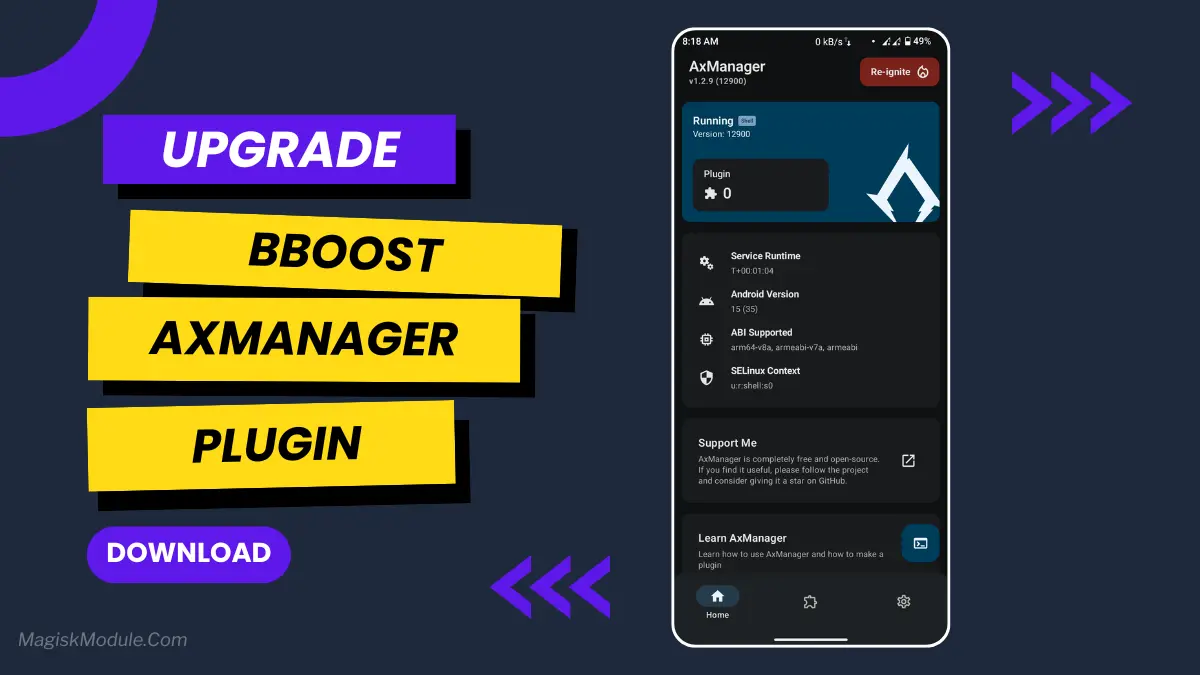
| File Name | BBoost Stable |
|---|---|
| Size | 360KB |
| Release | 160126 |
| Category | AxManager Plugins |
| Android requirement | + 6.0 |
| Published By | @Brains82 |
| Credit | @HoyoSlave @Dcx400 @koneko_dev |
| Install Via | AxManager |
Get Link
Step-by-Step Installation:
- Active AxManager: First, you need to make sure it is active.
- Install via AxManager:
- Open the AxManager.
- Tap on the “Plugin” section.
- Click “Install from Storage” and locate the geted file.
- Confirm the installation..
- Reboot Your Device After installation.
How to Active AxManager
To use AxManager, you’ll need to enable Developer Options on your device:
- Turn on Wifi
- Go to Settings > About Phone.
- Tap Build Number seven times to unlock Developer Options.
- Open the AxManager, Click “Need To Active”.
- Enable Notification & Click Start Button.
- Click Wireless debugging & Enable Wireless debugging.
- Click Pair device with pairing code.
- Click on “Enter Pairing Code” above and paste the WiFi pairing codes there.
Let’s be honest, we’ve all had that moment of frustration. You’re trying to quickly open a map or
Switch between apps, and your phone just… freezes. It starts stuttering, becoming a sluggish
Mess. I used to just sigh and wait it out, or worse, restart the thing. It felt like I was constantly negotiating for even a few extra seconds to do my business.
Fighting my own device for a bit of speed.
More back to the old days of wrestling with Segway components. That is, until I started using BBoost Stable AxPlugin. Getting it set up through AxManager is a pretty small task, although admittedly unfamiliar.
Total no-brainer, and the difference it makes is honestly night and day. It’s like giving your phone a new battery. I was kind of underwhelmed by the new iPhone this year, but after doing this, I am completely satisfied.
There was a shot of espresso. And suddenly, everything worked as it was supposed to all along.
Features
- Acts as an Android RAM cleaner, freeing up precious memory so your system can breathe.
- Works to improve CPU efficiency, making sure your processor isn’t wasting effort on pointless tasks.
- Gives your Android performance a major optimization, smoothing out the overall experience.
- Helps speed up the Android GPU, which means smoother visuals and scrolling.
- Automatically clears out those resource-hogging background apps you forgot were even running.
- The final result? A seriously improved Android phone speed. Everything feels zippier and more responsive.
My phone was a bit slow so I gave cleaning out old apps & extra files a go on this thing and after the first clean it was like having a new phone- I mean I turned it on the next day and it took 3 seconds to load my Facebook & Messenger apps which is CRAZY compared to what it was taking minutes to load prior!
Since uninstalling Facebook and Instagram I’ve noticed that there’s no longer that annoying lag/stutter when scrolling through my feeds. If
You’re tired of the lag. You owe it to yourself to try this