| File Name | PerfExt |
|---|---|
| Size | 51KB |
| Version | v5.0+3.0 |
| Category | Magisk Modules |
| Android Requirement | + 6.0 |
| Published By | @Bgaszz |
| Rating | 4.9 / 5 |
| Flash Via | Veziro Or AxManager |
Get Link
How to install via Vexiro Manager?
Install Shizuku App
- Get the Shizuku app from the google play store.
- Install the app on your device.
Setup Shizuku app on your device
To use Shizuku, you’ll need to enable Developer Options on your device:
- Turn on Wifi
- Go to Settings > About Phone.
- Tap Build Number 7 times to unlock Developer Options.
- Open the Shizuku, Click on Pairing button > Click Developer Options.
- Click Wireless debugging & Enable Wireless debugging.
- Click Pair device with pairing code.
- Click on “Enter Pairing Code” above and paste the WiFi pairing codes there.
- After pairing is Successful open Shizuku again and click on start button.
- [Video Tutorial For Shizuku]
How To Install Module?
- Grant Permissions: Grant necessary permissions via Shizuku.
- Install Vexiro Manager:
- Open the Vexiro Manager.
- Tap on the “Modules” section.
- Tap on the “Install Module From Storage” section.
- Tap on the “SELECT A FILE” section and locate the geted file.
- Tap on the “Right Arrow ➡️” section And Confirm the installation.
- Reboot Your Device: After installation, reboot your device to activate the module.
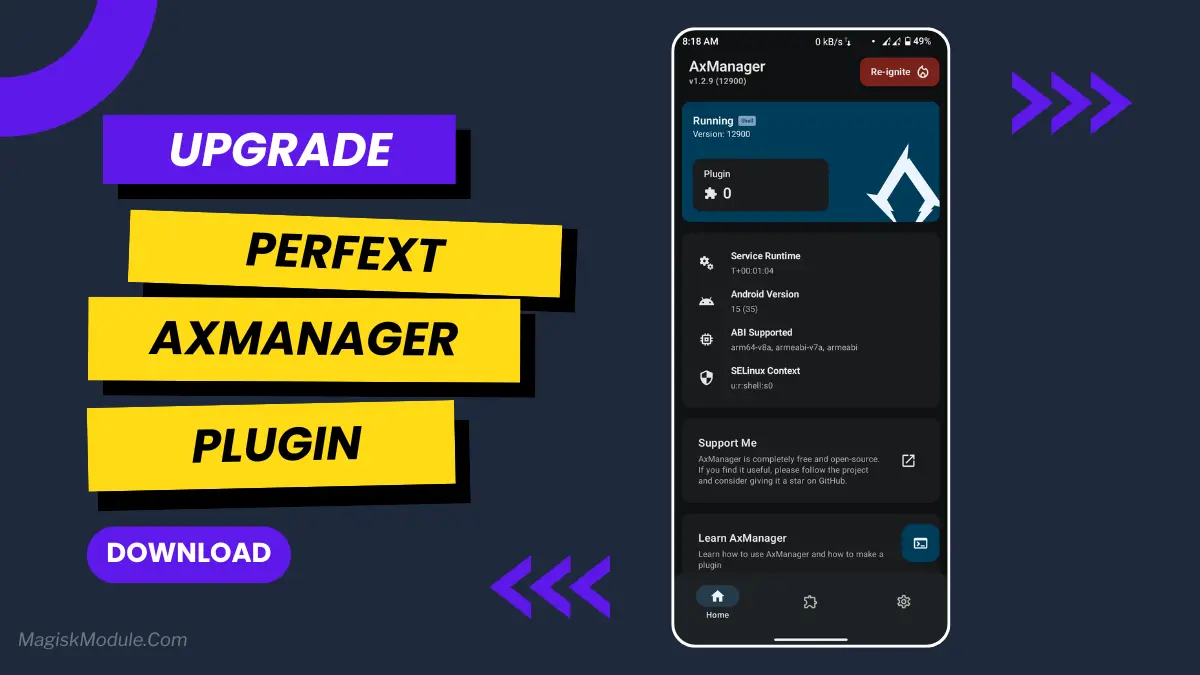
How to install via AxManager?
Active AxManager
To use AxManager, you’ll need to enable Developer Options on your device:
- Turn on Wifi
- Go to Settings > About Phone.
- Tap Build Number seven times to unlock Developer Options.
- Open the AxManager, Click “Need To Active”.
- Enable Notification & Click Start Button.
- Click Wireless debugging & Enable Wireless debugging.
- Click Pair device with pairing code.
- Click on “Enter Pairing Code” above and paste the WiFi pairing codes there.
How to Install Module?
- Active AxManager: First, you need to make sure it is active.
- Install AxManager:
- Open the AxManager.
- Tap on the “Plugin” section.
- Click “Install from Storage” and locate the geted file.
- Confirm the installation..
- Reboot Your Device After installation.
Ever have your phone freeze up right in the middle of something important? I was playing a game the other day and my character just stuttered off a cliff. It was the last straw. I knew I needed a performance boost, but I didn’t want to root my device. That’s when I found PerfExt.
This plugin is straightforward. It flips a switch into a high performance mode that makes everything feel instantly more capable. It’s perfect for gaming or when you just need your phone to be as fast as possible.
Features:
- It boosts your CPU and GPU performance right away, giving you that extra power on tap.
- You’ll notice it reduces lag and frame drops during games or heavy apps.
- It optimizes your system resources so everything runs more efficiently.
- You get enhanced FPS stability for much smoother visuals.
- It disables background throttling, so your phone doesn’t slow itself down unexpectedly.
- Everything feels snappier because it improves touch responsiveness.
It’s a simple, no-fuss way to get more power from your phone. Perfect for when you need that extra edge.