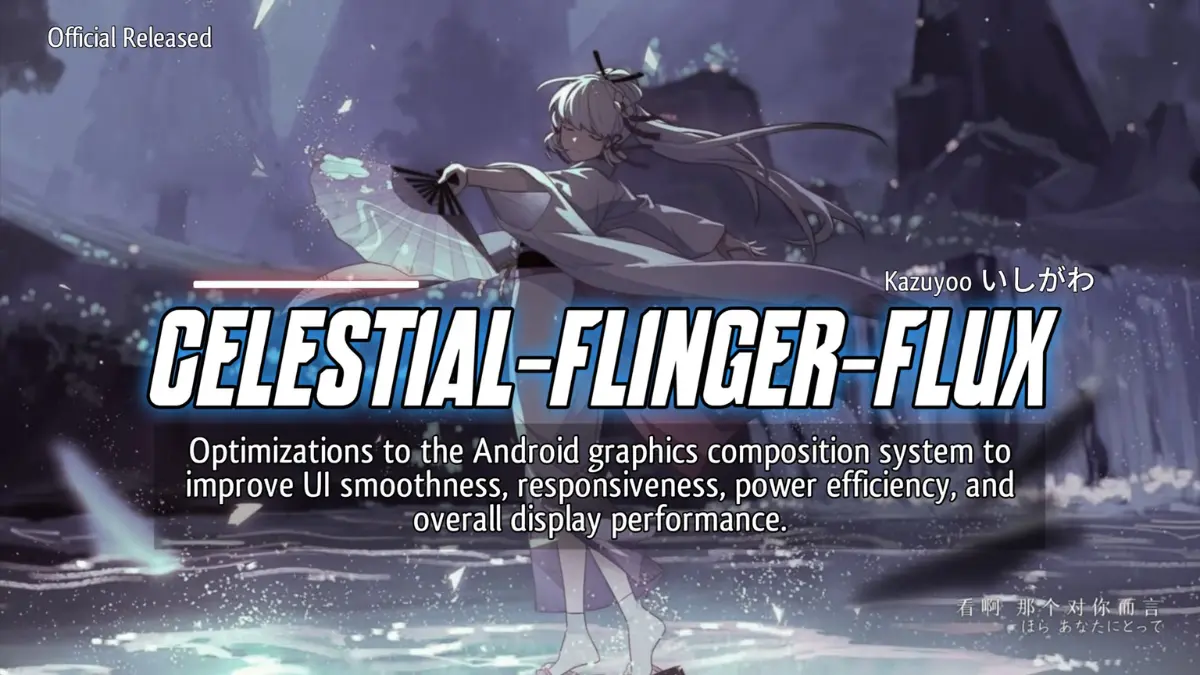
| File Name | Celestial Flinger Flux |
|---|---|
| Size | 176KB |
| Version | v2.2 |
| Category | Magisk Modules / No-Root |
| Android requirement | + 6.0 |
| Published By | @Hoyoslave |
| Rating | 4.9 / 5 |
| Flash Via | Magisk, KSU AxManager |
Get Link
Step-by-Step Installation Root Users:
- Ensure Root Access: The first prerequisite is having root access via a custom recovery.
- Install via Magisk Manager:
- Open the Magisk Manager.
- Tap on the “Modules” section.
- Click “Install from Storage” and locate the geted file.
- Confirm the installation and allow the module to apply the necessary changes.
- Reboot Your Device: After installation, reboot your device & KSUWebUi Recommended to activate this.
Step-by-Step Installation Non-Root Users:
- Active AxManager: First, you need to make sure it is active.
- Install via AxManager:
- Open the AxManager.
- Tap on the “Plugin” section.
- Click “Install from Storage” and locate the geted file.
- Confirm the installation..
- Reboot Your Device After installation.
Honestly, there are quite a few things that frustrate me when I play, but I think that the one that bothers me the most is lagging. When I’m in the middle of a important competitive match and my gameplay starts to stutter, it’s really frustrating. I’m pretty sure I’m not the only one, as this seems to be a pretty common occurrence on our devices, and we’re forced to battle against our own hardware as well as our opponents. Anyone else agree with me? Or is there something else that irks you in the world of gaming?
I thought I was already making the most of my device, but one small setting made a world of difference. So when I finally got my hands on the Celestial Flinger Flux module, I was eager to try it out. This thing is a mouthful, so here’s the short of it: the module enables a so-called “bonus feature” that apparently isn’t fully utilized by the default settings of the typical GPS device. I root my device with Magisk and use KernelSU and AxManager, and all I can say is the difference is staggering.
Features
- Less Chance of Frame Drops. Your gameplay experience will be so smooth, that even the most action packed moments will not have you paused.
- Experience the smootness of a next-gen web OS. We’re talking about silky smooth scrolling and animations.
WICKED FAST RESPONSE Greatly Improved Responsiveness The response to your touches is now significantly quicker—much like what you’d experience with the Apple Watch or the 5th and 6th Gen iPads, which is significantly faster than the 1st Gen iPad Pro.
- FPS became much more stable. Games now feel just better in this regard.
- A cooler device. The module takes into account the performance of your device in order to limit as much as possible the phenomenon of thermal throttling.
- Visuals are noticeably improved. Everything looks sharper and more dynamic.
- It adjusts your GPU and CPU so that they work with each other, not against each other.
If you care about mobile gaming at all, you owe it to yourself to give this tweak a spin. It’s one of those tweaks which, when installed, will make your entire mobile gaming experience slightly but noticeably better.