| File Name | Dexaot optimizer |
|---|---|
| Size | 27KB |
| Version | v6.0 |
| Category | Magisk Modules |
| Android requirement | + 6.0 |
| Published By | @LIMITGAMINGRILL |
| Rating | 4.9 / 5 |
| Support | Magisk •Apatch• KernelSU Next |
Get Link
Step-by-Step Installation:
- Ensure Root Access: The first prerequisite is having root access via a custom recovery.
- Install via Magisk Manager:
- Open the Magisk Manager.
- Tap on the “Modules” section.
- Click “Install from Storage” and locate the geted file.
- Confirm the installation and allow the module to apply the necessary changes.
- Reboot Your Device: After installation, reboot your device to activate the module.
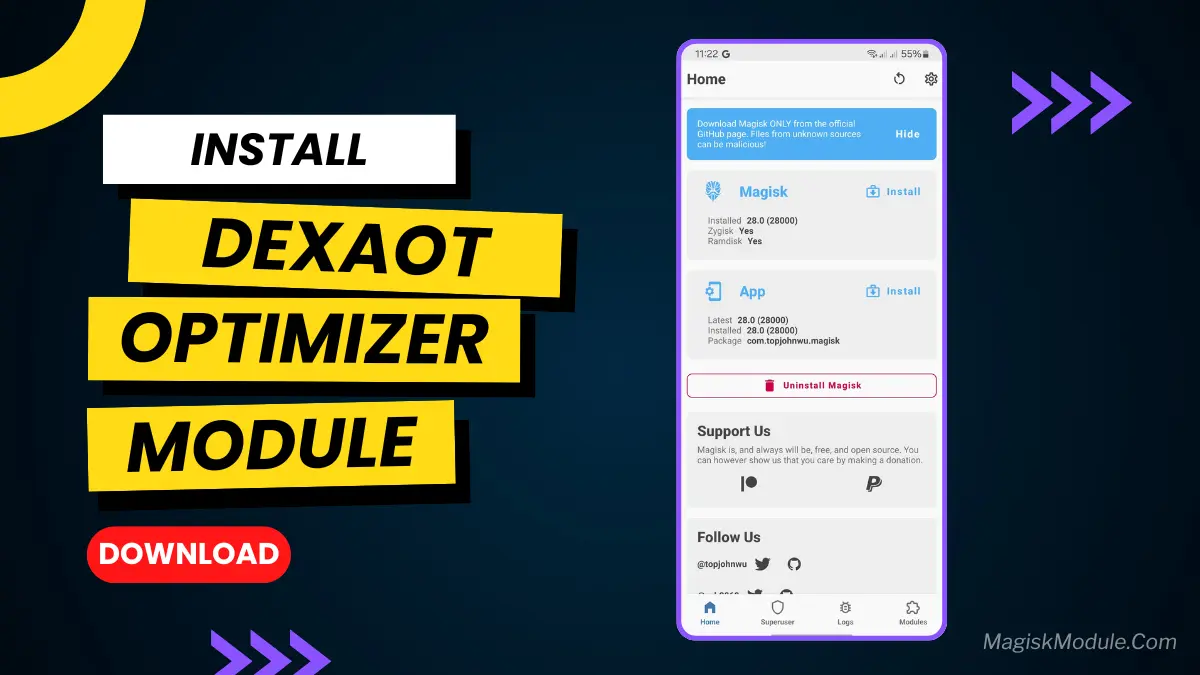
DexAOT is an Android-specific ART & Dex2OAT optimization that speeds up precompiled apps and games. This module automatically compiles ART and preloads games for a lag-free gaming experience.
Why Your Phone Needs This Dexaot
Android apps need to be translated into machine code to run. AOT (Ahead-Of-Time) compilation does this. But stock Android does it lazily, after you install an app or when your phone is plugged in and idle. This causes laggy app launches and battery drain overnight.
The Dexaot Full Speed Magisk Module changes this. It forces a more aggressive and optimized AOT process upfront. If you want a faster Android experience without the wait, this is for you. It’s like giving your phone a double shot of espresso for app loading and execution.
Features
- Auto-compile ART/Dex2OAT for popular games → faster loading
- Optimize game preload & cache assets → minimize game startup time
- Prioritize preload threads → instant performance & response
- Read-ahead storage boost → faster file access
- Compatible with Android 10–15