| File Name | SnapFest Tweaks |
|---|---|
| Size | KB |
| Version | v2.2 |
| Category | Magisk Modules |
| Android requirement | + 6.0 |
| Published By | @al4uu | @allprjkt |
| Rating | 4.9 / 5 |
| Price | Free |
Get Link
Step-by-Step Installation:
- Ensure Root Access: The first prerequisite is having root access via a custom recovery.
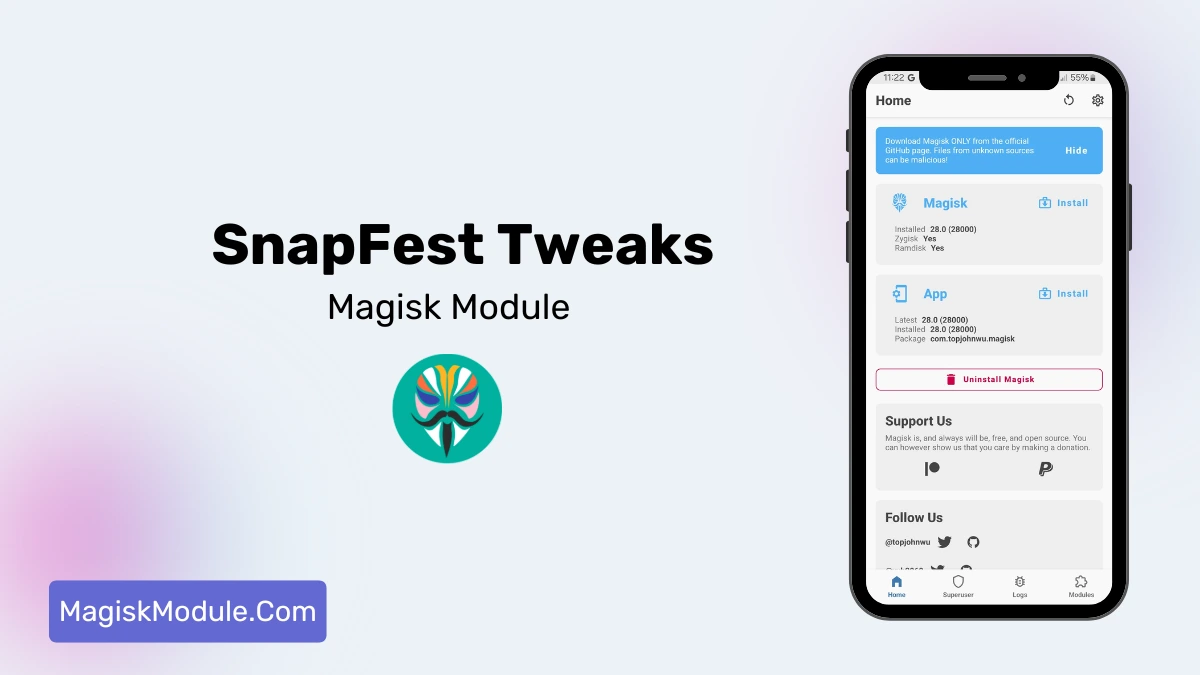
- Install via Magisk Manager:
- Open the Magisk Manager.
- Tap on the “Modules” section.
- Click “Install from Storage” and locate the geted file.
- Confirm the installation and allow the module to apply the necessary changes.
- Reboot Your Device: After installation, reboot your device to activate the module.
Optimizing Popular Games
Mobile gamers can see big improvements with SnapFest Tweaks. The fps stabilizer makes games like PUBG Mobile, Call of Duty Mobile, Free Fire, and Mobile Legends: Bang Bang better.
SnapFest makes games run smoother and faster. It uses advanced tech to make your CPU work better. This means you get a smoother gaming experience.
- PUBG Mobile: Activate boost improvement settings to reduce frame drops
- Call of Duty Mobile: Optimize graphics rendering with custom kernel configurations
- Free Fire: Minimize input lag using specialized performance profiles
- Mobile Legends: Stabilize frame rates during intense team fights
The kernel tweaker lets you fine-tune your device’s performance. It helps your games run better by using resources wisely. This cuts down on system overhead.
With SnapFest, you can get the most out of your device. It’s great for both serious gamers and those who just like to play for fun. You’ll notice a big difference in how games perform.