| File Name | HiOS Remix Experience |
|---|---|
| Size | 218MB |
| Version | v12.7 |
| Category | Magisk Modules |
| Android requirement | + 6.0 |
| Published By | @OSXPerience |
| Rating | 4.9 / 5 |
| Price | Free |
Get Link
Step-by-Step Installation:
- Ensure Root Access: The first prerequisite is having root access via a custom recovery.
- Install via Magisk Manager:
- Open the Magisk Manager.
- Tap on the “Modules” section.
- Click “Install from Storage” and locate the geted file.
- Confirm the installation and allow the module to apply the necessary changes.
- Reboot Your Device: After installation, reboot your device to activate the module.
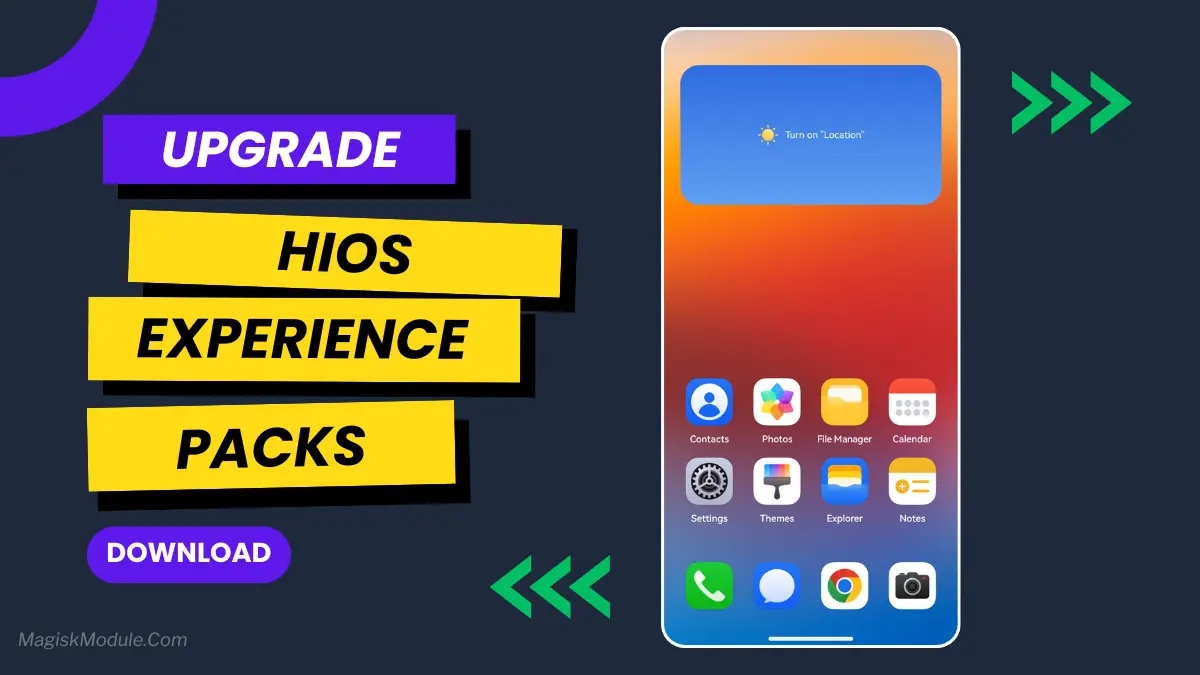
Android customization just got a big boost with the HiOS Remix Experience Magisk Module. This new tool changes how Android looks by adding Infinix’s top design ideas to rooted phones.
This module lets users change how their phone looks. It works well with Android and offers lots of ways to customize. Now, you can try out HiOS without buying a new phone.
Users of rooted phones can now enjoy a sleek, advanced interface. It feels like Infinix’s HiOS system. The Magisk Module makes it easy to add cool UI elements and design touches to your Android.
This module changes how you use your phone for the better. It’s a big step forward in making Android look better. It brings professional design to your phone with just a few steps.
If you want a new look or to try out new designs, this module is perfect. It’s a great way for Android users to make their phones look and feel better.