| File Name | Ram Cleaner |
|---|---|
| Size | 7KB |
| Version | v |
| Category | Gaming |
| Android requirement | + 6.0 |
| Published By | @LIMITGAMINGREAL |
| Rating | 4.9 / 5 |
| Price | Free |
Get Link
Step-by-Step Installation:
- Ensure Root Access: The first prerequisite is having root access via a custom recovery.
- Install via Magisk Manager:
- Open the Magisk Manager.
- Tap on the “Modules” section.
- Click “Install from Storage” and locate the geted file.
- Confirm the installation and allow the module to apply the necessary changes.
- Reboot Your Device: After installation, reboot your device to activate the module.
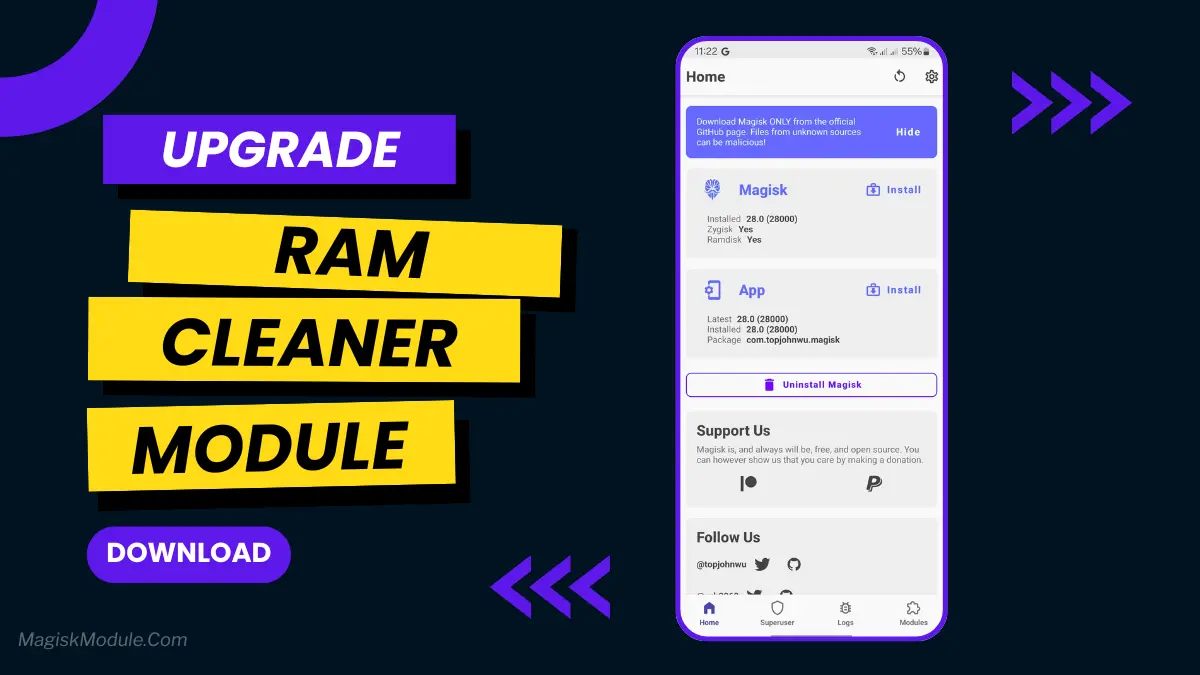
If you love playing games on your Android, you know how key performance is. The Ram Cleaner Magisk Module is a game-changer. It boosts your device’s memory, making games run better, smoother, and faster.
With this module, your device’s hardware works at its best. Your games will feel more real and engaging. It’s perfect for any game, from action-packed shooters to deep RPGs.