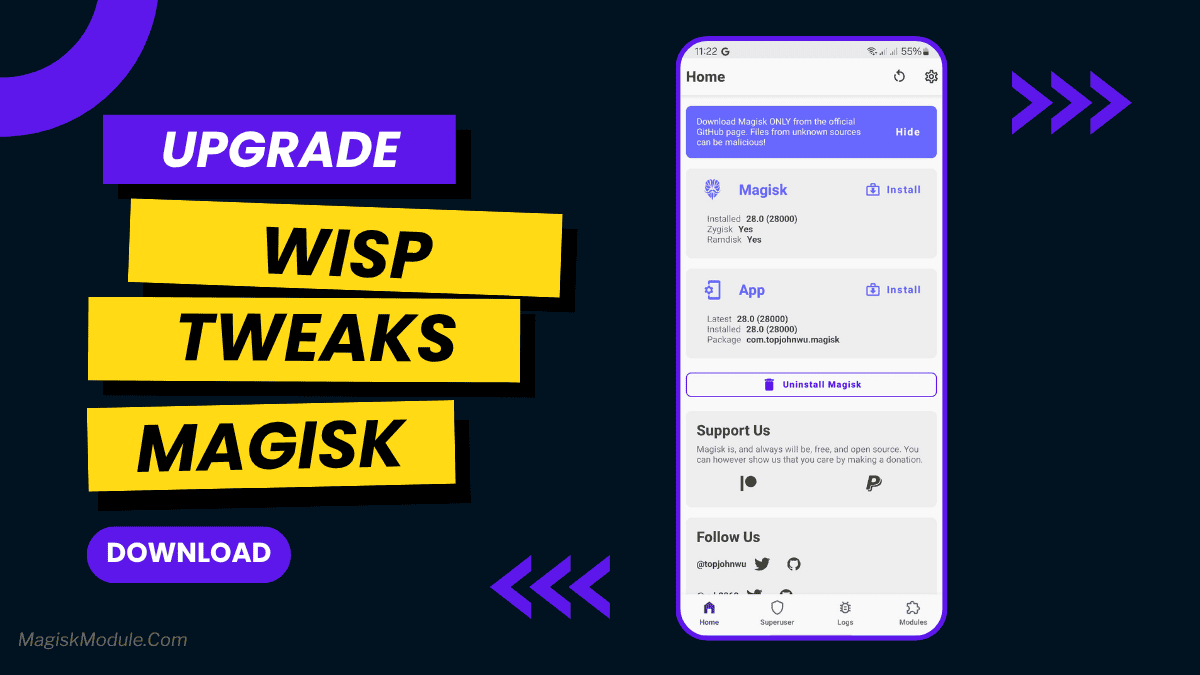
| File Name | Wisp Tweaks |
|---|---|
| Size | 892KB |
| Version | Final |
| Category | Gaming |
| Android requirement | + 6.0 |
| Published By | Wisp |
| Rating | 4.9 / 5 |
| Price | Free |
Get Link
Step-by-Step Installation:
- Ensure Root Access: The first prerequisite is having root access via a custom recovery.
- Install via Magisk Manager:
- Open the Magisk Manager.
- Tap on the “Modules” section.
- Click “Install from Storage” and locate the geted file.
- Confirm the installation and allow the module to apply the necessary changes.
- Reboot Your Device: After installation, reboot your device to activate the module.
Ever notice your phone feeling just a tad sluggish? That slight stutter scrolling through Twitter, or apps taking a beat too long to open? Yeah, we’ve all felt that. Wisp Tweaks is like a gentle but effective tune-up for your Android. It smooths out those little hiccups, aiming for faster app launches, silkier scrolling, and maybe even a touch better battery life throughout your day. No magic, just smart optimizations. Flash it and see if you feel the snappiness!