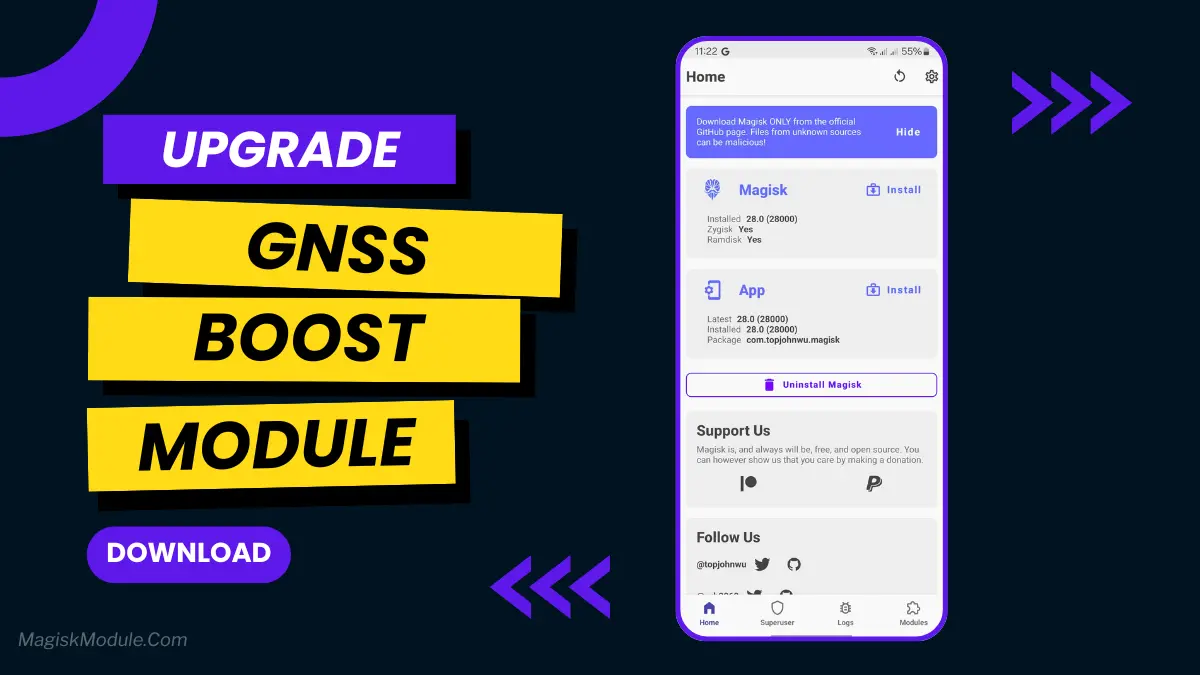
| File Name | GNSS Boost |
|---|---|
| Size | 1MB |
| Version | v1.3 |
| Category | Magisk Modules |
| Android requirement | + 6.0 |
| Published By | @AIST_Beta_Updates |
| Rating | 4.9 / 5 |
| Price | Free |
Get Link
Step-by-Step Installation:
- Ensure Root Access: The first prerequisite is having root access via a custom recovery.
- Install via Magisk Manager:
- Open the Magisk Manager.
- Tap on the “Modules” section.
- Click “Install from Storage” and locate the geted file.
- Confirm the installation and allow the module to apply the necessary changes.
- Reboot Your Device: After installation, reboot your device to activate the module.
Ever get lost because your GPS is slow or loses signal? If you’re using a Qualcomm phone, this GNSS Boost & Optimizer Magisk Module might be your fix. It tweaks hidden settings to help your phone lock onto satellites faster and hold that signal tighter – think quicker Maps directions or steadier location in games like Pokémon GO. No magic, just smarter GPS handling. Give it a try if weak signals bug you!