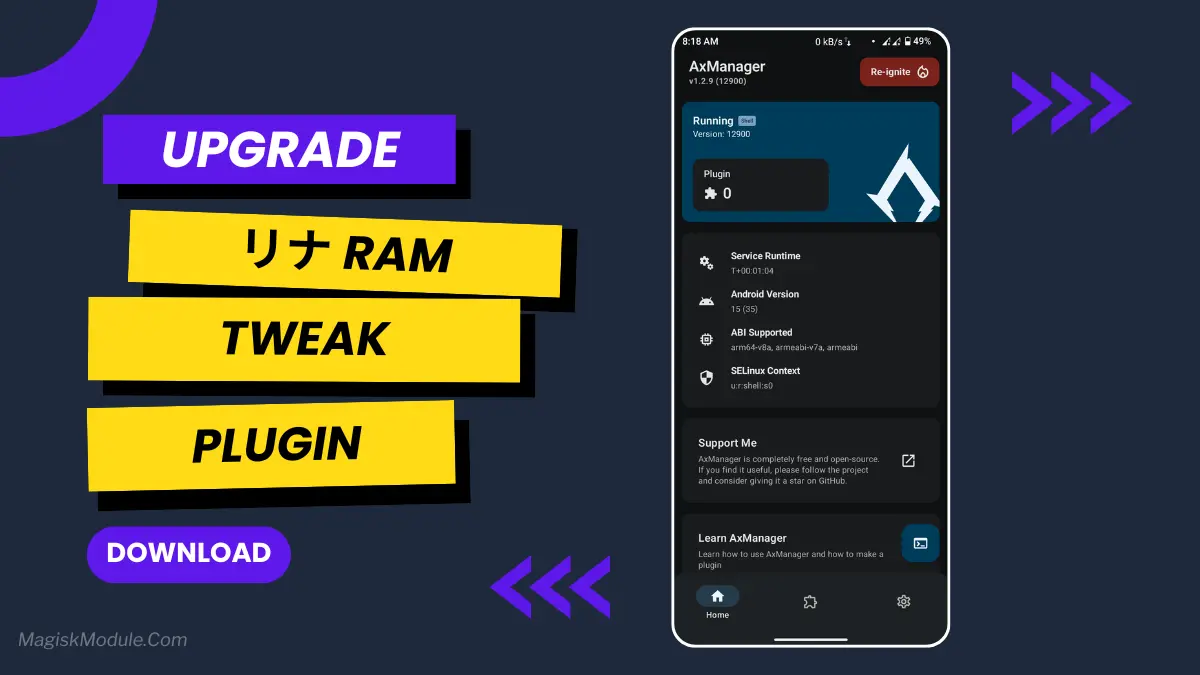
| File Name | リナ Ram Tweak |
|---|---|
| Size | 165KB |
| Version | Final |
| Category | AxManager Plugin |
| Android requirement | + 6.0 |
| Published By | @axmerine |
| Rating | 4.9 / 5 |
| Install Via | AxManager |
Get Link
How to use?
- Active AxManager: First, you need to make sure it is active.
- Install via AxManager:
- Open the AxManager.
- Tap on the “Plugin” section.
- Click “Install from Storage” and locate the geted file.
- Confirm the installation..
- Reboot Your Device After installation.
- Open WebUI or Run Action Button to start
How to Active AxManager?
To use AxManager, you’ll need to enable Developer Options on your device:
- Turn on Wifi
- Go to Settings > About Phone.
- Tap Build Number seven times to unlock Developer Options.
- Open the AxManager, Click “Need To Active”.
- Enable Notification & Click Start Button.
- Click Wireless debugging & Enable Wireless debugging.
- Click Pair device with pairing code.
- Click on “Enter Pairing Code” above and paste the WiFi pairing codes there.
This plugin is like having a dedicated stage manager for your phone’s memory. It makes sure your game is the star of the show and everything else waits quietly in the wings. If you’re tired of lag ruining your gaming sessions, you need to give this a try.
Features
- Frees up every bit of memory for your game. It pushes background apps aside so your game gets all the resources.
- Drastically reduces in-game lag instantly. Say goodbye to those frustrating stutters in the middle of action.
- Gives you faster game loading times. You’ll be in the game while others are still looking at loading screens.
- Enhances FPS stability for buttery-smooth gameplay. The visuals just feel consistently fluid.
- Clears out cached and hidden processes. It digs deeper than just closing apps for a real clean-up.
- Maximizes gaming efficiency in real-time. It constantly adjusts to keep your performance at its peak.
- Boosts overall system stability during long sessions. Your phone stays reliable, even when you’re gaming for hours.
- Helps achieve better responsiveness. Your taps and swipes feel more immediate and precise.
It’s one of those simple tools that just works. Once you experience a perfectly smooth match, you won’t ever want to play without it.