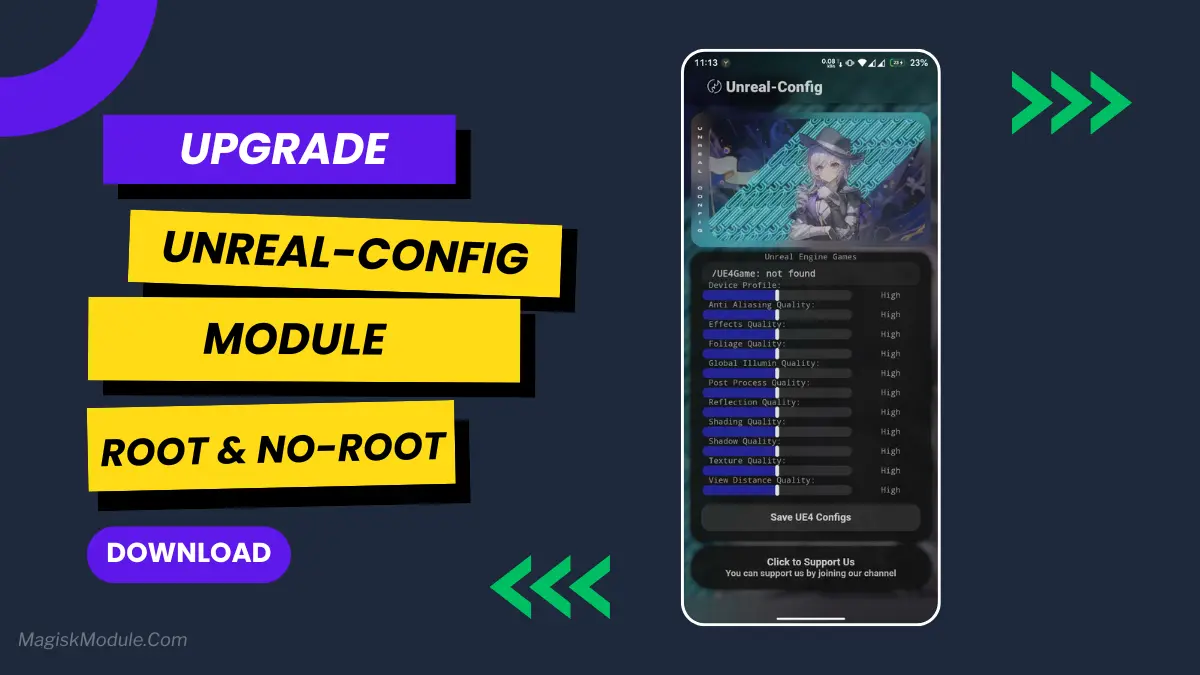
Unreal Module: Install via Magisk or AxManager
Developed by @@hoyoSlave
Ever been in the middle of a mobile game and it just stutters? Your character freezes for a split second, and boom, you're defeated. Happened to me one too many times in an Unreal Engine game. That's when I started digging into the Unreal-Config module. It's a tweak specifically for games built on Unreal Engine, and it can smooth things out remarkably.
Getting it on your device is straightforward, and you don't necessarily need root.
How to Use Root Users?**
- Tap on the “Modules” section.
- Click “Install from Storage” and locate the geted file.
- Confirm the installation and allow the module to apply the necessary changes.
- Reboot Your Device: After installation,** reboot your device** & KSUWebUi Recommended to activate this.
How to Use Non-Root Users?
- Open the AxManager App.
- Tap on the “Plugin” section.
- Click “Install from Storage” and locate the geted file.
- Confirm the installation..
- Reboot Your Device After installation.
Features
This app gives you access to the graphics settings for Unreal Engine games on your phone. And all the settings that the game would normally lock away for you. Here is a brief overview of the app.
- Adjust Unreal Engine graphics quality system-wide.
- Boost FPS in Unreal Engine-based games.
- Optimize rendering settings for smoother gameplay.
- Reduce graphic lag and annoying frame drops.
- Improve overall GPU performance and stability.
- Make graphics look good on low end and high end devices.
- Enhance your entire gaming experience.
- Minimize overheating through smart graphic tweaks.
My Honest Opinion?
This app is really helpful for serious mobile gamers who want to get better performance out of their phone. While it is useful for any phone, I find it most useful with older phones because it really helps you max out the performance without making your phone overheat. It will not turn an entry level phone in to a flagship, but it will save you from those annoying hangs and make it so you can get just a little more out of your device. Just be careful to increase the values slowly so you find a point where the game runs best on your device.