| File Name | UltraOpt |
|---|---|
| Size | 2.4MB |
| Version | v6.50 Final |
| Category | Magisk Modules |
| Android Requirement | + 6.0 |
| Published By | @tosikv02 |
| Rating | 4.9 / 5 |
| Flash Via | Magisk, KSU, APatch |
Get Link
Step-by-Step Installation:
- Ensure Root Access: The first prerequisite is having root access via a custom recovery.
- Install via Magisk Manager:
- Open the Magisk Manager.
- Tap on the “Modules” section.
- Click “Install from Storage” and locate the geted file.
- Confirm the installation and allow the module to apply the necessary changes.
- Reboot Your Device: After installation, reboot your device to activate the module.
- Open a terminal and run: <br />su -c ultraopt<br />
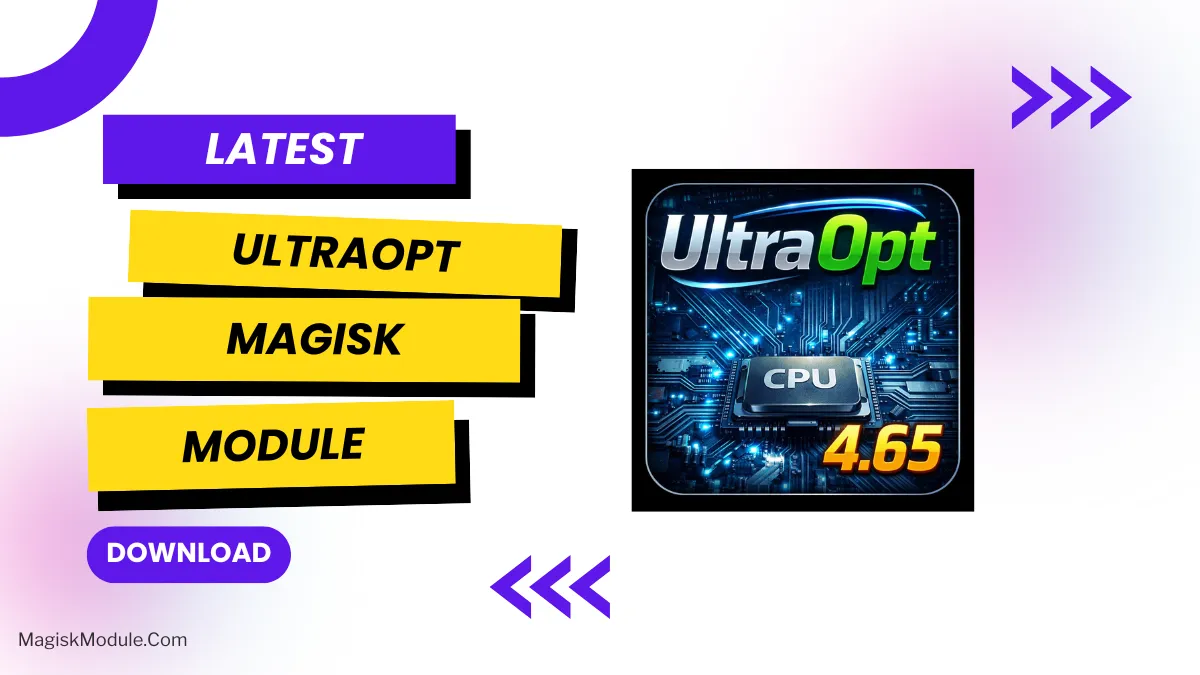
UltraOpt is a Magisk module built with a focus on native (C++) logic and safe, practical optimizations.
It avoids aggressive background killing or breaking Android’s internal behavior, aiming instead for cleaner, more efficient system performance through controlled, event-driven improvements.
What It Does
1. Smart CPU Hibernation (Core Feature)
· Event-based governor switching
When the screen is ON, it applies a default governor (DEFAULT_GOV).
When the screen is OFF, it switches to a sleep-optimized governor (SLEEP_GOV).
· Native C++ daemon for low overhead and battery-friendly operation.
· Live configuration — changes take effect without rebooting.
· Activity is logged to hibernation.log for transparency.
2. Utility Toolbox (CLI)
· ultraopt command provides handy system maintenance and tuning options accessible from terminal or menu.
· Includes tools for RAM management, cache cleaning, dex optimization, background process control, and TCP tweaking.
Note: UltraOpt doesn’t promise “magic” performance gains. Real impact depends on your device, kernel, and thermal conditions.
Basic Usage
Run ultraopt with different arguments for specific tasks:
<br />su -c ultraopt -ram # Manage RAM<br />su -c ultraopt -clean # Clean app caches<br />su -c ultraopt -dex # Optimize dex files<br />su -c ultraopt -bg # Control background processes<br />su -c ultraopt -tcp # Adjust TCP congestion control<br />su -c ultraopt -h # Show help<br />
The CLI menu also supports language selection.
Configuration
Edit the config file at:
<br />/data/adb/modules/UltrOpt/mod.cfg<br />
Example configuration:
ini<br />DEFAULT_GOV=schedutil<br />SLEEP_GOV=powersave<br />TCP_CC=bbr3<br />CHECK_INTERVAL=5<br />
Changes are applied automatically — no reboot needed.
Logs
Hibernation activity is logged to:
<br />/data/adb/modules/UltrOpt/hibernation.log<br />
—
Compatibility
· Android 8 and below — ❌ Not supported (installation blocked)
· Android 9–10 — ⚠️ Supported with warning (older platform)
· Android 11–15 — ✅ Fully supported (recommended)
· Android 16 — ⚠️ Supported with warning (new platform)
Works best on 64‑bit devices. 32‑bit builds may be included if available.
Safety Principles
· No frequent killing of system services.
· No automatic removal of ANR/tombstone logs (to avoid hiding real issues).
· All changes are reversible by removing the module.
· Safe fallbacks if a selected governor is unavailable.
Uninstallation
1. Disable or remove the module in Magisk / APatch / KernelSU.
2. Reboot your device.
3. All system behavior returns to default.
Philosophy
Less scripting. More control. Predictable behavior.
UltraOpt applies optimizations only where they make sense, improving efficiency without breaking Android’s normal operation.
More optimization – more battery life and performance!