Developer : @PersonPemula
Credits : @Zyarexx
Template By : @imkangshiro
Expired : 27 / 3 / 24
Version : Free
Date : 24 / 3 / 24
Features
- WM Size Auto Apply After Run FF/FFMAX
- WM Density Auto Apply After Run FF/FFMAX
- WM Best Value
- Touch Improvement Best Value
- Improve Sliding Respose
- Optimizer With Compile
- Sensi Calibrator
- Aimlock Shot
- Aimbot Shot
- Easy Dragshot
- Macro Headshot
- Regedit Configuration
- Boost Performance
How to install via Magisk? [ROOT]
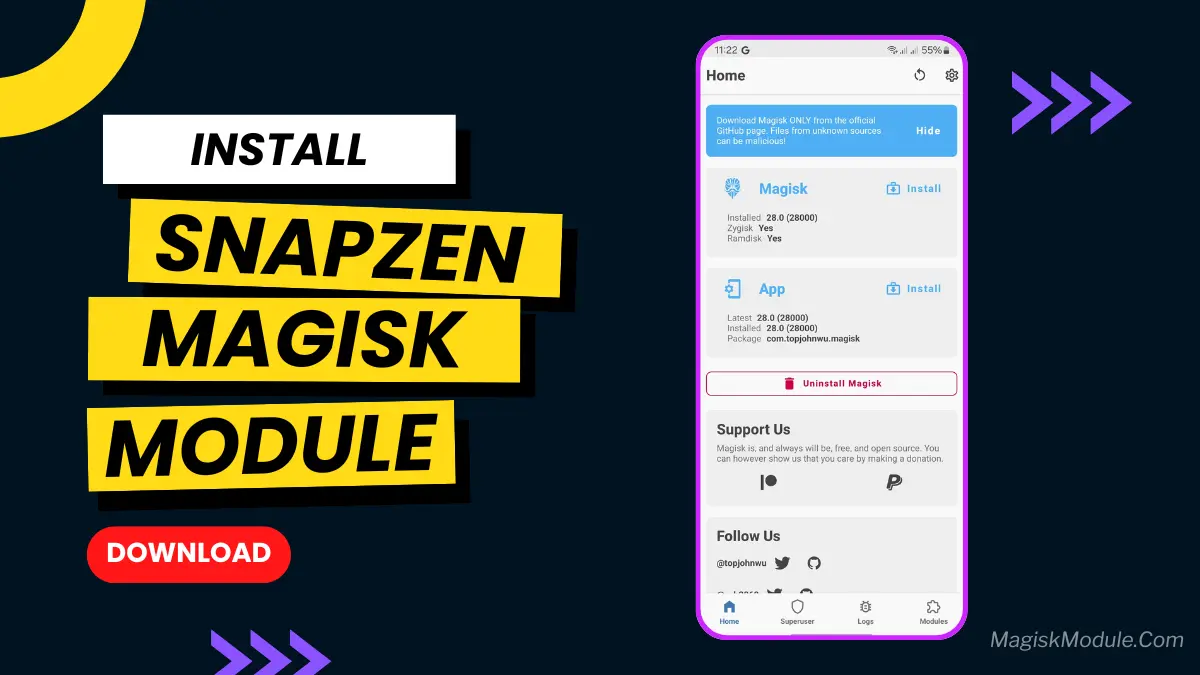
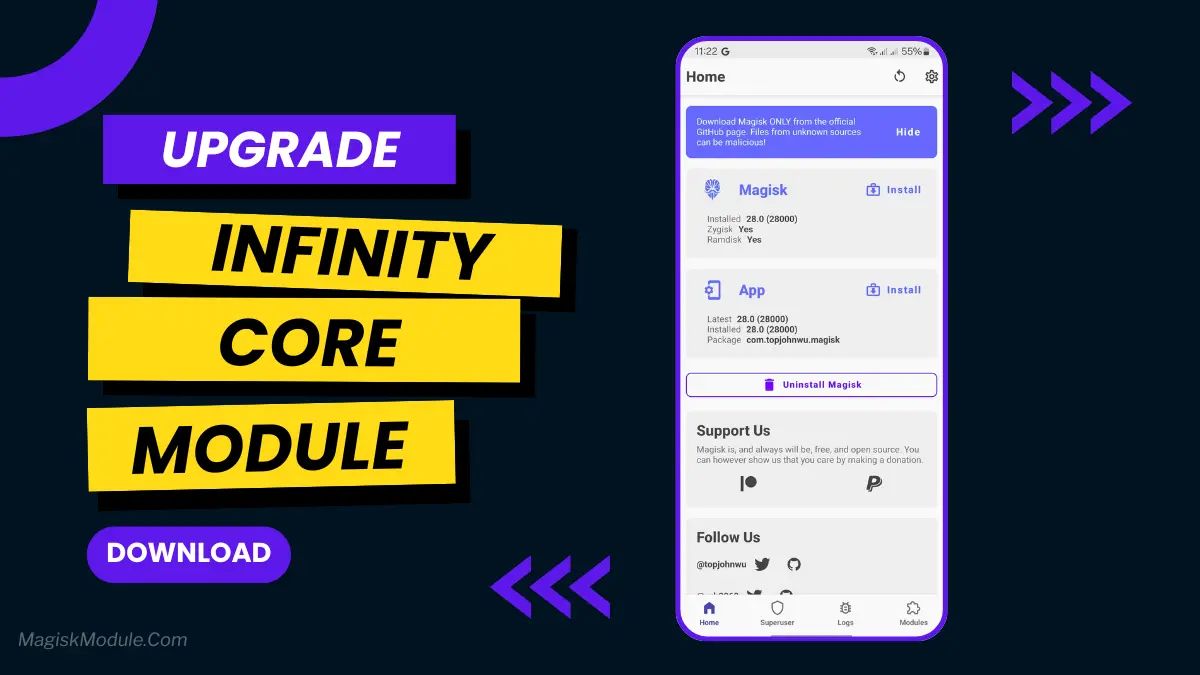
- Get the OpenSi Magisk Module zip file from below.
- Open the Magisk Manager app on your Android device.
- Navigate to the Modules section and tap on the ‘+’ icon to install a new module.
- Select the OpenSi Magisk Module zip file from your device’s storage.
- Wait for the installation process to complete and reboot your device.
- Once your device has restarted, the OpenSi Magisk Module will be installed and ready to use.
How to install via Brevent? [NO-ROOT]
How To Install For Nonroot:
Install: sh /sdcard/SuperSensi/apply.sh