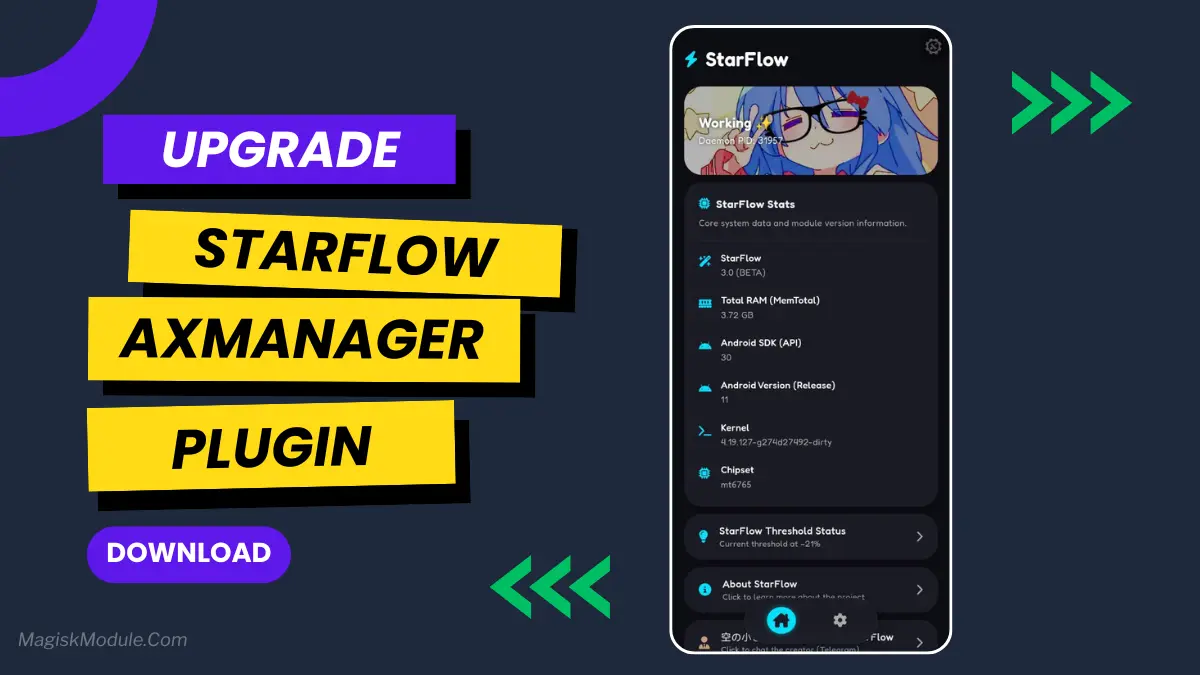
StarFlow Module Flash Via Magisk / AxManager
Developed by @@koneko_dev
StarFlow [Root]
How to Use Root Users?
-
Ensure Root Access: The first prerequisite is having root access via a custom recovery.
-
Install via Magisk Manager:
Open the Magisk Manager.
-
Tap on the “Modules” section.
-
Click “Install from Storage” and locate the geted file.
-
Confirm the installation and allow the module to apply the necessary changes.
-
Reboot Your Device: After installation,** reboot your device** & KSUWebUi Recommended to activate this.
How to Use Non-Root Users?
-
Active AxManager: First, you need to make sure it is active.
-
Install via AxManager:
Open the AxManager.
-
Tap on the “Plugin” section.
-
Click “Install from Storage” and locate the geted file.
-
Confirm the installation..
-
Reboot Your Device After installation.
Changelog
-Web Ui (The best)
-And freaking many Feature,fuck.. Just use it you will know
-Open source
-Axmanager Only
-Added Sf-lxte
A smart module that REALLY learns your charging and usage habits to automatically optimize and extend your phone’s battery life and performance.Without disabling any app or changing appops.