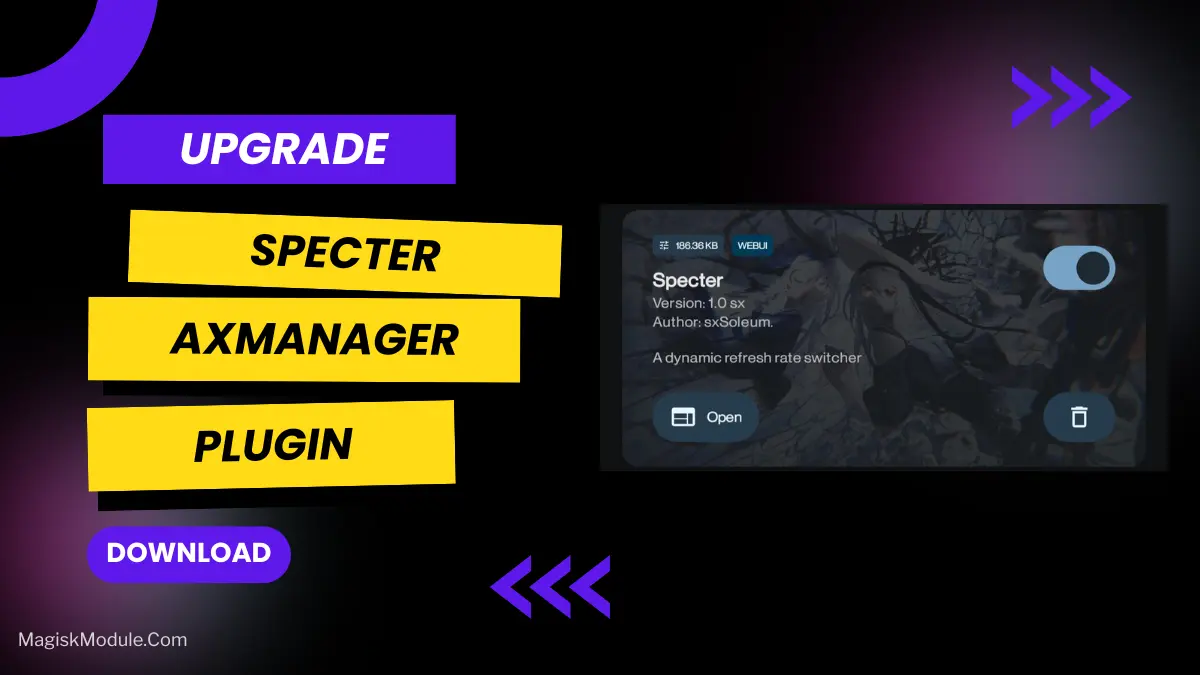
Specter AxManager Plugin
Developed by @@sxSoleum
**
AxManager
How to Use?**
-
Active AxManager: First, you need to make sure it is active.
-
Install via AxManager:
Open the AxManager.
-
Tap on the “Plugin” section.
-
Click “Install from Storage” and locate the geted file.
-
Confirm the installation..
-
Reboot Your Device After installation.
How to Active AxManager?
To use AxManager, you'll need to enable Developer Options on your device:
-
Turn on Wifi
-
Go to Settings > About Phone.
-
Tap Build Number seven times to unlock Developer Options.
-
Open the AxManager, Click “Need To Active”.
-
Enable Notification & Click Start Button.
-
Click Wireless debugging & Enable Wireless debugging.
-
Click Pair device with pairing code.
-
Click on "Enter Pairing Code" above and paste the WiFi pairing codes there.
The Specter AxManager Plugin is a display modification tool designed to manage and force constant screen refresh rates. It prevents unexpected Hz dips and stabilizes screen fluidity across both UI navigation and heavy gaming sessions.
I tested this on a mid-range phone that aggressively throttles screen frequency to save power, and the UI immediately felt less jittery. It forces the hardware to stop fighting itself, making scrolling consistently smooth, though you will predictably sacrifice some battery life for that visual stability.
-
Forces constant Hz to maintain a stable user interface instead of letting the system aggressively drop your frames.
-
Unlocked refresh rates on supported hardware, letting you actually hit that 90Hz or 120Hz target consistently.
-
Reduces gaming stutters by locking the display frequency during intense matches so gameplay feels grounded.
-
Sharper touch response makes your screen inputs register much faster without software delay.
-
Silky smooth scrolling across heavy social media apps that normally trigger annoying visual hiccups.
If your phone's software constantly throttles your high refresh rate display, this plugin is a necessary fix for power users. It trades a bit of battery life to guarantee your screen actually runs at its advertised maximum capability.
FAQ
Is the Specter plugin safe to use?
Generally, yes. It's a systemless AxManager module, so it doesn't permanently alter system files. But as with any mod, there's a small risk of bugs or conflicts.
Will it work on any phone?
No. It primarily works on devices with adaptive refresh rate screens (90Hz, 120Hz, etc.) and requires AxManager to be functioning correctly on your device.
Do I need root to use it?
Not necessarily. If you're using AxManager without root (via Shizuku), you can install it that way. Root is not a strict requirement.