
snispf.md
SNISPF is a root-level TCP forwarder and DPI-bypass tunnel for Android. It operates as a boot service to bypass Deep Packet Inspection via SNI-spoofing. The module alters outbound TLS requests, preventing middleboxes from reading the actual SNI destination.
I've been running this on my daily driver to punch through heavy network restrictions, and the raw packet injection method is incredibly effective. Since it runs entirely outside standard per-app VPNs as a root daemon, you can easily escape full-tunnel setups and bind directly to your physical WAN interface. The built-in WebUI also makes scanning for clean Cloudflare edges straightforward without messing with complicated terminal commands.
Screenshots
Core Features
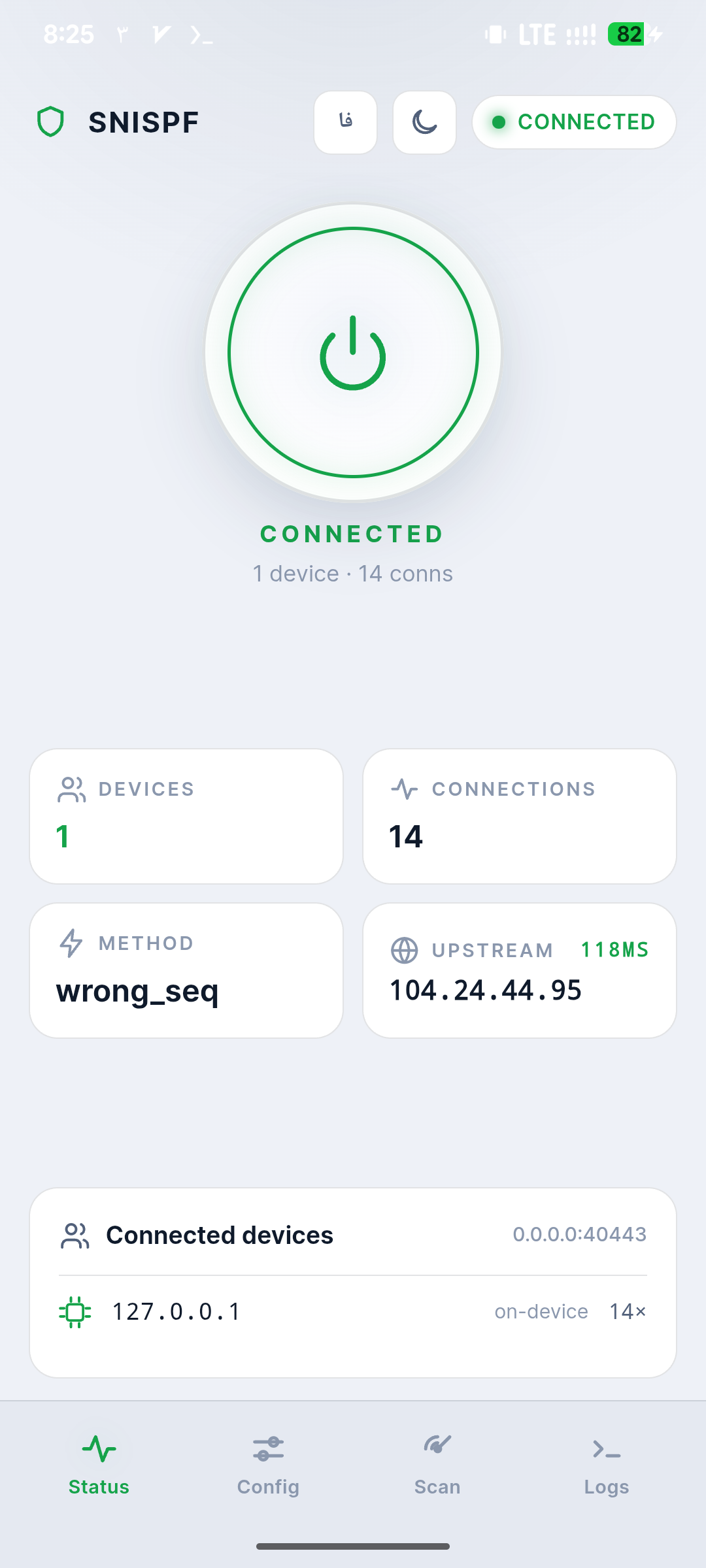
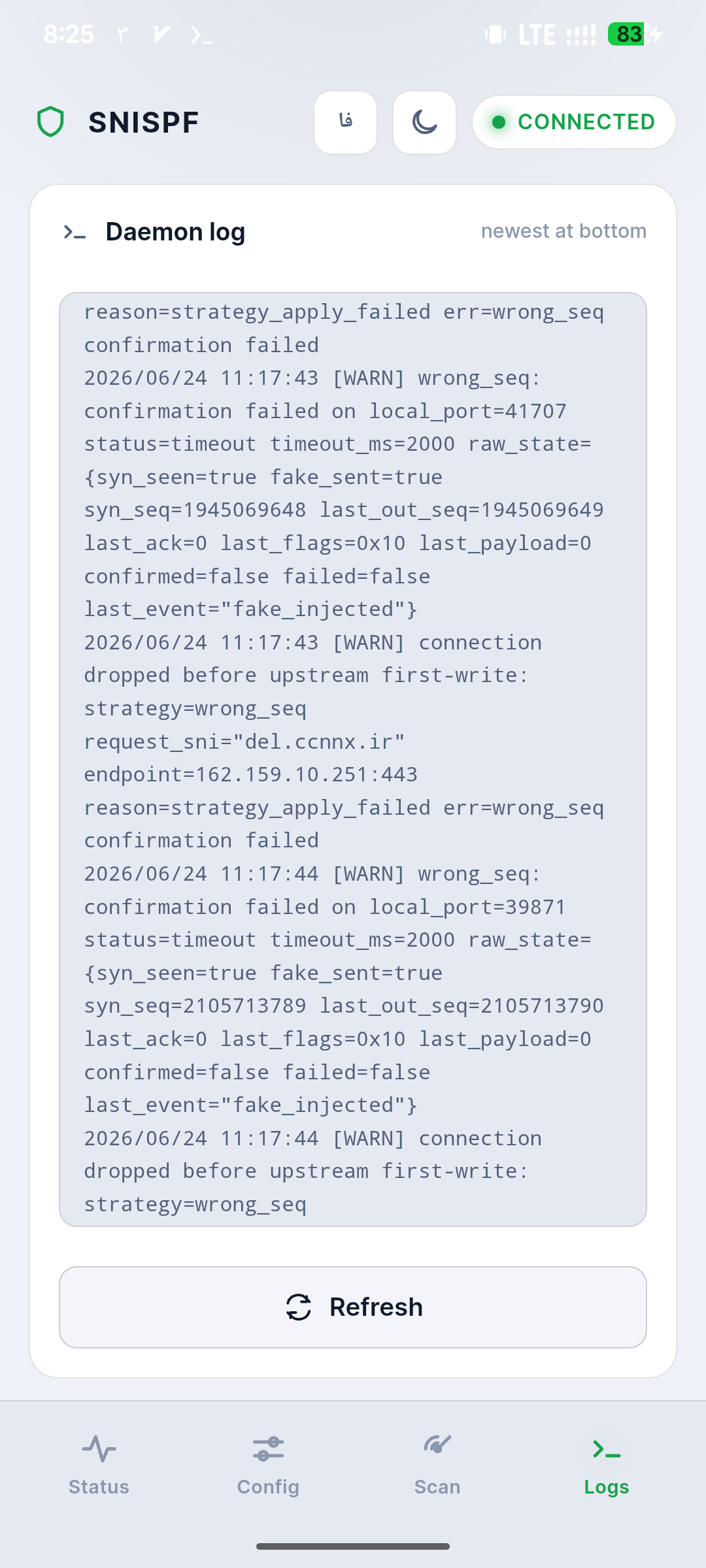
- Built-in WebUI: Accessible directly from your root manager, providing a dark-mode ready dashboard for live connection stats, configurations, and logs.
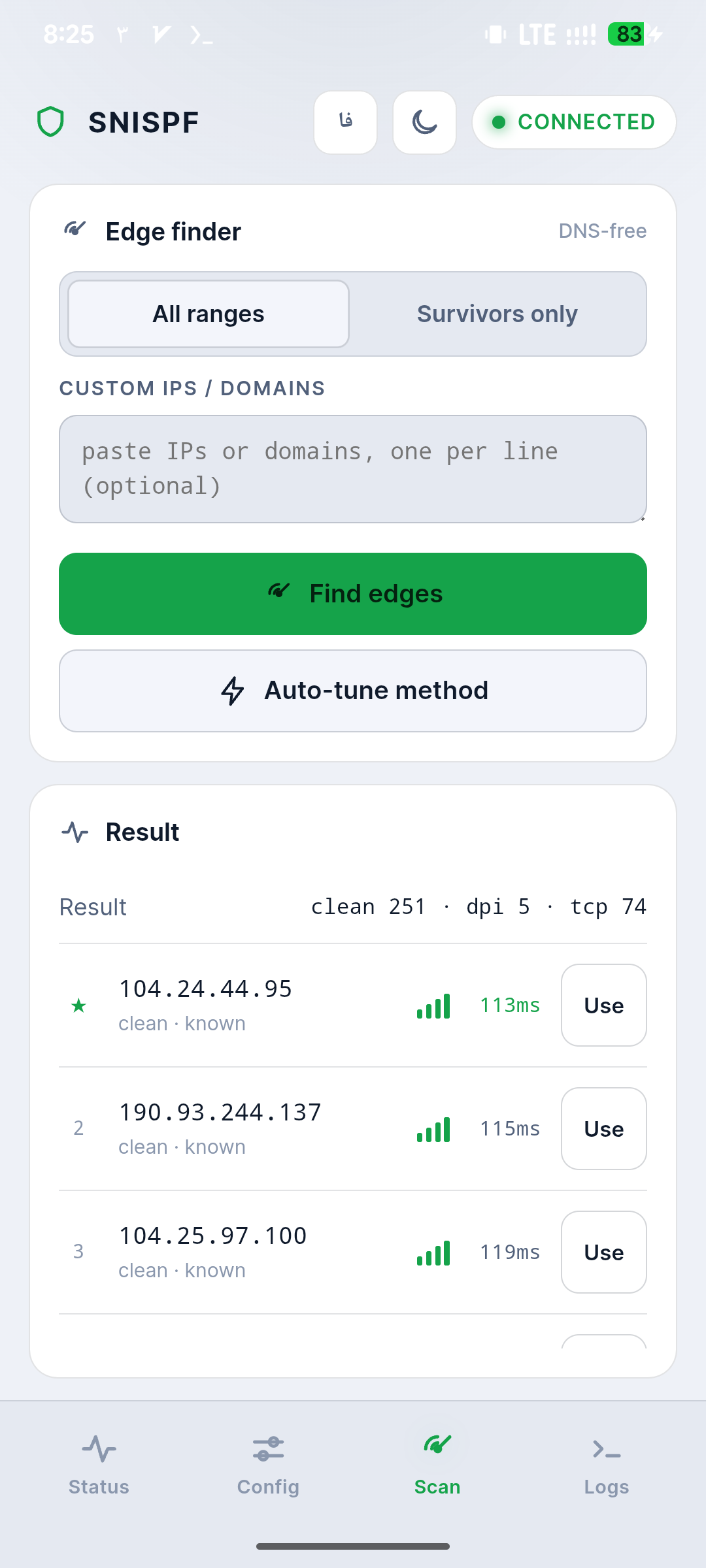
- Probes Cloudflare edges: The DNS-free scanner finds working nodes by checking IP ranges directly, bypassing completely hijacked local DNS setups.
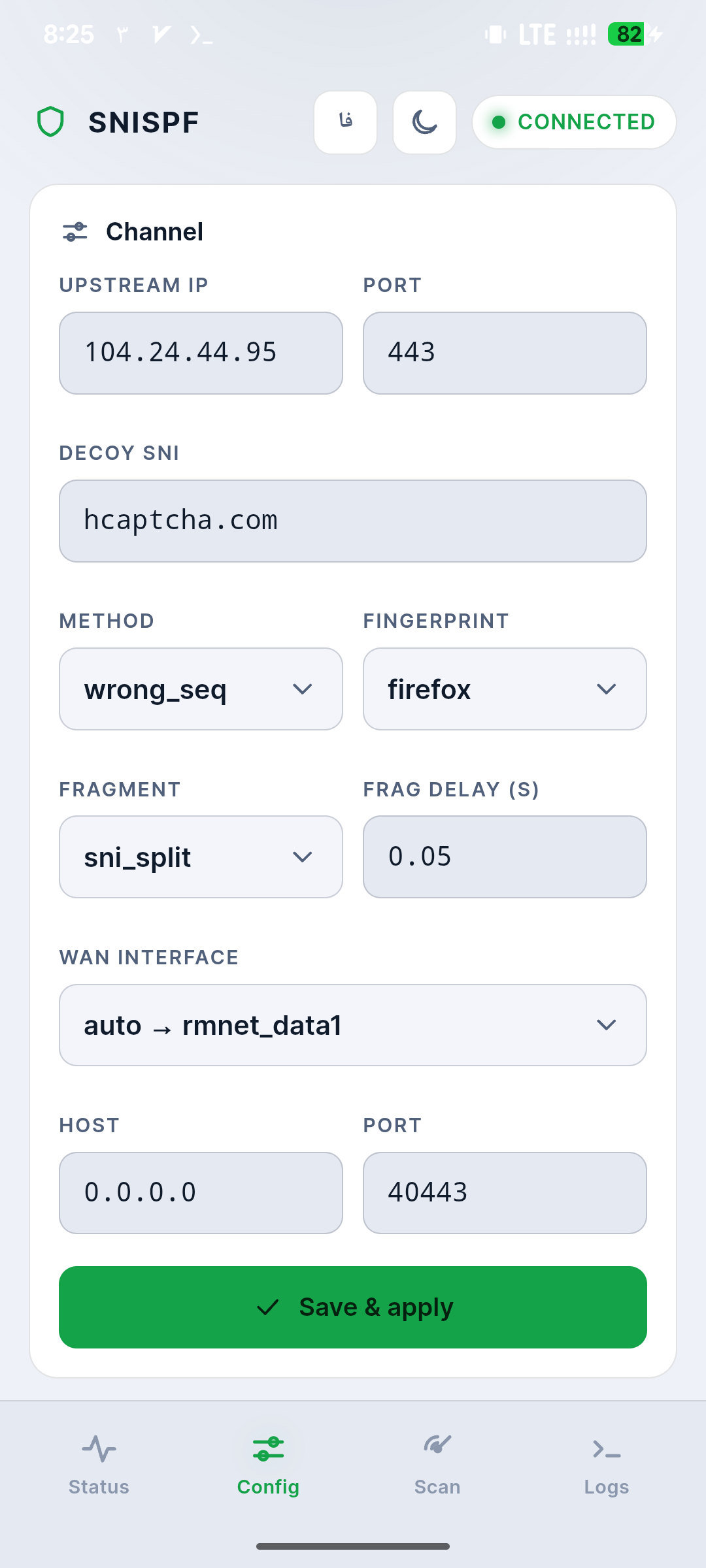
- Bypassing full-tunnel VPNs: Achieved automatically by setting the interface to
auto, which binds the raw injector straight to your physical WAN. - Advanced spoofing strategies: You get multiple options like
wrong_seqand browser fingerprinting to trick DPI middleboxes into seeing genuine Chrome or Firefox traffic.
Support & Requirements
- Supported Android Versions: Android 8.0 and above (arm/arm64)
- Root Requirement: Magisk, KernelSU, or APatch
How to Install
- Flash the downloaded SNISPF
.zipfile via Magisk, KernelSU, or APatch, then reboot your device. - Open your root manager, navigate to your installed Modules list, and tap the "Open" button on the SNISPF entry to launch the WebUI.
- Run a scan to find a reachable edge, start the tunnel from the main status orb, and point your client app to
127.0.0.1:40443.