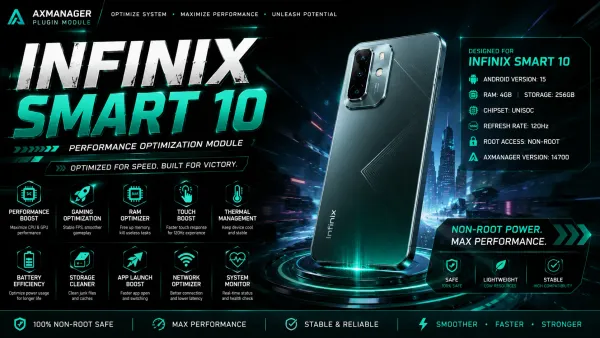
ShinzuFuries | Quantum Z
Developed by @Mastermodsengine
ShinzuFuries | Quantum Z is an advanced Android performance suite for AxManager. It enhances CPU speed, overall phone responsiveness, and gaming via a dedicated MOBA Mode using Wireless ADB without requiring root access or voiding your warranty.
Technical Details
Executed through AxManager's Wireless ADB environment, ShinzuFuries | Quantum Z applies system-level performance configurations directly through the Android shell without requiring root privileges. The suite targets both CPU processing and general phone responsiveness to maintain steady hardware output during daily tasks. Additionally, it features a specialized MOBA Mode engineered to prioritize device performance during multiplayer gaming sessions.
Core Features of ShinzuFuries | Quantum Z
- CPU Enhancement: Processor performance receives a direct boost through Wireless ADB commands to handle heavy workloads smoothly.
- Phone Performance: System-wide responsiveness improves across standard Android operations without needing a rooted kernel.
- MOBA Mode: Dedicated gaming configurations prioritize hardware stability and responsiveness for multiplayer battle arena titles.
- Non-Root Execution: Running the entire performance suite inside AxManager keeps your factory warranty intact and system partitions untouched.
Support & Requirements
Compatible with all modern Android operating systems for Non-Root Users: AxManager.
How to Install ShinzuFuries | Quantum Z
- Activate AxManager on your Android phone via Wireless ADB.
- Download the ShinzuFuries | Quantum Z
.zippackage to your device storage. - Open the AxManager app and go to the module menu.
- Flash the
.ziparchive to apply the CPU, phone performance, and MOBA Mode configurations.
Reviews (0)
No reviews yet. Be the first to review!