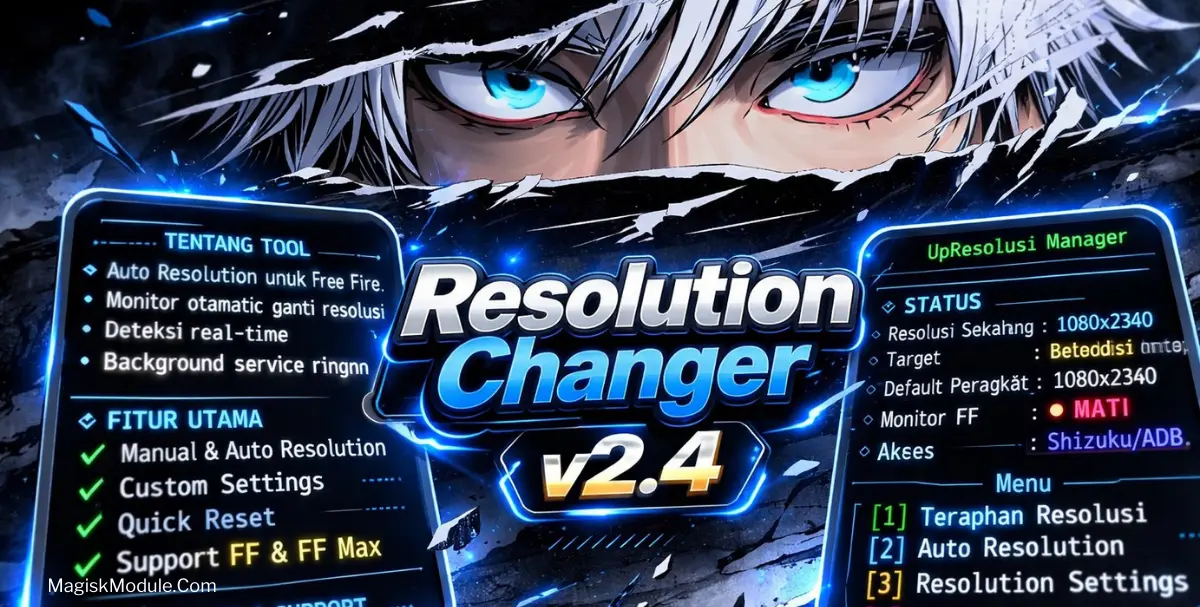
How to Install?
-
cd /sdcard/ResolutionChanger
-
su ( Root Only )
-
sh Run.sh
Let’s be real – there are some times when your screen is just completely sucking up battery life or when you’re trying to play a more resource-intensive game and it feels sluggish. Tweaking Android devices is one of my specialities and reducing the screen resolution is one of the simplest tweaks to increase performance.
If your device is rooted then you don’t need to sit in front of a PC to manage your Android. With a rooted Android you can manage your Android with Termux and from your phone itself using MT Manager app.
Lowering your screen resolution is probably one of the best ways to give your GPU a bit of a break. And as a result it can not only lead to a few extra frames in game but it can also lead to some very appreciated battery life. As we all know though, fiddling with terminal commands can be quite a hazardous business – and I’ve lost count of the amount of times I’ve had to endure a stretched, elongated screen due to a bit of a typo. But it’s really not necessary to risk such a bizarre and awful experience when you have a tool at your disposal that can do the job for you. Such as this nifty Resolution Changer app, for instance.
Features:
-
Set Resolution: You can input the custom screen dimensions you want to use.
-
Auto Resolution (FF/MAX): Too lazy to calculate it all out? Auto Resolution lets you switch between Full Field and MAX resolutions automatically to get the best viewing experience possible.
-
Reset: Use this button if your home screen icons turn into bland, blurry, oversized messes and you’re not sure how to fix it. It resets your screen to factory settings.
-
Resolution Monitor: Keep an eye on your current device resolution so you know when your modifications take affect.
-
System Tweaks: Advanced tools for further tweaking the system for optimal performance.
I’ve been doing this for a long time. Running a very simple bash script through the MT Manager or just typing it out on Termux is basically magic. On my very old and weak phone the phone used to heavily lag in very graphic games, now it handles them flawlessly. Mind you to enable the super user, by clicking on request, and accepting!