Are you tired of your default phone dialer? Want a better calling experience on your Android? The “Replace Google Dialer Magisk Module” can change everything. This article will show you how to install and use it to improve your phone calls.
3. Installing the Google Dialer Module
To install the Google Dialer Magisk Module, follow these steps:
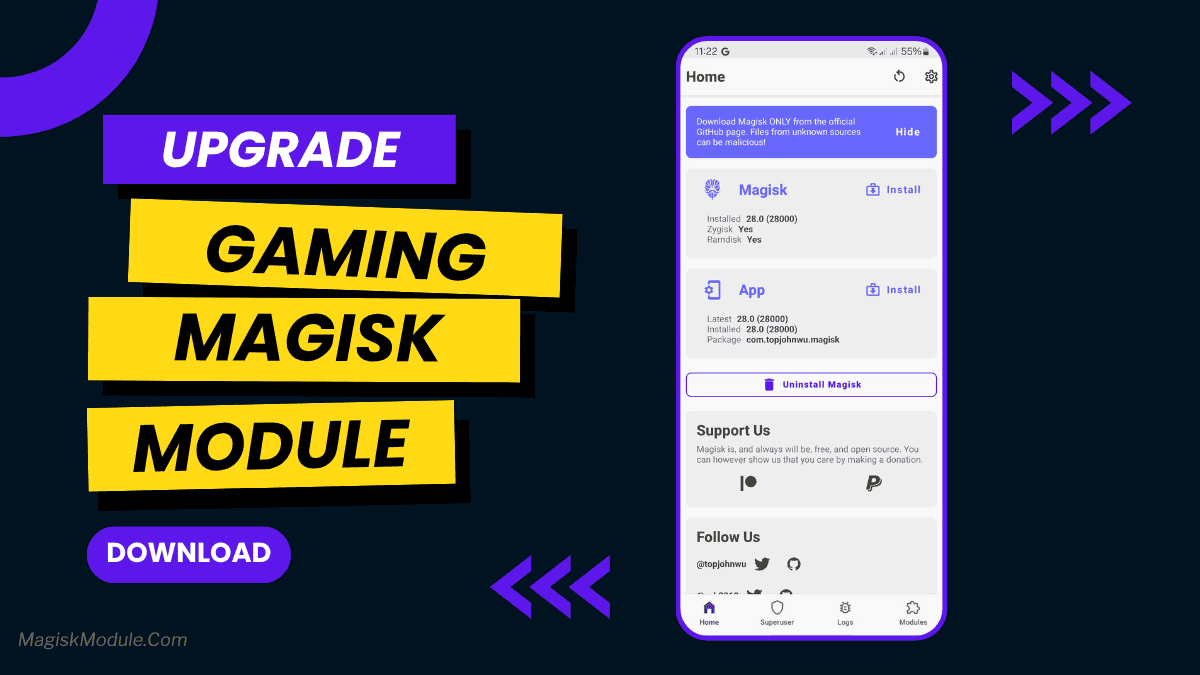
- 3.1 Make sure you have Magisk Manager on your Android device.
- 3.2 Get the Google Dialer Magisk Module ZIP file from a trusted source.
- 3.3 Open Magisk Manager and go to the Modules section.
- 3.4 Tap on the “+” button and choose the ZIP file.
- 3.5 After installation, reboot your device.
Get Link
5. Exploring Additional Features
The Google Dialer Magisk Module has more features to enhance your calling experience. Some notable features include:
5.1 Call Recording: You can record important calls or save memorable ones. The built-in call recording feature is handy.
5.2 Integration with Messaging Apps: The module makes it easy to switch between calls and messages. It’s convenient for communication.
5.3 Advanced Search and Filters: The dialer has advanced search and filtering options. These make finding calls or contacts easy and efficient.