Developer : @PersonPemula
Source : t.me/PersonOpSo
Thanks : @AzazilExe
Version : 2.0
Support : Root Only
Released : 03/04/2024
Feature:
- Best Kernel Settings
- Adreno Boost (Snapdragon)
- Mali Boost (Mediatek)
- Background Limiter
- Disable Logcat
- And Many Others
Installation Process
- **Get the module zip file from our site.
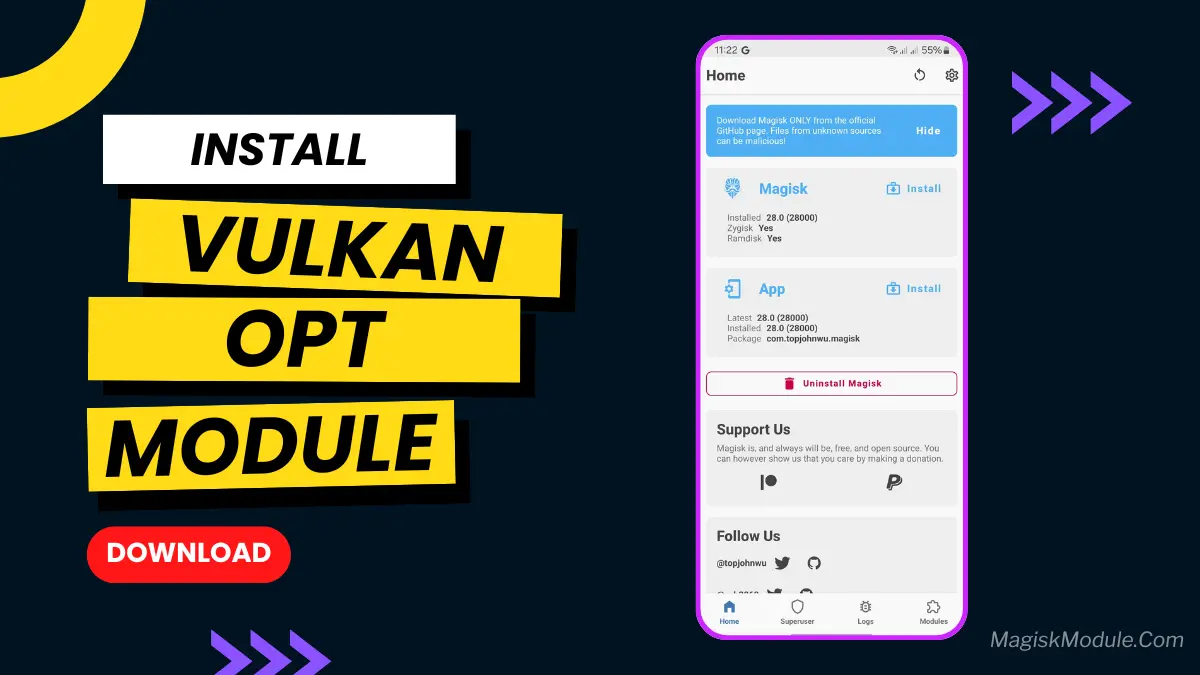
- **Open the Magisk Manager app on your device.
- **Tap on the menu icon and select “Modules.”
- **Tap on the yellow “+” button to add a new module.
- **Navigate to the location where your the module zip file and select it.
- **Wait for the installation process to complete and then reboot your device.
- **Once rebooted, open the Magisk Manager app again and check if the module is listed under “Installed Modules.”