| File Name | Phantom Driver |
|---|---|
| Size | 5.8KB |
| Version | v5.1 |
| Category | Shell Script |
| Android Requirement | + 6.0 |
| Published By | Gailo Willy |
| Rating | 4.9 / 5 |
| Install Via | Brevent/ Qute / Termux |
Get Link
How to Use Non Rooted Phone?
Required Brevent App
- Get the Brevent app or Qute App from the google play store.
- Install the app on your device.
How to setup Brevent app or Qute App on your device
To use Brevent, you’ll need to enable Developer Options on your device:
- Turn on Wifi
- Go to Brevent App
- Tab on Developer Option
- Tap on
- Go to Settings > About Phone.
- Tap Build Number seven times to unlock Developer Options.
- Navigate to Settings > Developer Options and enable USB Debugging.
- Enable Wireless debugging from Developer Option.
- Then again goto the brevent app or Qute App and tap on wireless
debugging port. - Split Screen 1.Developer Option and 2.Brevent app or Qute App
- Goto Wireless debugging and tap on Pair device with pairing code from Developer Option..
- Copy the wifi paired code.
- Put the wireless pairing code in Brevent app and tap on wireless pair
- [Tutorial For Setup Brevent]
How to install the module?
- Download the module on your android.
- Open the Zarchiver app
- Extract the downloaded zip file and Copy folder into your internal storage (e.g. /sdcard/folder).
- Go to Brevent or QUTE app and tap on Exec command from left site.
- Command: Now put on the installation command.
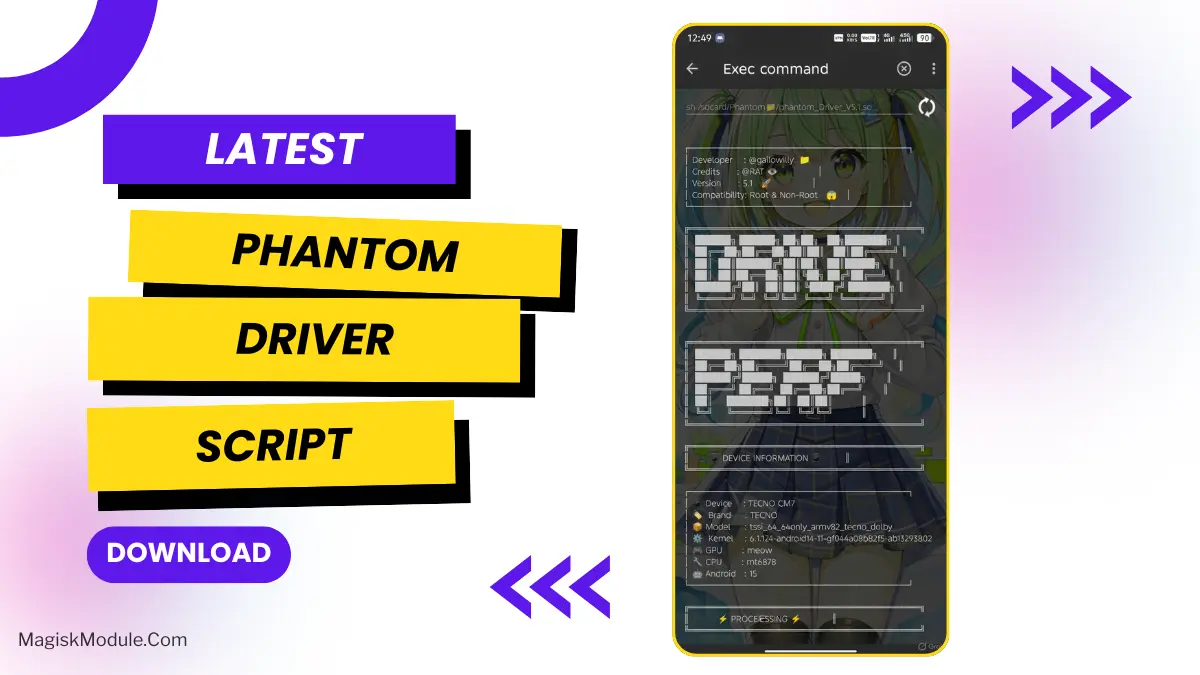
🎮 PHANTOM DRIVER V5.1 – Installation Guide
📋 Quick Start Commands
Run ONE of these commands based on where you saved the file:
🔹 Option 1 – Downloads Folder
sh /sdcard/Download/phantom_Driver_V5.1.so
🔹 Option 2 – Phantom Folder in Downloads
sh /sdcard/Download/Phantom📁/phantom_Driver_V5.1.so
🔹 Option 3 – Phantom Folder in SD Root/NON-ROOT
sh /sdcard/Phantom📁/phantom_Driver_V5.1.so
🔹 Option 4 – SD Card Root/NON-ROOT
sh /sdcard/phantom_Driver_V5.1.so
╔═══════════════════════════════════════════════════╗
║ 🎮 DRIVER PERF TOOL V5.1 🎮 ║
║ ⚡ Ultimate Android Gaming Optimizer ⚡ ║
╚═══════════════════════════════════════════════════╝
📱 DESCRIPTION:
Advanced performance optimization script that supercharges
your Android gaming experience through intelligent tweaks:
✨ KEY FEATURES:
• 🎯 GPU Driver Force Enable & Optimization
• 🖥️ 144Hz Refresh Rate Maximization
• 🔥 Thermal Throttling Disable
• ⚙️ CPU/GPU Performance Boost
• 🎨 Hardware Rendering Enhancement
• 🎮 Game Mode Optimization
• 📊 Memory & Cache Management
🎯 OPTIMIZED FOR:
Free Fire • CODM • ML • Genshin Impact • PUBG • Roblox
Minecraft • Farlight 84 • FIFA Mobile & More!
⚡ COMPATIBILITY:
✅ Root & Non-Root Devices
✅ All Android Versions
✅ MediaTek | Qualcomm | Exynos
👨💻 DEVELOPED BY: @gailowilly
🙏 CREDITS: @RAT
🚀 VERSION: 5.1
⚠️ IMPORTANT: Do not reboot after installation!
╔═══════════════════════════════════════════════════╗
║ 💯 ENJOY SMOOTH, LAG-FREE GAMING! 💯 ║
╚═══════════════════════════════════════════════════╝