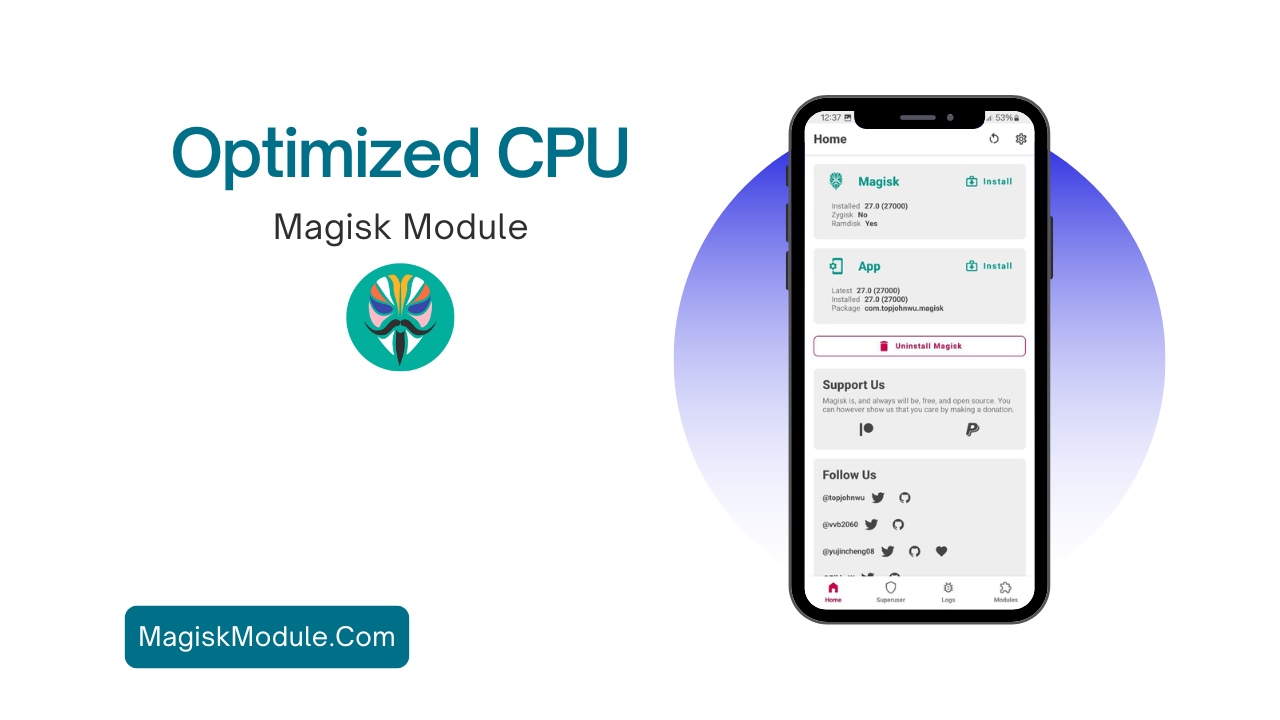
How to Install the Optimized CPU Management?
Installing the Memory Magisk Module is straightforward, provided you have Magisk Manager set up. Here’s a simple step-by-step process:
- Get the Module:
- Visit the link button and get the Optimized CPU Magisk Module zip file.
- Open Magisk Manager:
- Launch the Magisk Manager app and navigate to the Modules section.
- Install the Zip File:
- Tap on the “+” button to add a module, and select the zip file. The installation will commence automatically.
- Reboot Your Device:
- After installation, reboot your device for the changes to take effect.