| File Name | Ultra |
|---|---|
| Size | 12KB |
| Version | v3.0 |
| Category | No Root |
| Android requirement | + 6.0 |
| Published By | Willy Gailo |
| Rating | 4.9 / 5 |
| Flash Via | Brevent/Qute |
Get Link
Step-by-Step Installation:
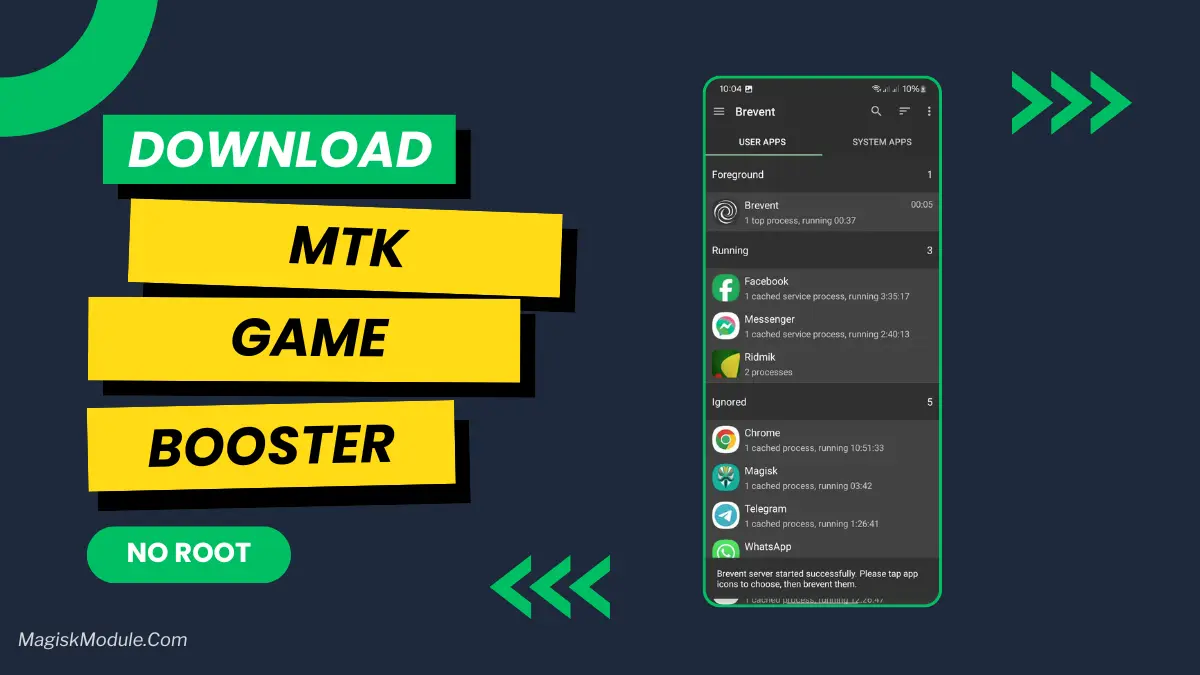
Required Brevent App
- Get the Brevent app or Qute App from the google play store.
- Install the app on your device.
How to setup Brevent app or Qute App on your device
To use Brevent, you’ll need to enable Developer Options on your device:
- Turn on Wifi
- Go to Brevent App
- Tab on Developer Option
- Tap on
- Go to Settings > About Phone.
- Tap Build Number seven times to unlock Developer Options.
- Navigate to Settings > Developer Options and enable USB Debugging.
- Enable Wireless debugging from Developer Option.
- Then again goto the brevent app or Qute App and tap on wireless
debugging port. - Split Screen 1.Developer Option and 2.Brevent app or Qute App
- Goto Wireless debugging and tap on Pair device with pairing code from Developer Option..
- Copy the wifi paired code.
- Put the wireless pairing code in Brevent app and tap on wireless pair
- [Tutorial For Setup Brevent]
How to install the module?
- Download the module on your android.
- Open the Zarchiver app
- Extract the downloaded zip file and put the folder on internal storage.
- Go to Brevent or QUTE app and tap on Exec command from left site.
- Command: Now put on the installation command.
Installing Command
sh /sdcard/Ultra-main/Ultra_Max_Game.shUninstall Command
Get the command txt inside the downloaded zip fileFeatures
🎮 Game Mode Boost
✔ Forces Game Mode ON
✔ Blocks background lags
✔ Focused GPU/CPU usage
📶 Network & WiFi Tweaks
✔ TCP buffer optimization (Magisk-style)
✔ Ping keepalive for stable connection
✔ Disable aggressive WiFi scanning
📱 Display Refresh Rate
✔ Auto-detects supported Hz
✔ Locks to 120Hz / 144Hz / 165Hz (best detected)
✔ Smoother animations & gameplay
🔋 Battery & Power Management
✔ Performance profile ON
✔ Disable Doze & low-power throttling
✔ Thermal tweaks (best effort)
⚙️ Dalvik / ART Optimizations
✔ JIT enabled
✔ Heap tuned for smooth multitasking
✔ Better memory utilization
🎨 GPU & Renderer Hints
✔ Force GPU rendering
✔ Enable OpenGL/Vulkan boost
✔ Vendor graphics performance ON
🖥 CPU/GPU Clock Requests (Best-Effort)
✔ Attempts max governor & freq
✔ Non-root limit: kernel-level tweaks may be ignored
⚡ UI & System Enhancements
✔ Disable animations for faster response
✔ Keep launcher locked in memory
✔ 100% JPEG quality tweak
Smooth gameplay, higher FPS, lower lag spikes, and better gaming experience — all without root (for MTK only).
Support Me
Kung gusto nyo ako suportahan, kahit pang-kape lang:
GCash: 09703092060 – Willy Gailo