| File Name | No Limit Fps |
|---|---|
| Size | 12KB |
| Version | v5.0 |
| Category | Gaming |
| Android requirement | + 6.0 |
| Published By | @LIMITGAMINGREAL |
| Rating | 4.9 / 5 |
| Price | Free |
Get Link
Step-by-Step Installation:
- Ensure Root Access: The first prerequisite is having root access via a custom recovery.
- Install via Magisk Manager:
- Open the Magisk Manager.
- Tap on the “Modules” section.
- Click “Install from Storage” and locate the geted file.
- Confirm the installation and allow the module to apply the necessary changes.
- Reboot Your Device: After installation, reboot your device to activate the module.
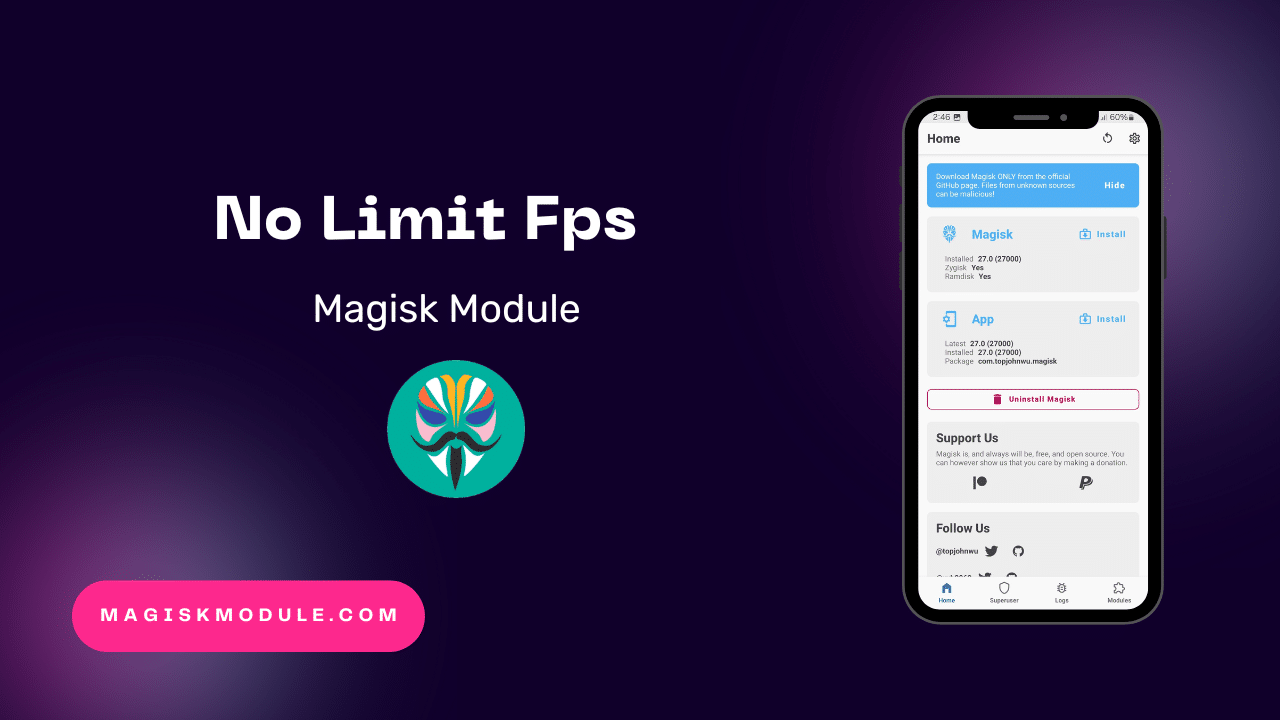
Are you a mobile gamer looking to get the most out of your device? The No Limit Fps Magisk Module is here to help. It’s a powerful tool that boosts your gaming experience. It lets you play games without the usual frame rate limits, making your games smoother and more fun.
With this module, your device can perform at its best. It’s perfect for any game, whether it’s a fast-paced action game or a competitive title. Say goodbye to lag and frame rate drops, and hello to a better gaming experience.
Ready to take your mobile gaming to the next level? The No Limit Fps Magisk Module is your key. It ensures your device runs at its top performance. Enjoy your games without interruptions, and experience the thrill of high-intensity play.