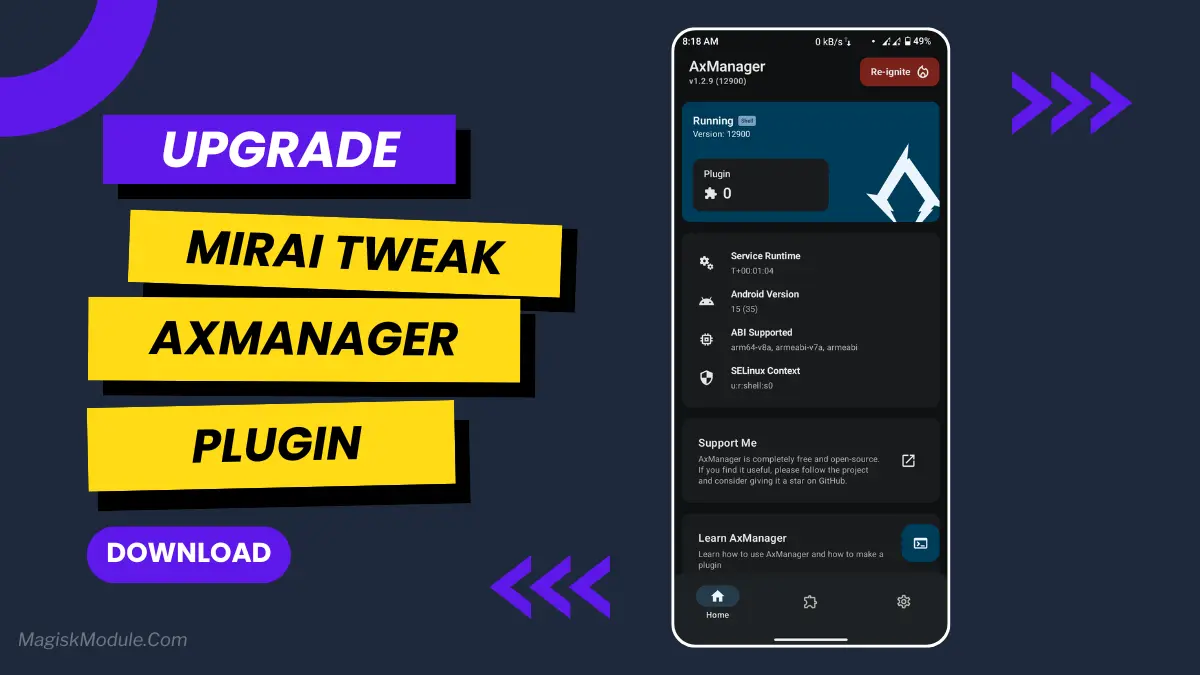
Mirai Tweak Plugin (Install Via AxManager)
Developed by @@abcdefinzz
**
AxManager
How to use?**
-
Active AxManager: First, you need to make sure it is active.
-
Install via AxManager:
Open the AxManager.
-
Tap on the “Plugin” section.
-
Click “Install from Storage” and locate the geted file.
-
Confirm the installation..
-
Reboot Your Device After installation.
How to Active AxManager?
To use AxManager, you'll need to enable Developer Options on your device:
-
Turn on Wifi
-
Go to Settings > About Phone.
-
Tap Build Number seven times to unlock Developer Options.
-
Open the AxManager, Click “Need To Active”.
-
Enable Notification & Click Start Button.
-
Click Wireless debugging & Enable Wireless debugging.
-
Click Pair device with pairing code.
-
Click on "Enter Pairing Code" above and paste the WiFi pairing codes there.
Okay, I’ll be honest—I was about to throw my phone across the room. Every time I got into a crucial ranked match, it would stutter. That split-second lag was the difference between a win and a defeat screen. A buddy of mine, who's just as serious about mobile gaming, told me to try the Mirai Tweak. I was skeptical, but let me tell you, it’s honestly a game-saver.
This plugin feels like it gives your phone a secret gaming mode it should have had all along. It doesn’t just tweak a single setting; it optimizes the whole system so you can finally play without fighting your own device.
Features
-
Boosts gaming performance dramatically. Everything just feels faster and more responsive from the moment you start.
-
Virtually eliminates lag and those annoying frame drops. Say goodbye to stuttering during intense fights.
-
Optimizes your CPU and GPU to work together. This is what makes gameplay feel so incredibly smooth.
-
Improves touch response massively. It feels like your taps and swipes register instantly—you’ll feel like you have faster reflexes.
-
Enhances battery efficiency while you play. It helps you game longer without your battery plummeting.
-
Automatically clears out background apps. This frees up precious RAM so your game gets every resource it needs.
-
Minimizes overheating during long sessions. Your phone stays cooler, which means performance stays high.
-
Delivers seriously faster loading times. You’ll get into your games before your friends do.
If you’re serious about mobile gaming, this is one of those must-try tweaks. It turns a frustrating experience into a genuinely smooth one.