| File Name | Kyomi Render OPT |
|---|---|
| Size | 70KB |
| Version | v3.0 |
| Category | Magisk Modules |
| Android requirement | + 6.0 |
| Published By | @rowjikk @kyumi.komi |
| Rating | 4.9 / 5 |
| Install Via | Magisk / KSU / Apatch |
Get Link
Step-by-Step Installation:
- Ensure Root Access: The first prerequisite is having root access via a custom recovery.
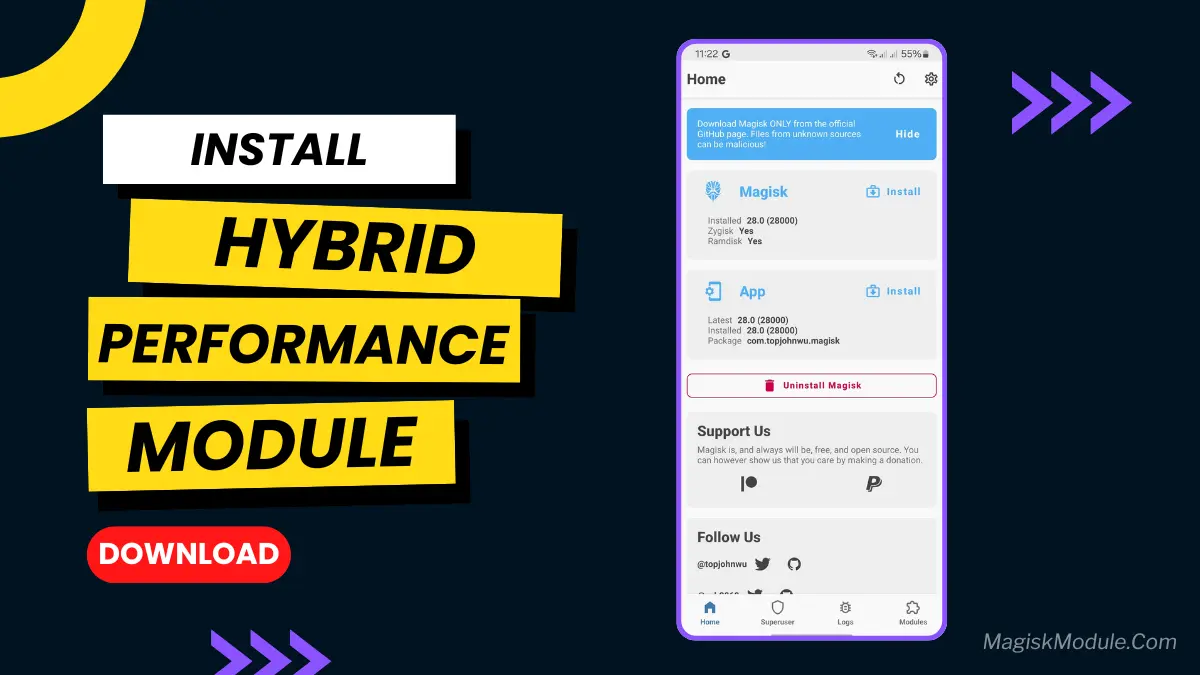
- Install via Magisk Manager:
- Open the Magisk Manager.
- Tap on the “Modules” section.
- Click “Install from Storage” and locate the geted file.
- Confirm the installation and allow the module to apply the necessary changes.
- Reboot Your Device: After installation, reboot your device to activate the module.
Ever notice your phone stuttering when you’re just scrolling through your social media feed? Or how about a little lag when you switch between apps? I used to get that all the time, and it drove me nuts. It’s like the phone just can’t keep up with your fingers.
That’s where the Kyomi Render OPT Magisk module comes in. I decided to give it a shot on a whim, and the difference was honestly night and day. It doesn’t add crazy features; it just fixes the stuff that should’ve been smooth from the start.
Features
- Say Goodbye to Stutters
- Faster Gaming
- Slicker Animations
- Better Battery on Demands
- It’s Lightweight and Simple