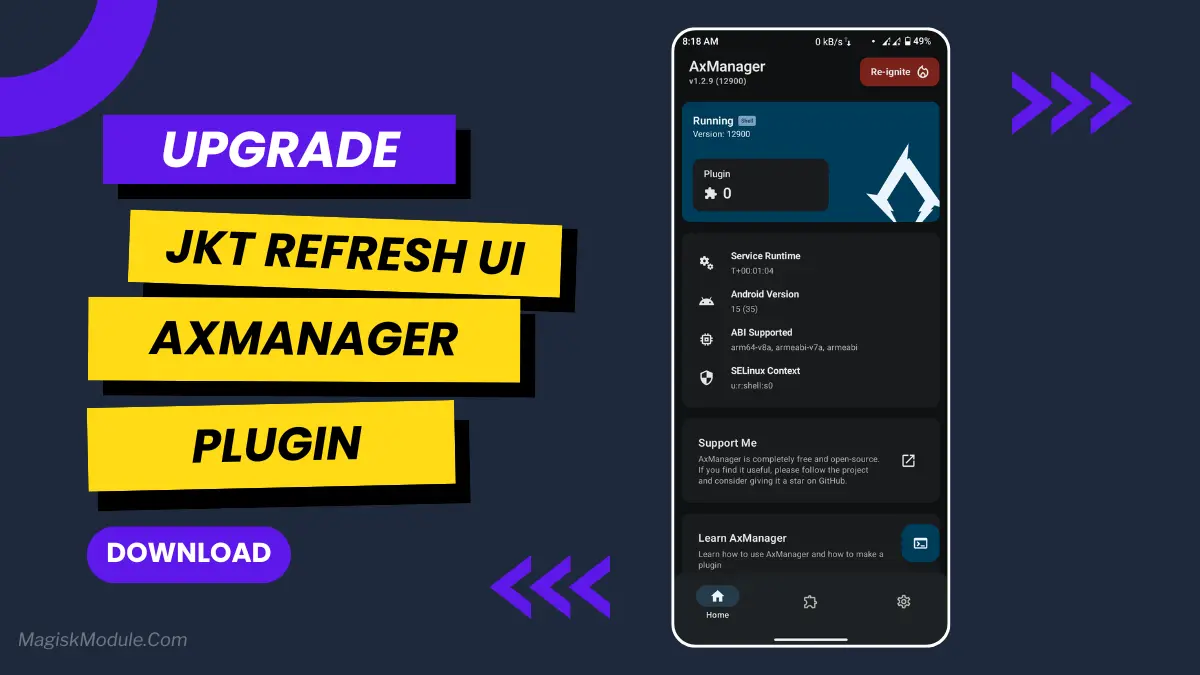
Jkt Refresh Ui Plugin Install Via AxManager
Developed by @𝗘𝗥𝗜𝗡𝗘 ᔰᗱᗱ
simple refreshbuUi , click button action for refresh, dex2oat enhance
**
AxManager
How to Use?**
-
Active AxManager: First, you need to make sure it is active.
-
Install via AxManager:
Open the AxManager.
-
Tap on the “Plugin” section.
-
Click “Install from Storage” and locate the geted file.
-
Confirm the installation..
-
Reboot Your Device After installation.
How to Active AxManager?
To use AxManager, you'll need to enable Developer Options on your device:
-
Turn on Wifi
-
Go to Settings > About Phone.
-
Tap Build Number seven times to unlock Developer Options.
-
Open the AxManager, Click “Need To Active”.
-
Enable Notification & Click Start Button.
-
Click Wireless debugging & Enable Wireless debugging.
-
Click Pair device with pairing code.
-
Click on "Enter Pairing Code" above and paste the WiFi pairing codes there.
Revitalize your interface instantly with the Jkt Refresh UI Plugin. Install via AxManager for one-tap UI refreshes and enhanced dex2oat performance, delivering a noticeably smoother and more responsive system.