| App Name | File Manager |
|---|---|
| Size | 26.86MB |
| Version | LION-8.0.1.4 |
| Category | Ported App |
| Android requirement | + 6.0 |
| Published By | @AndroidPortWorld |
| Rating | 4.9 / 5 |
| Supported | All Android |
Get Link
Step-by-Step Installation
- How To Install:
- Enable “Unknown sources” in your device’s settings
- Open your device’s file manager
- Find the APK file
- Tap the APK file to install the app
- Confirm the installation
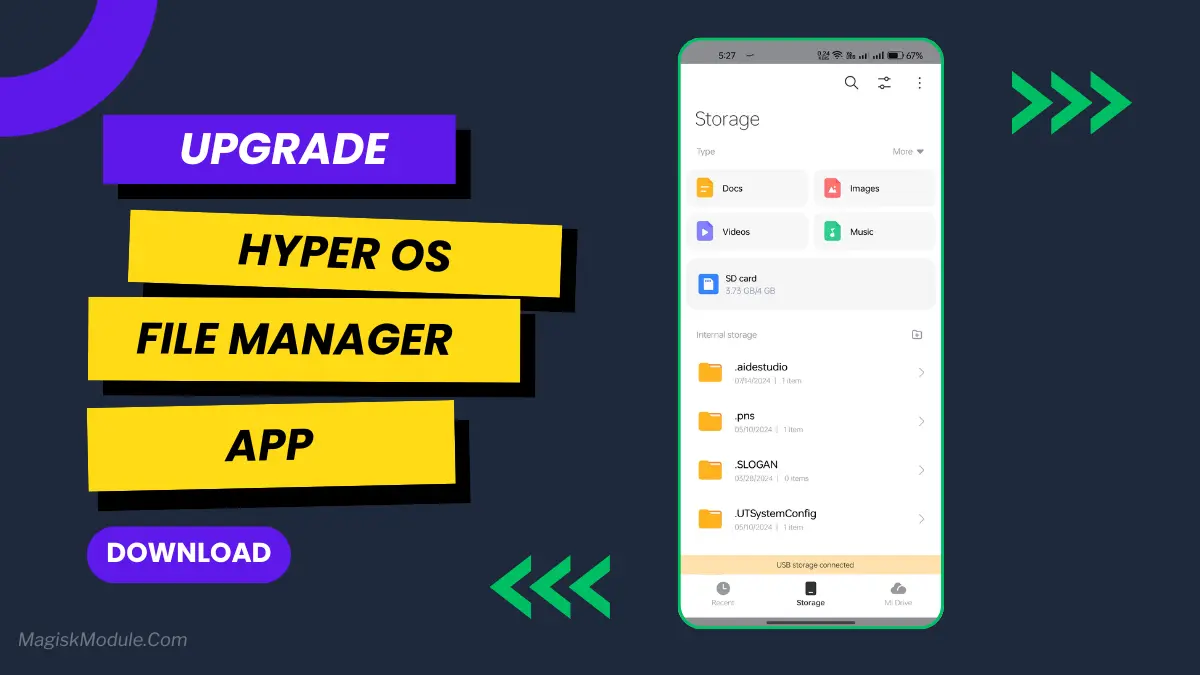
Tired of that clunky, slow file manager that came with your phone? Yeah, me too. That’s why finding this ported HyperOS File Manager felt like a breath of fresh air. It’s not just another app; it’s the slick organizational tool your phone has been missing.
Features
- Blazing Fast Browsing: It just flies. Scrolling through thousands of photos or documents is suddenly smooth and instant. No more frustrating lag.
- Find Files in a Search: The search function is so quick, it pulls up even the most buried files in seconds.
- Clean & Intuitive Interface: The HyperOS design is clean, logical, and just a pleasure to use every day.
- Effortless File Transfers: Moving files between folders or to a new SD card is drag-and-drop simple.
- No More App Hopping: You can view photos, watch videos, and read documents right inside the app. It saves you so much time.
- Free Up Space Instantly: The storage analyzer is a lifesaver. It quickly found a gigabyte of duplicate memes I’d totally forgotten about!
- Handle Any Archive: Dealing with ZIP or RAR files? No problem. You can open and create them without needing a separate app.
- Easy on the Eyes: The dark mode is perfect for late-night file management, and you can tweak the look to suit your style.
It genuinely feels like an upgrade for your entire phone. If you’re looking to take control of your files without the headache, this is the tool you need.