GxPride AxManager Plugin You Should Try in 2026 logo

GxPride AxManager Plugin You Should Try in 2026

0.0(0 reviews)
By@ReiiEja
Open Source
Downloads
135
Version
v2.1.8
Size
316KB
Updated
5 Jul 2026

Module Overview

**

AxManager

How to Use?**

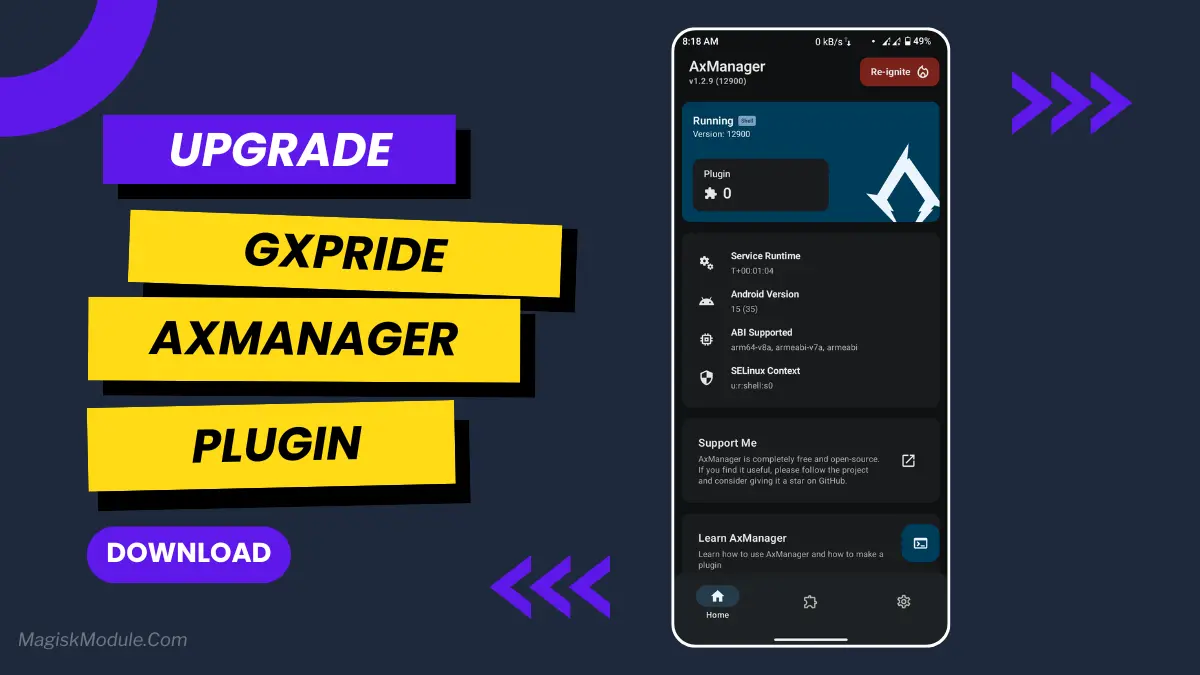
  • Active AxManager: First, you need to make sure it is active.

  • Install via AxManager:

Open the AxManager.

  • Tap on the “Plugin” section.

  • Click “Install from Storage” and locate the geted file.

  • Confirm the installation..

  • Reboot Your Device After installation.

How to Active AxManager?

To use AxManager, you'll need to enable Developer Options on your device:

  • Turn on Wifi

  • Go to Settings > About Phone.

  • Tap Build Number seven times to unlock Developer Options.

  • Open the AxManager, Click “Need To Active”.

  • Enable Notification & Click Start Button.

  • Click Wireless debugging & Enable Wireless debugging.

  • Click Pair device with pairing code.

  • Click on "Enter Pairing Code" above and paste the WiFi pairing codes there.

Stuttering at the edge of completion of a challenging level of a game is the bane of my existence. On my phone, this game would always stutter at the worse possible moments until I downloaded the GxPride plugin. Since then the game has run smoothly as can be expected.

xCleaningPro is a nifty little tool that will manage to keep your phone clean and optimize the graphics. For playing games quickly and smoothly without having to change lots of settings, this is the right tool for you.

Features

  • Smart Cache Cleaner (ACC): ACC works silently in the background to free up system resources, eliminating unnecessary clutter to speed up your system.

  • Stabilizes FPS for improved gameplay performance. Removes frame dips for a buttery-smooth experience.

  • Provides enhanced graphics rendering for a better gaming experience.

  • Reduces background processing. Phone is optimized for whatever you are doing now, not running older applications in the background.

  • Enhances overall gaming speed and responsiveness.

  • Provides powerful performance control without technical complications.

  • Automatically Optimizes System Resources No programming is required - it just sits there and does its job in the background.

  • UI looks better with smoother scrolling. Navigating through your phone becomes much smoother.

This is very easy to install. I am not really sure how it works, but it makes my phone feel much better.


Rate this Module

Share your experience with the community.

* You will be prompted to login via Google in one click to verify your rating.

You May Also Like

リナ Ram Tweak AxManager Plugin You Should Try in 2026 logo

リナ Ram Tweak AxManager Plugin You Should Try in 2026

@@axmerine
vFinal50
Ram Compaction Module You Should Try in 2026 logo

Ram Compaction Module You Should Try in 2026

@Kzyoo
v1.7181
Star Tweak AxManager Module You Should Try in 2026 logo

Star Tweak AxManager Module You Should Try in 2026

@@koneko_dev / @dcx400
v0.282