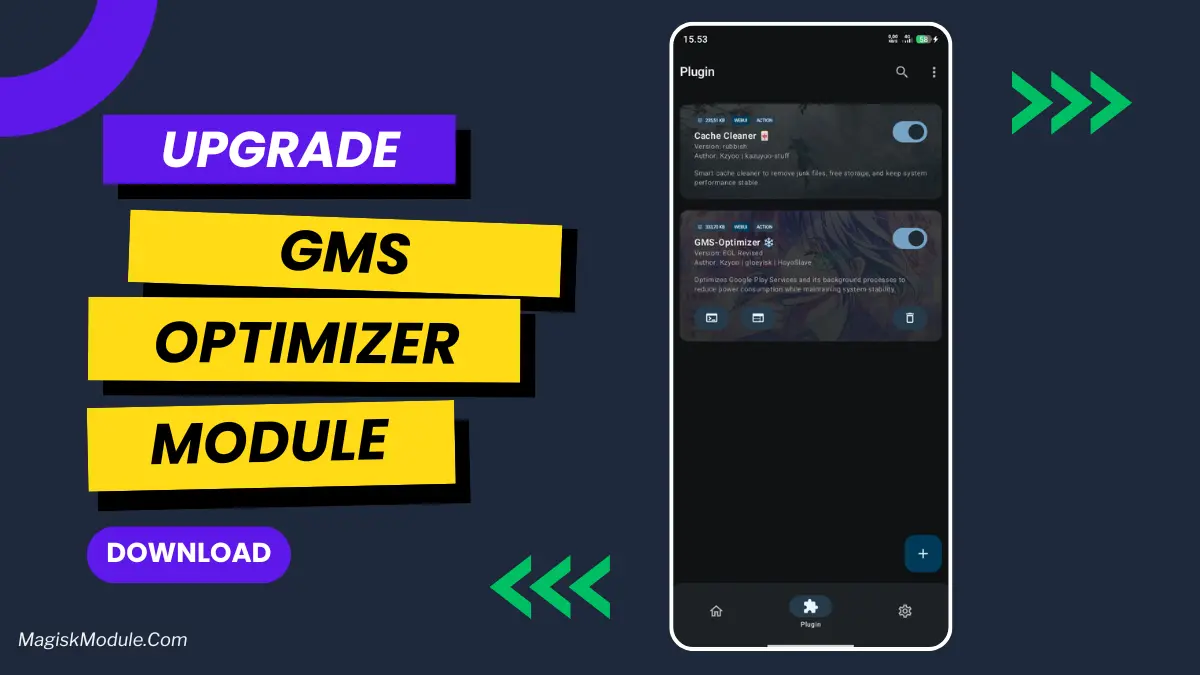
gms-optimizer.md
The GMS Optimizer AxManager Plugin is a background management tool designed to restrict Google Mobile Services. It limits battery-draining processes and network permissions for GMS packages, ensuring stable system performance while keeping idle power consumption under tight control.
I immediately noticed my phone running cooler while sitting idle on my desk. Under the hood, this plugin forces strict hibernation and reins in rogue background jobs that typically drain the battery. You will find that daily standby time improves significantly without breaking your basic services.
Core Features
- Smart session locks are built into the boot sequence to stop tweaks from applying more than once.
- Upgraded JobScheduler management directly handles canceling, stopping, and timing out stubborn background tasks.
- Network restriction support blocks unnecessary data access by actively blacklisting the GMS UID.
- Original permission mapping dynamically assigns appops for Google packages based on their native requirements.
Support & Requirements
- Supported Type: AxManager (Non-Root)
- Android Version: Android 10 and newer
How to Install
- Open the AxManager application on your device.
- Navigate to the Plugin menu and select the option to add a new module.
- Choose the downloaded GMS Optimizer .zip file from your internal storage to flash it.