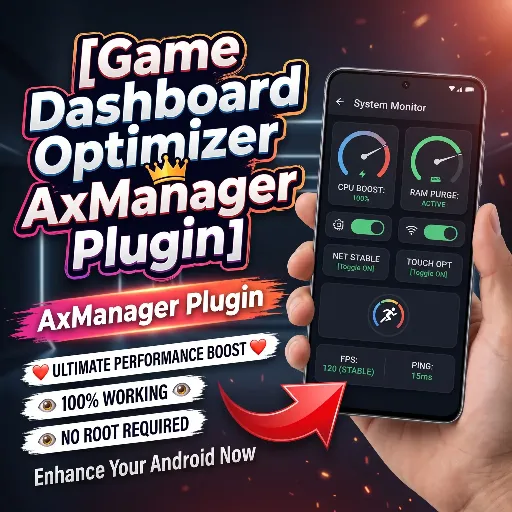
Game Dashboard Optimizer
Developed by @LIMITGAMING
DownloadDls
VersionVer
v9.0
Size
0.08 MB
UpdatedDate
14 Aug 2026
game-dashboard-optimizer.md
The Game Dashboard Optimizer AxManager Plugin is a non-root Android tweak designed to lift system throttling during gaming. It adjusts background power policies, keeps game processes active in memory, and locks performance states for steady frame rates during heavy gameplay.
Testing this tweak made heavy games hold steady frame rates during long sessions without sudden frame drops. Under the hood, it stops aggressive battery saver rules and frees System UI priority, making touch response noticeably sharper.
Module Features
- Stops idle sleep by whitelisting games so Android never freezes active background tasks.
- System UI unthrottled to eliminate UI bottlenecks and maintain low touch latency.
- Locks peak clocks across CPU and GPU governors instead of letting frequencies drop.
- Disables adaptive power saving to prevent the OS from automatically throttling performance mid-match.
Support & Requirements
- Android Version: Android 11, 12, 13, 14, and newer
- Root Status: Non-Root, Requires AxManager
How to Install
- Open the AxManager app on your device.
- Import the Game Dashboard Optimizer zip file into the manager.
- Apply the plugin and launch your game.