| File Name | FPS MEX |
|---|---|
| Size | 8KB |
| Version | v5.0 |
| Category | Magisk Modules |
| Android requirement | + 6.0 |
| Published By | @LIMITGAMINGREAL |
| Rating | 4.9 / 5 |
| Price | Free |
Get Link
Step-by-Step Installation:
- Ensure Root Access: The first prerequisite is having root access via a custom recovery.
- Install via Magisk Manager:
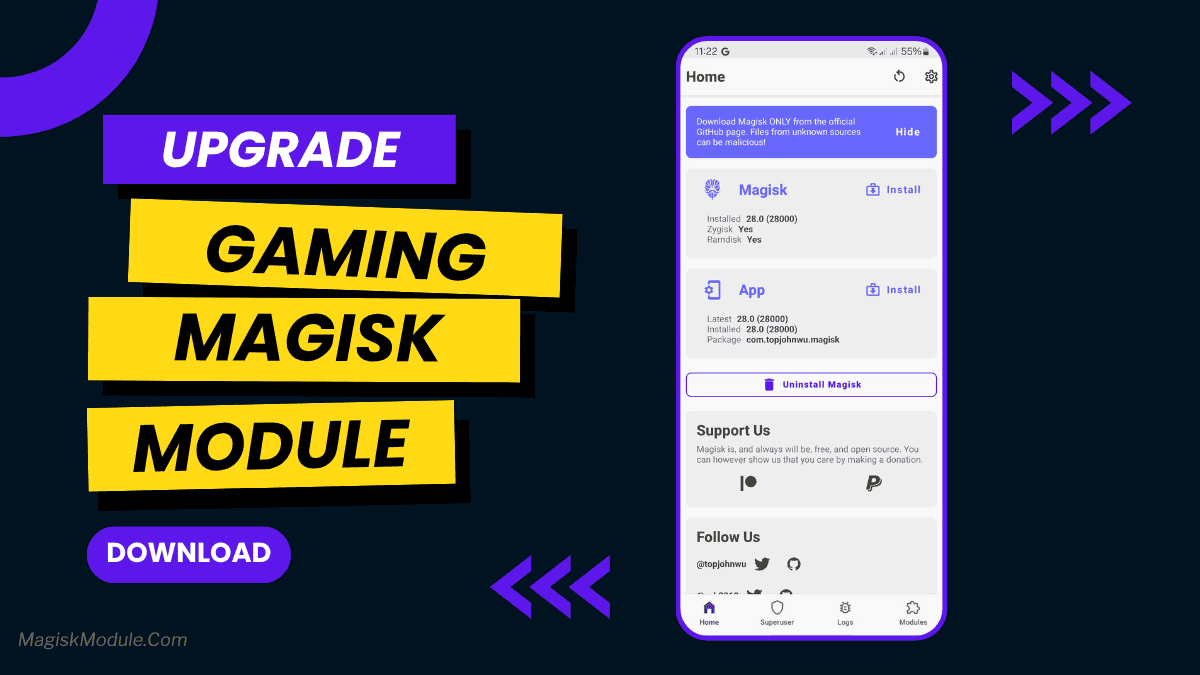
- Open the Magisk Manager.
- Tap on the “Modules” section.
- Click “Install from Storage” and locate the geted file.
- Confirm the installation and allow the module to apply the necessary changes.
- Reboot Your Device: After installation, reboot your device to activate the module.
Mobile gaming has become super popular, with games like PUBG Mobile, Genshin Impact, and Call of Duty: Mobile leading the charge. But nothing can ruin the fun like lag, stuttering, or uneven frame rates. That’s where the FPS MEX Magisk Module comes in—it’s a game-changer for Android users.
This module turns your phone into a gaming beast, rivaling PC performance. We’ll dive into how it works, its science, and how to get the most out of it. Whether you’re aiming for 120 FPS in Fortnite or smooth scrolling in Honkai: Star Rail, this guide will help you.
What Is the FPS MEX?
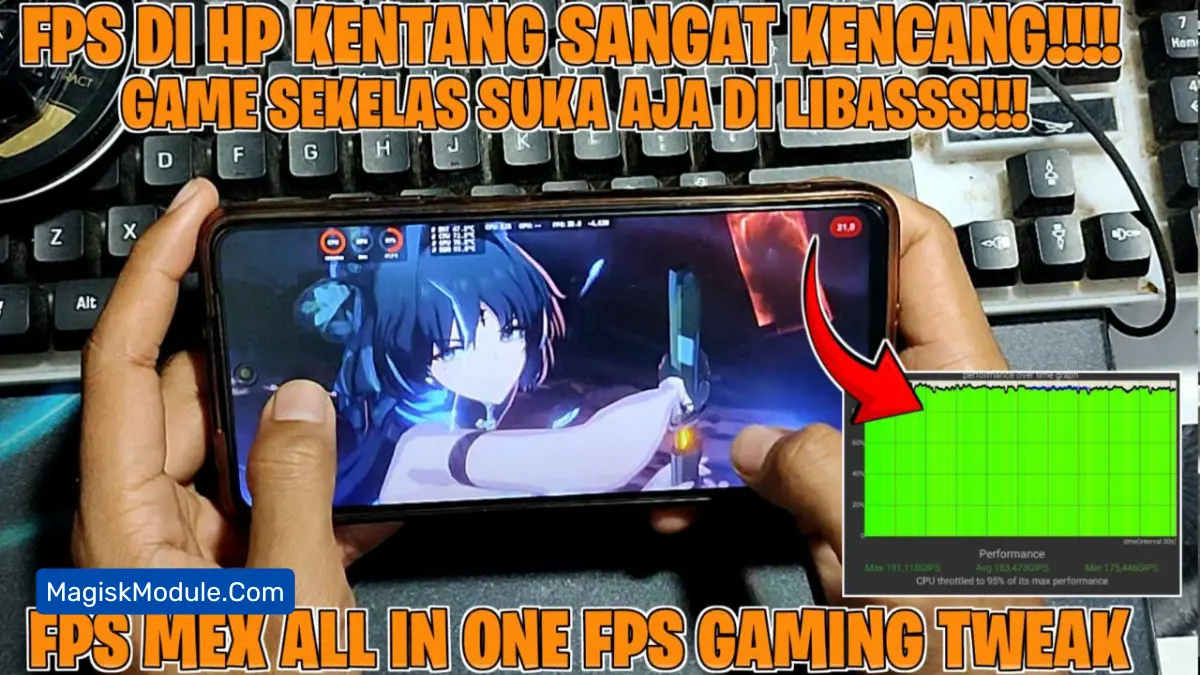
The FPS MEX Magisk Module is a custom tweak designed for rooted Android devices to optimize gaming performance. Built on Magisk (a systemless root framework), it modifies system parameters without altering the core OS, making it safer than traditional rooting methods. Its primary goals? Stabilize frame rates, reduce latency, and unlock higher FPS caps—all while preventing overheating and battery drain.