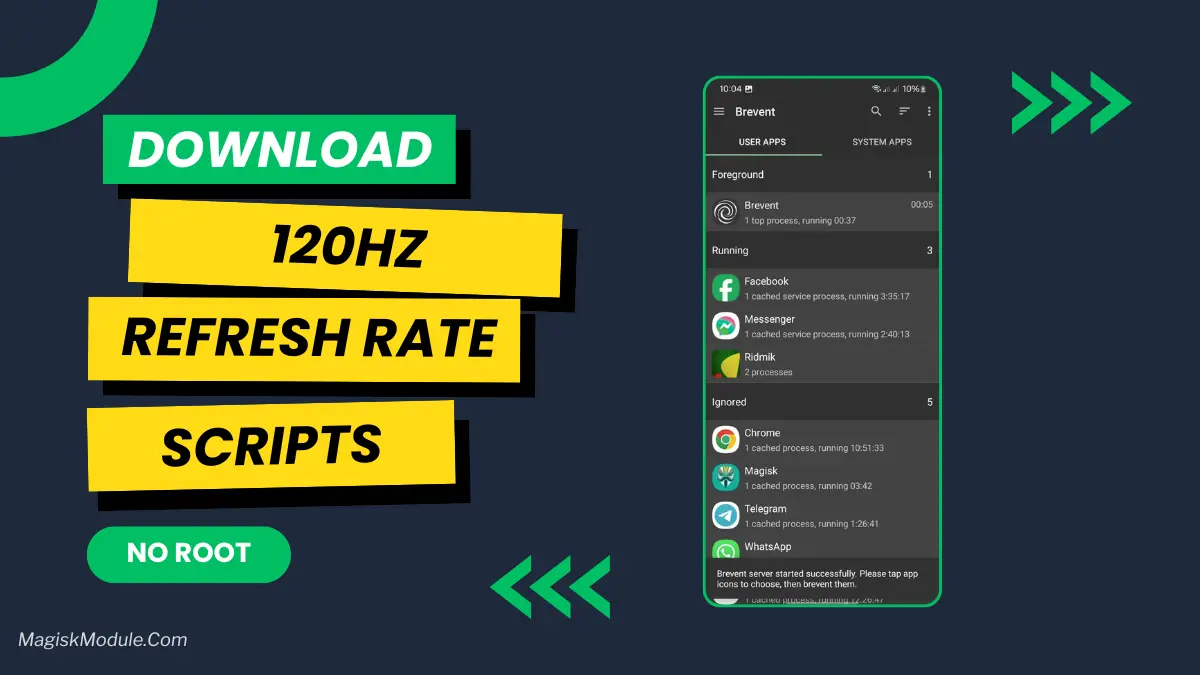
| File Name | 120Hz Refresh Rate |
|---|---|
| Size | 432KB |
| Version | Final |
| Category | No Root |
| Android requirement | + 6.0 |
| Published By | Zx Tweaks |
| Rating | 4.9 / 5 |
| Flash Via | Brevent/Qute |
Get Link
Step-by-Step Installation:
Required Brevent App
- Get the Brevent app or Qute App from the google play store.
- Install the app on your device.
How to setup Brevent app or Qute App on your device
To use Brevent, you’ll need to enable Developer Options on your device:
- Turn on Wifi
- Go to Brevent App
- Tab on Developer Option
- Tap on
- Go to Settings > About Phone.
- Tap Build Number seven times to unlock Developer Options.
- Navigate to Settings > Developer Options and enable USB Debugging.
- Enable Wireless debugging from Developer Option.
- Then again goto the brevent app or Qute App and tap on wireless
debugging port. - Split Screen 1.Developer Option and 2.Brevent app or Qute App
- Goto Wireless debugging and tap on Pair device with pairing code from Developer Option..
- Copy the wifi paired code.
- Put the wireless pairing code in Brevent app and tap on wireless pair
- [Tutorial For Setup Brevent]
How to install the module?
- Download the module on your android.
- Open the Zarchiver app
- Extract the downloaded zip file and put the folder on internal storage.
- Go to Brevent or QUTE app and tap on Exec command from left site.
- Command: Now put on the installation command.
Installing Command
sh /sdcard/Refresh_Rate/Activate120Hz.shUninstall Command
Get the command txt inside the zip file