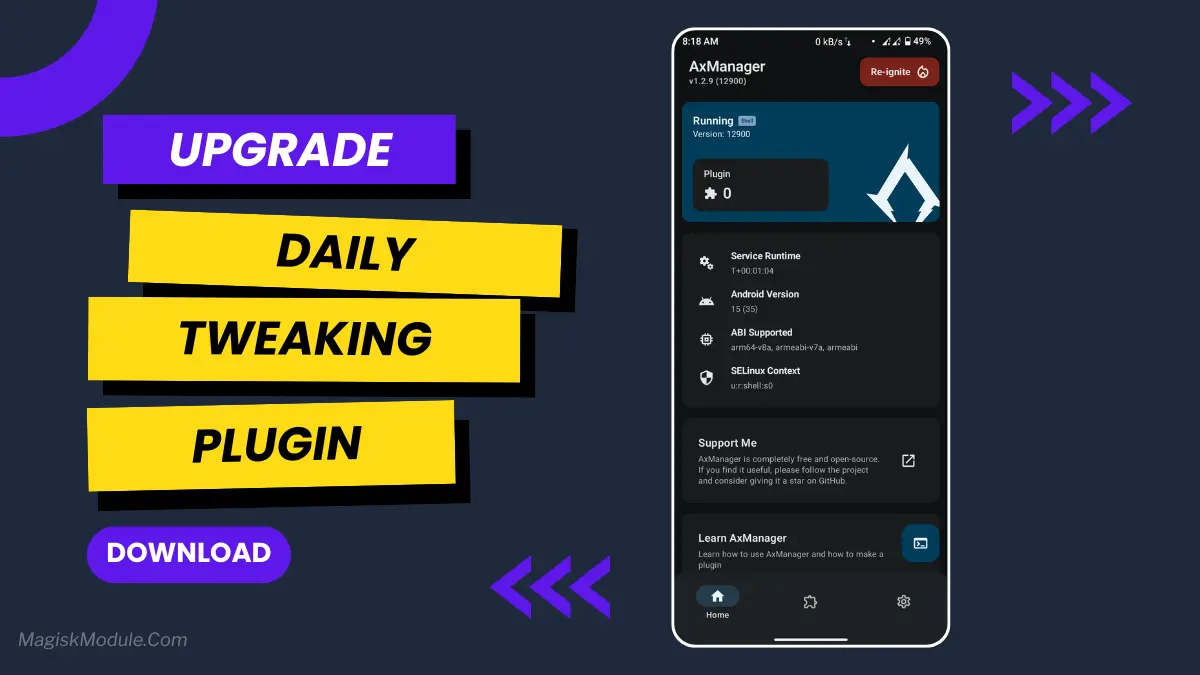
Daily Tweaking Plugin: installed easily without root via AxManager

Daily Tweaking Plugin: installed easily without root via AxManager

ERINE 433
5.0(0 ratings)
15 Downloads
FinalVersion
29KBSize
AxManager PluginCategory

About this module

**

AxManager

How to Use?**

  • Active AxManager: First, you need to make sure it is active.
  • Install via AxManager:

Open the AxManager.

  • Tap on the “Plugin” section.
  • Click “Install from Storage” and locate the geted file.
  • Confirm the installation..
  • Reboot Your Device After installation.

How to Active AxManager?

To use AxManager, you'll need to enable Developer Options on your device:

  • Turn on Wifi
  • Go to Settings > About Phone.
  • Tap Build Number seven times to unlock Developer Options.
  • Open the AxManager, Click “Need To Active”.
  • Enable Notification & Click Start Button.
  • Click Wireless debugging & Enable Wireless debugging.
  • Click Pair device with pairing code.
  • Click on "Enter Pairing Code" above and paste the WiFi pairing codes there.

Of course your phone’s capability is fully utilised when the battery life is not getting drained so rapidly. When your phone isn’t always in power saving mode, you’ll also feel that your phone is perfectly ‘smooth’. We mostly do, and that is the reason why we look for ways to prevent our phone’s batteries from running out of power so quickly. While exploring methods to achieve this, I came across the Daily Tweaking plugin for Android.

The plugin is fairly simple to set up, in fact far simpler than I was expecting. The package includes a zip file that can be easily installed from the SD card via the AX Manager (no root required).

The turbo boost for old electronics! This product works like a pit stop for your electronic devices, giving a quick tune up so you don’t have to replace the device. So easy to use and very effective for a non invasive performance boost!

Features:

• Sf enhancer: Enhances the smoothly of animations and scrolling, removes most of the lag and gives your game a lot more glide.

• Device idle power: Stops your phone’s battery from draining when you’re not using it. No more random battery die.

• CPU Tuning: The CPU Tuning feature will improve performance by maintaining a balance between power consumption efficiency while still allowing high performance for certain workloads.

• GMS tweak: Improve background operation for Google Mobile Services EXPLAINED: This tweak was put together to try and stop GMS from hogging resources. We know it doesn’t fix everything for everyone, but seems to have a general positive effect for most people.

• Driver touch: Further enhances touchscreen performance, allowing swipe actions and single touches to feel more natural and immediate.

Is it magic? No, it’s a series of logical tweaks that turn your phone into the device it was meant to be. You can’t turn a “budget blaster” into a top-end “flagship” but you can certainly get the most out of your current handset. Real world usage reveals a phone that runs cooler during “light use” with a respectable amount of standby time from a single charge.

Xtreme Xperience: XxRes is very easy to install. Simply launch the AxManager software, select your desired modifications, and follow the on-screen prompts. XxRes completes the installation process in about two minutes.

It doesn’t work on all devices, but so far it seems to work on every single Samsung phone that I’ve tried it on. It’s easy enough to install on any Android phone without unlocking the bootloader or doing a root flash, so it’s very convenient for those who want to tweak their phone without jumping through too many hoops. It basically just disables and re-enables the screen, which is often enough to wake up a phone that’s stuck and unresponsive.


Rate this module

More from ERINE 433

View all
Crocus Vernus

Crocus Vernus is a lightweight, reversible tuning module that makes your device noticeably smoother and more responsive during gaming and multitasking. Enjoy a more responsive gaming and multitasking experience through intelligent adjustment of system parameters in the kernel and memory. Developer: @illumi

118Root Modules
By @bot
Abandon Engine

Step-by-Step Installation: - Active AxManager: First, you need to make sure it is active. - Install via AxManager: Open the AxManager. - Tap on the “Plugin” section. - Click “Install from Storage” and locate the geted file. - Confirm the installation.. - Reboot Your Device After installation. How to Active AxManager To use AxManager, you'll need to enable Developer Options on your device: - Turn on Wifi - Go to Settings > About Phone. - Tap Build Number seven times to unlock Developer Options. - Open the AxManager, Click “Need To Active”. - Enable Notification & Click Start Button. - Click Wireless debugging & Enable Wireless debugging. - Click Pair device with pairing code. - Click on "Enter Pairing Code" above and paste the WiFi pairing codes there. This is a file for AxManager. It’s not a Magical wand but a way to organize your phone by sleeping some non-essential system processes just like the above post said and that will help improve your battery life without rooting your Infinix, Tecno, itel and other Android phone. Features: - The file is compatible with Infinix, Tecno and itel smartphones. - Limited alterations to standard setup to maintain optimum performance and stability. - Improves system handling without heavy, complex tweaks. - Works seamlessly with stock Transsion ROMs. - Low usage of system resources to preserve your battery and daily performance. - Simply Enabled/Disabled through the AxManager program. - Reduces unneccessary background usage of phone resources.

245AxManager Plugin
Mitsu Battery Angel

How to Use Root Users? - Ensure Root Access: The first prerequisite is having root access via a custom recovery. - Install via Magisk Manager: Open the Magisk Manager. - Tap on the “Modules” section. - Click “Install from Storage” and locate the geted file. - Confirm the installation and allow the module to apply the necessary changes. - Reboot Your Device: After installation, reboot your device & KSUWebUi Recommended to activate this. The Mitsu Battery Angel is a lightweight background utility module designed to extend device screen-on time and manage power efficiency. It actively scales CPU frequency and restricts background app drain to improve overall thermal management and standby longevity. I've been running this for the last few weeks to see if it actually replaces carrying a heavy power bank everywhere I go. My phone easily pushes through a full day of heavy scrolling and messaging, dropping significantly less charge while sitting idle overnight. - Cuts down CPU activity to keep power consumption strictly under control. - Aggressive background restriction stops sneaky apps from draining your charge while the screen is off. - Better thermal management keeps the hardware running cool during extended daily use. - Dramatically improves standby time, meaning you lose fewer percentages overnight. - A lightweight footprint ensures the tool itself does not hog valuable system memory. - Supports long-term health by balancing active performance with deep battery savings. If you are tired of constant battery anxiety, applying this via your root manager or AxManager is an absolute no-brainer. It gives your device the extra endurance it needs without suffocating basic performance.

168Root Modules
Bnoop Boost | BBoost

Step-by-Step Installation: - Active AxManager: First, you need to make sure it is active. - Install via AxManager: Open the AxManager. - Tap on the “Plugin” section. - Click “Install from Storage” and locate the geted file. - Confirm the installation.. - Reboot Your Device After installation. How to Active AxManager To use AxManager, you'll need to enable Developer Options on your device: - Turn on Wifi - Go to Settings > About Phone. - Tap Build Number seven times to unlock Developer Options. - Open the AxManager, Click “Need To Active”. - Enable Notification & Click Start Button. - Click Wireless debugging & Enable Wireless debugging. - Click Pair device with pairing code. - Click on "Enter Pairing Code" above and paste the WiFi pairing codes there. Changelog >> - Add Downscale Factor (App Only) - Add FPS / Hrz Scale - Adjust Game set-fixed-performance logic - Add power save (Adjustable) logic - Add some tweaks OEM and MIUI flags (OEM flags still testing) - Add clear button for Check log window Features - Acts as an Android RAM cleaner, freeing up precious memory so your system can breathe. - Works to improve CPU efficiency, making sure your processor isn't wasting effort on pointless tasks. - Gives your Android performance a major optimization, smoothing out the overall experience. - Helps speed up the Android GPU, which means smoother visuals and scrolling. - Automatically clears out those resource-hogging background apps you forgot were even running. - The final result? A seriously improved Android phone speed. Everything feels zippier and more responsive. Developer: @Brains82

283AxManager Plugin

Comments (0)