| File Name | FPS Booster |
|---|---|
| Size | 4.3KB |
| Version | v7.0 |
| Category | Brevent Module/Config |
| Android requirement | + 6.0 |
| Published By | Gaming Tweaks |
| Rating | 4.9 / 5 |
| Support | PUBG/BGMI |
Get Link
How to Use Non Rooted Phone:
Required Brevent App
- Get the Brevent app or Qute App from the google play store.
- Install the app on your device.
How to setup Brevent app or Qute App on your device
To use Brevent, you’ll need to enable Developer Options on your device:
- Turn on Wifi
- Go to Brevent App
- Tab on Developer Option
- Tap on
- Go to Settings > About Phone.
- Tap Build Number seven times to unlock Developer Options.
- Navigate to Settings > Developer Options and enable USB Debugging.
- Enable Wireless debugging from Developer Option.
- Then again goto the brevent app or Qute App and tap on wireless
debugging port. - Split Screen 1.Developer Option and 2.Brevent app or Qute App
- Goto Wireless debugging and tap on Pair device with pairing code from Developer Option..
- Copy the wifi paired code.
- Put the wireless pairing code in Brevent app and tap on wireless pair
- [Tutorial For Setup Brevent]
How to install the module?
- Download the module on your android.
- Open the Zarchiver app
- Extract the downloaded zip file and Copy folder into your internal storage (e.g. /sdcard/folder).
- Go to Brevent or QUTE app and tap on Exec command from left site.
- Command: Now put on the installation command.
Installing Command
sh /sdcard/PUBG_FPS/Pubg.shUninstall Command
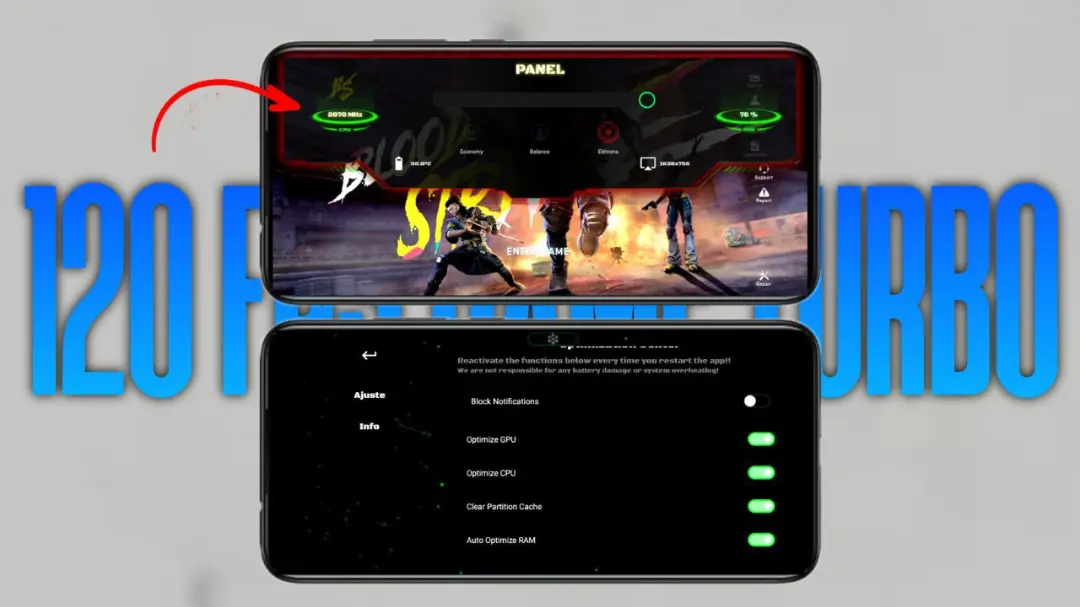
Get the command txt inside the zip fileIs your game of Blood Strike getting a bit… choppy? I know the feeling. You’re lining up a perfect shot, and the screen stutters. You end up missing, and it drives you crazy! It happened to me all the time until I started using a simple FPS booster module with Brevent or Qute. It’s not magic, it’s just about helping your phone focus all its power on the game.
Features
- Silky Smooth FPS: It pushes your frame rate higher, so everything from sprinting to aiming feels incredibly fluid.
- Kills the Lag: Say goodbye to random stutters and freezes, especially when things get chaotic in a firefight.
- Maximizes Your Hardware: It cleverly optimizes both your phone’s brain (CPU) and its graphics card (GPU) for pure speed.
- Instant Touch Response: Your screen taps and swipes feel instant. It’s like the game finally listens to your fingers.
- Quiet Background Apps: It tells other apps to take a nap, so they don’t interrupt your match and steal precious speed.
- Competitive Edge: It gives your entire device a performance boost, putting you on a level playing field with other players.
- Crisper Visuals: It enhances the graphics rendering, making enemies easier to spot against busy backgrounds.
- Cools Things Down: It even helps lower your system temperature, which stops your phone from slowing down to prevent overheating.
- Works for Most Phones: The best part? It supports a huge range of Android devices, so almost anyone can try it.
Trust me, once you get used to that ultra-smooth, lag-free Blood Strike experience, you’ll never want to go back. It completely changed the game for me.