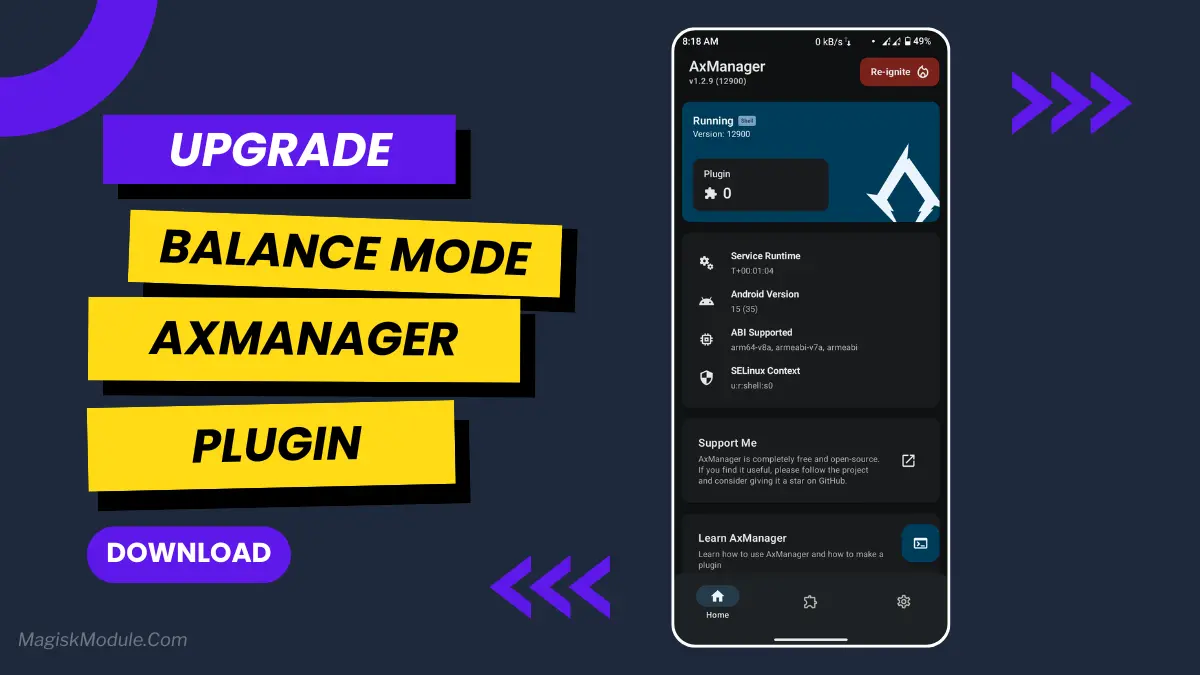
Balance Mode Plugin Install Via AxManager
Developed by @@bgaszzzz
**
AxManager
How to use?**
-
Active AxManager: First, you need to make sure it is active.
-
Install via AxManager:
Open the AxManager.
-
Tap on the “Plugin” section.
-
Click “Install from Storage” and locate the geted file.
-
Confirm the installation..
-
Reboot Your Device After installation.
-
Open WebUI or Run Action Button to start
How to Active AxManager?
To use AxManager, you'll need to enable Developer Options on your device:
-
Turn on Wifi
-
Go to Settings > About Phone.
-
Tap Build Number seven times to unlock Developer Options.
-
Open the AxManager, Click “Need To Active”.
-
Enable Notification & Click Start Button.
-
Click Wireless debugging & Enable Wireless debugging.
-
Click Pair device with pairing code.
-
Click on "Enter Pairing Code" above and paste the WiFi pairing codes there.
One of the biggest problems with Android phones is balancing performance with battery life. It seems like too often your phone either has just enough power to run fine but at awful battery life, or it's chugging along and your battery lasts just long enough to irritate you with how slowly it's running. The Balance Mode Plugin seems to make your phone sensible by letting you pick a balance that works.
Install directly to your iPhone/iPad via AxManager (no root required). Automatically optimizes your device to get optimal performance without eating your battery life. A smarter alternative to just setting your performance to optimal. Reliably provides the performance you need to get things done all day.
Features:
-
Easy to set up via AxManager. Only a few taps to have it up and running.
-
Switches your Android to Balance mode and fine tunes it for you for peak battery life.
-
Balances performance and battery efficiency perfectly. No compromise on either front.
-
Reduces background resource usage (including internet access). Prevents Apps from quietly wasting your phone’s resources.
-
Improved system stability when performing common tasks such as operating multiple applications simultaneously.
-
Improved CPU usage and optimized RAM. Your phone is now better than ever.
-
Prevents extreme power drain: Maintains battery life under load.
-
Improves system performance, without high power drawing and excessive heat generation.
Power saving mode is typically thought of as compromising battery life for a decent user experience. This little trick does neither, it simply makes your phone last longer without having to enter a special mode.
It may sound minor, but this can make a pretty big difference in how you use your phone on a daily basis.