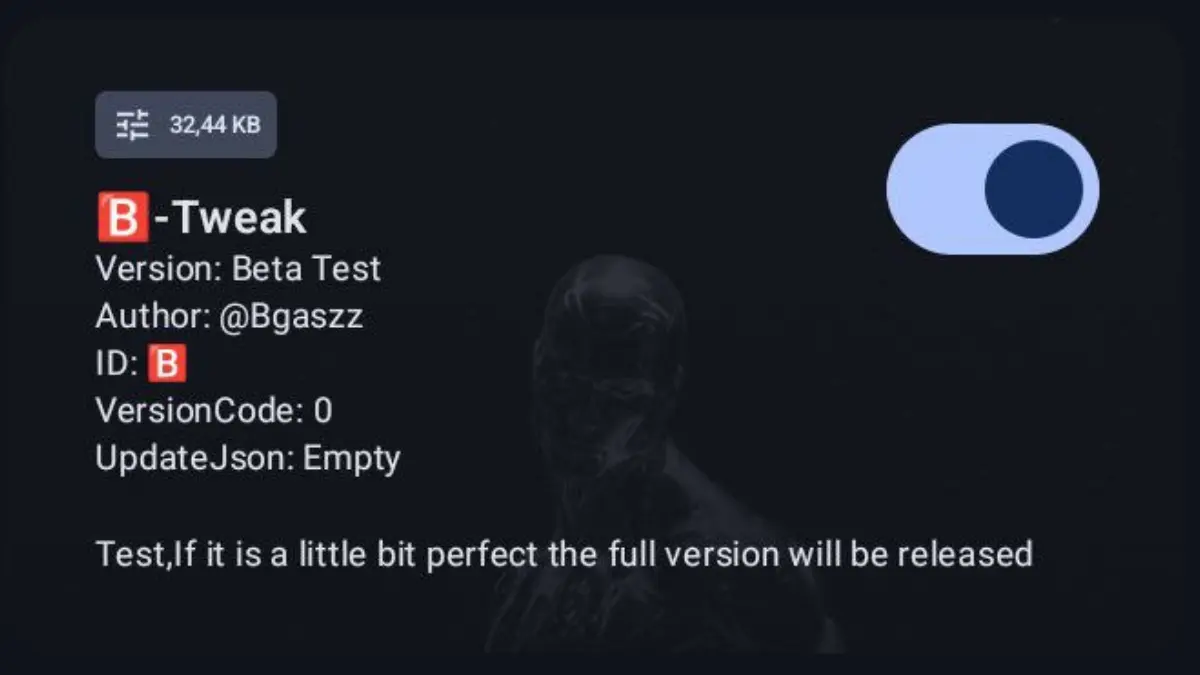
Install B-Tweak Module Via AxManager
Developed by @@bgaszzzz
Ever feel like your phone is just… lazy? You tap an app, and there's this tiny, annoying delay. You switch between a few apps, and everything starts to stutter. I was there, especially when trying to game. It’s frustrating because you know your device has the hardware, but the software just isn't letting it shine.
That’s when I stumbled upon the B-Tweak Module. It’s not some magic fix, but it’s pretty close. Think of it as a personal trainer for your phone, pushing it to actually use the power it has. And the best part? You can install it easily using AxManager without any complicated rooting. I was skeptical, but the difference was honestly night and day.
So, What Does This Module Actually Do?
In simple terms, B-Tweak stops your phone from holding back. It gives your system a gentle but firm nudge to prioritize performance. After installing it, here’s what I noticed right away:
-
No More Waiting: Apps now open in a snap. The improved app loading and response time is probably the first thing you'll notice.
-
Gaming Heaven: This is a game-changer, literally. It’s optimized for a smooth gaming experience, reducing lag and stutter even in the heaviest games. It feels like it maximizes the hardware potential specifically for gamers.
-
Multitasking Master: You can finally jump between social media, a browser, and a game without slowdown. The smart tweak for multitasking is brilliant.
-
Everything Runs Faster: The module forces apps to run in a high-performance mode, which enhances CPU and GPU efficiency across the board. This ensures consistent performance even when you're pushing your device hard.
-
Surprisingly Easy on Battery: You’d think this would drain your battery, right? But it’s a lightweight and battery-friendly optimization. It’s smart about power, making it perfect for power users who need both speed and endurance.
Getting Started is Simpler Than You Think
If you're worried about the install, don't be. Using AxManager makes it straightforward. Just download the AxManager app from a trusted source, find the B-Tweak Module within it, and tap install. Your phone will ask for some permissions this is normal, as the module needs them to do its job. Grant them, restart your device, and that’s it. You’ve just given your phone a serious upgrade.
It’s honestly one of the best tweaks I’ve tried for my Android device. It just works, quietly in the background, making everything feel faster and more responsive. If you feel like your phone isn't living up to its promise, this might be the solution you've been looking for.