Get Link
How to Install Magisk
To use the Screen Tone Magisk Module, you first need Magisk. Here’s how to get it:
- Prerequisites: Make sure your device is rooted and has a custom recovery.
- Setup Magisk: Get the latest Magisk zip from the official site.
- Boot into Recovery Mode: Restart your device to get into recovery mode.
- Flash Magisk: In recovery, pick the Magisk zip and flash it.
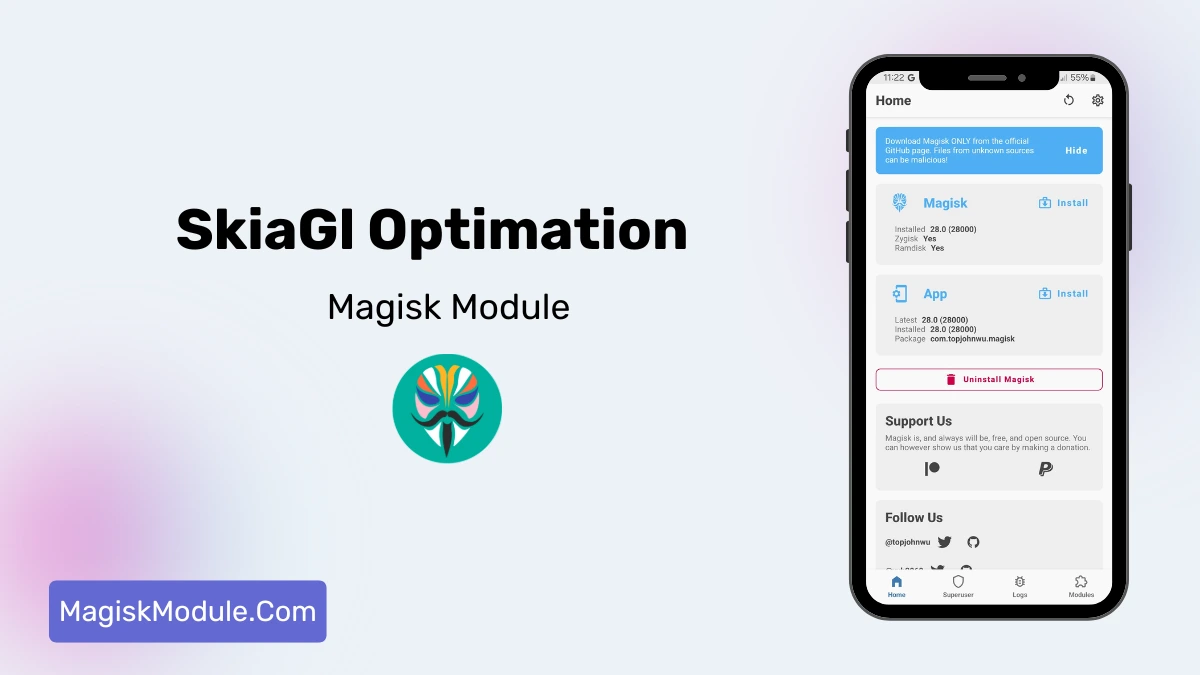
- Reboot: Restart your device. Open Magisk Manager to check if Magisk is installed.
Installing the Screen Tone
Once Magisk is up and running, you can proceed with installing the Screen Tone Magisk Module:
- Get the Module: Obtain the Screen Tone Magisk Module from our url.
- Open Magisk Manager: Navigate to the Modules section.
- Install from Storage: Select the downloaded module file and install it.
- Reboot: Restart your device to activate the module.