| File Name | Anioptimizer |
|---|---|
| Size | 49KB |
| Version | 4.0 |
| Category | Magisk Modules |
| Android Requirement | + 6.0 |
| Published By | mrk |
| Rating | 4.9 / 5 |
| Flash Via | Magisk, KSU, APatch |
Get Link
How to Install?
- Prerequisite: Ensure your device is rooted.
- Open the Magisk Manager:
- Tap on the Modules tab.
- Tap the “Install from Storage” button and locate the zip file.
- Flash The Module and Magisk will automatically flashing the zip file.
- Reboot Your Device.
As a heavy gamer on the go, rooted Android is not enough. Casual gaming can cause frame drops, overheating and battery drain. That was until I found the powerful combo that the heavy-duty video optimiser AniOptimizer brings to my device, and has been dramatically changing the performance of my daily driver for a while now. Here’s how to install the AniOptimizer Magisk module.
As promised here is exactly how the app transforms your Android experience from how it really is to some semblance of Windows.
Flawless System Integration
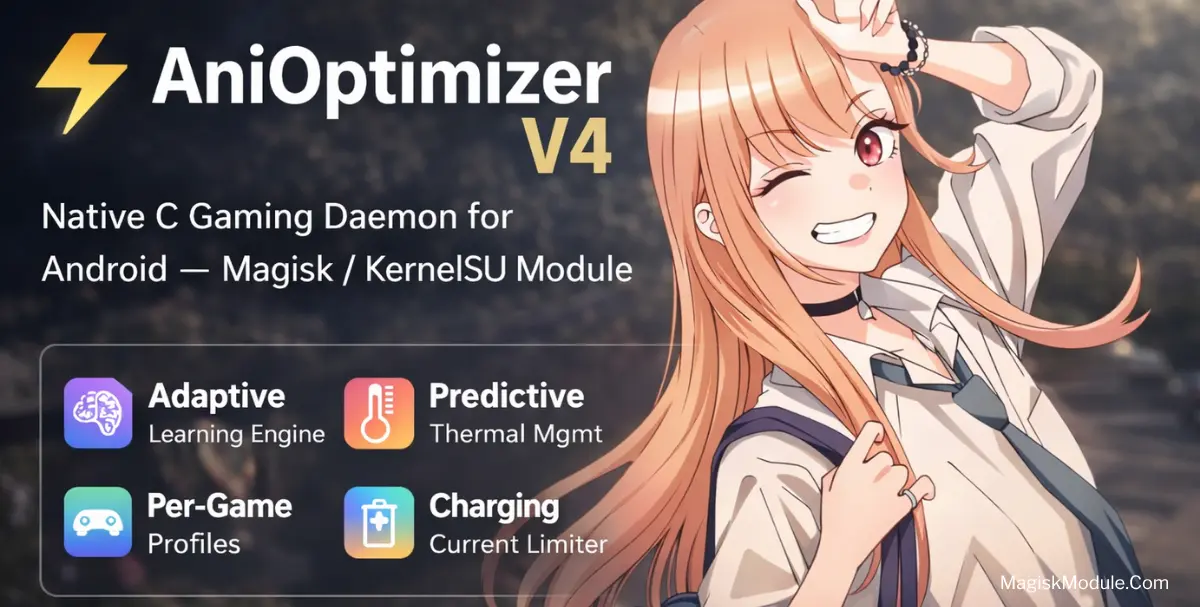
One of the first things I loved about AniOptimizer was its seamless Magisk & KernelSU compatibility – this means that you can incorporate the software into your workflow without having to jump through hoops to keep your device safely running. Unlike most optimized-for-convenience apps, AniOptimizer is built from the ground up on a native C daemon architecture – in other words, this software runs natively on your system, and you can’t even feel it running until you see the results for yourself.
A Smarter Way to Game
One of the biggest features that really stand out is the advanced adaptive learning technology, which studies the user’s behavior and adapts to ensure optimal performance. In this video, we can see how the module studies how the user uses their phone, and adapts in real-time so that users get a real-time gaming performance boost when they play a heavy game and need it to run smoothly.
This isn’t just a mass market, one size fits all solution. Each game is given a custom performance profile through the device’s dynamic per-game tuning.
Cool Temps, Better Battery
A burning phone is annoying. AniOptimizer uses predictive thermal control to prevent thermal throttling by controlling system load before it reaches dangerous levels. Thanks to its highly efficient resource management, AniOptimizer maintains just the right amount of power to run demanding animations without eating down your battery life.
If you want to push your rooted phone to the full extent without draining battery then this is the Module.